
snookaaa - Minecraft Skins & Skin History
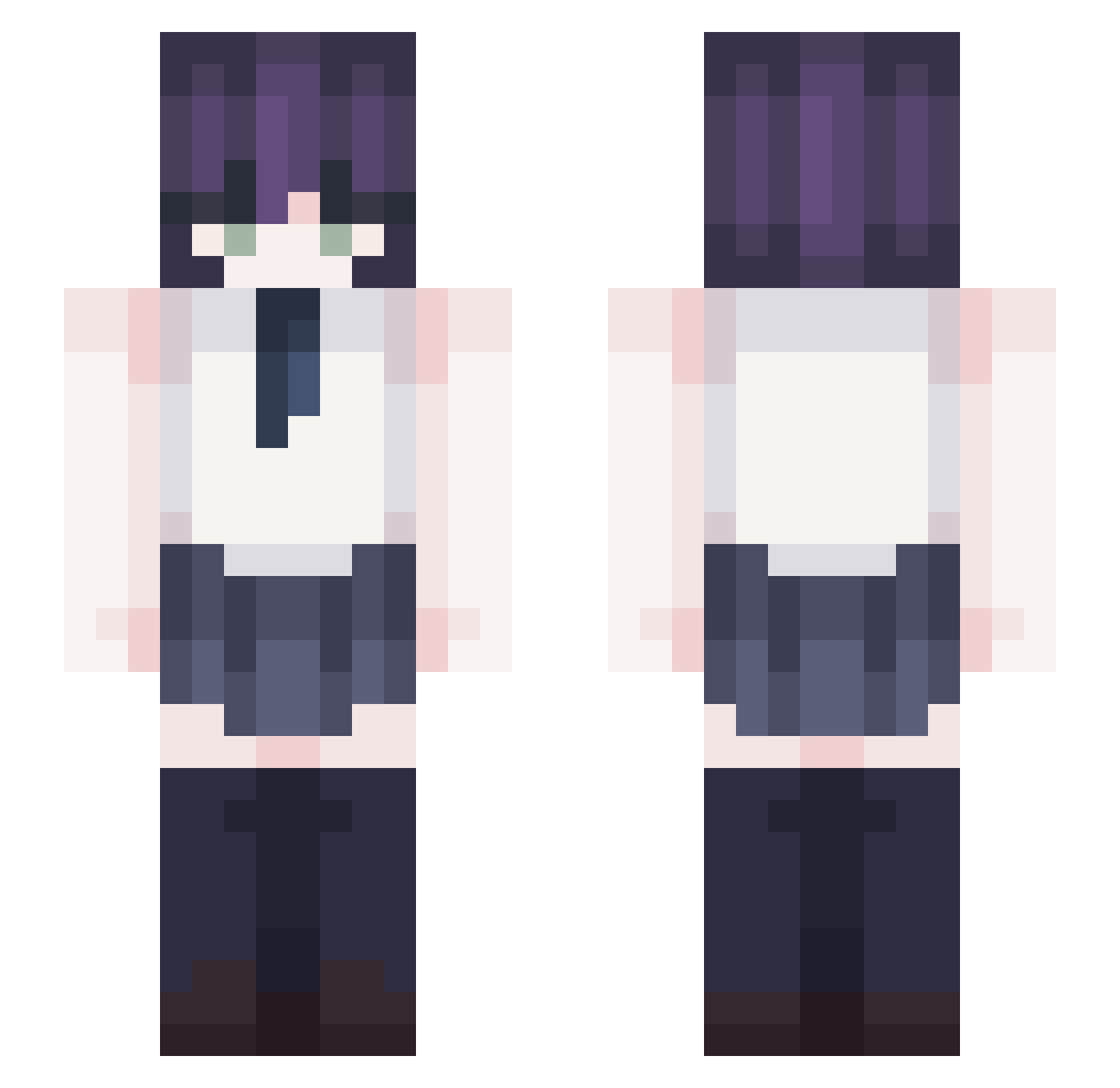
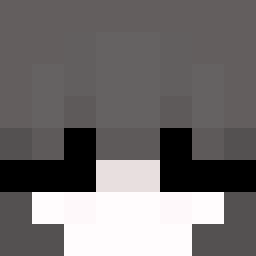
Current Minecraft skin of the player snookaaa, loaded from the official Mojang API. Rotate the 3D model with your mouse or finger, then download the skin as a PNG file and use it in Minecraft: Bedrock Edition or Java Edition for free. When snookaaa changes their skin, this page updates automatically and the old skin stays in the history below.
Other players with this skin (367)
snookaaa was the 142nd player we have seen with this skin, first spotted on 03.09.2026. The same skin was seen on these players. Open a nickname to see their current skin and skin history.
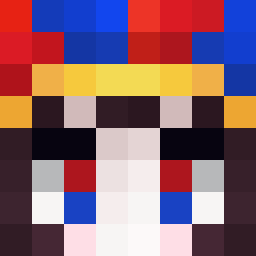 Yuumeeee
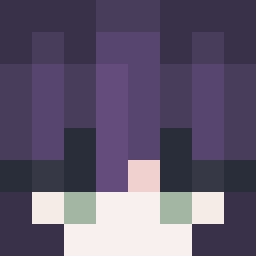 Allycatt0o elroja Lepetitjeanmi gkn2pk dlwnsgh0518 Burntoast852 _luskas_ Mikwsa tataswagger nelsonuwka imokenpi8832
 Nexes_Negi higanbana666 M0tsa lin1024 DarthKim
 syoon12 MrKledula msbaek upbithumb0323 Seiko____ ozk702 TohruX5752 ilovelockheart Gordillo03 yeye0113 Bunny0810 _3vzz kimeunhwan1001 kwapow Falami Hikari_Mimi
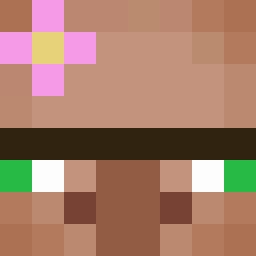 TateyamaRin lts_Ancient DiamondYT122 cr0wvr0
 Grimnly rodrigof4ro Hypesterr Hayan3 XXIII0623 Zyxel_99 Yukiiya Szymuz non007 Ais3lle teadolls Zako_sama_ WuDolu JoeLove_ khwan08 catmaar blueberryjellyy WawaTou HGS0313 PKR0 nero_25n Varis29 Oreo_92
More School Uniform Minecraft skins
See all 6889 School Uniform skins
How to install the snookaaa skin
- Press the Download button above to save the skin as a PNG file.
- Minecraft: Bedrock Edition (PE): open the Dressing Room from the main menu (or tap your character → Edit Character), go to Classic Skins → Owned, press the + (new skin) button, choose the downloaded PNG and pick the Slim (Alex) model. Works on PC and mobile; consoles cannot import custom skins.
- Minecraft: Java Edition: open the Minecraft Launcher, go to the Skins tab, click New Skin, load the PNG, pick the Slim (Alex) model and press Save & Use. You can also upload it at minecraft.net → Profile → Change Skin.
The skin does not show up after import - what should I do?
Restart Minecraft and open the Dressing Room again - imported skins sometimes appear only after a restart. Also make sure you selected the imported skin and picked the Slim (Alex) model.
Which model should I choose, Classic or Slim?
This skin is designed for the Slim (Alex) model. If you pick the wrong model, the arms of the skin will look stretched or squeezed.
Is the skin of snookaaa free to download?
Yes. Press Download, save the PNG file and use it in Minecraft: Bedrock Edition or Java Edition - no payment or registration needed. The skin also works on multiplayer servers and Realms.
More skins
Looking for more? Go back to all Minecraft skins and check the top skins of the week, month and all time, or find any player's skin by nickname.