
JoeLove_ - Minecraft Skins & Skin History
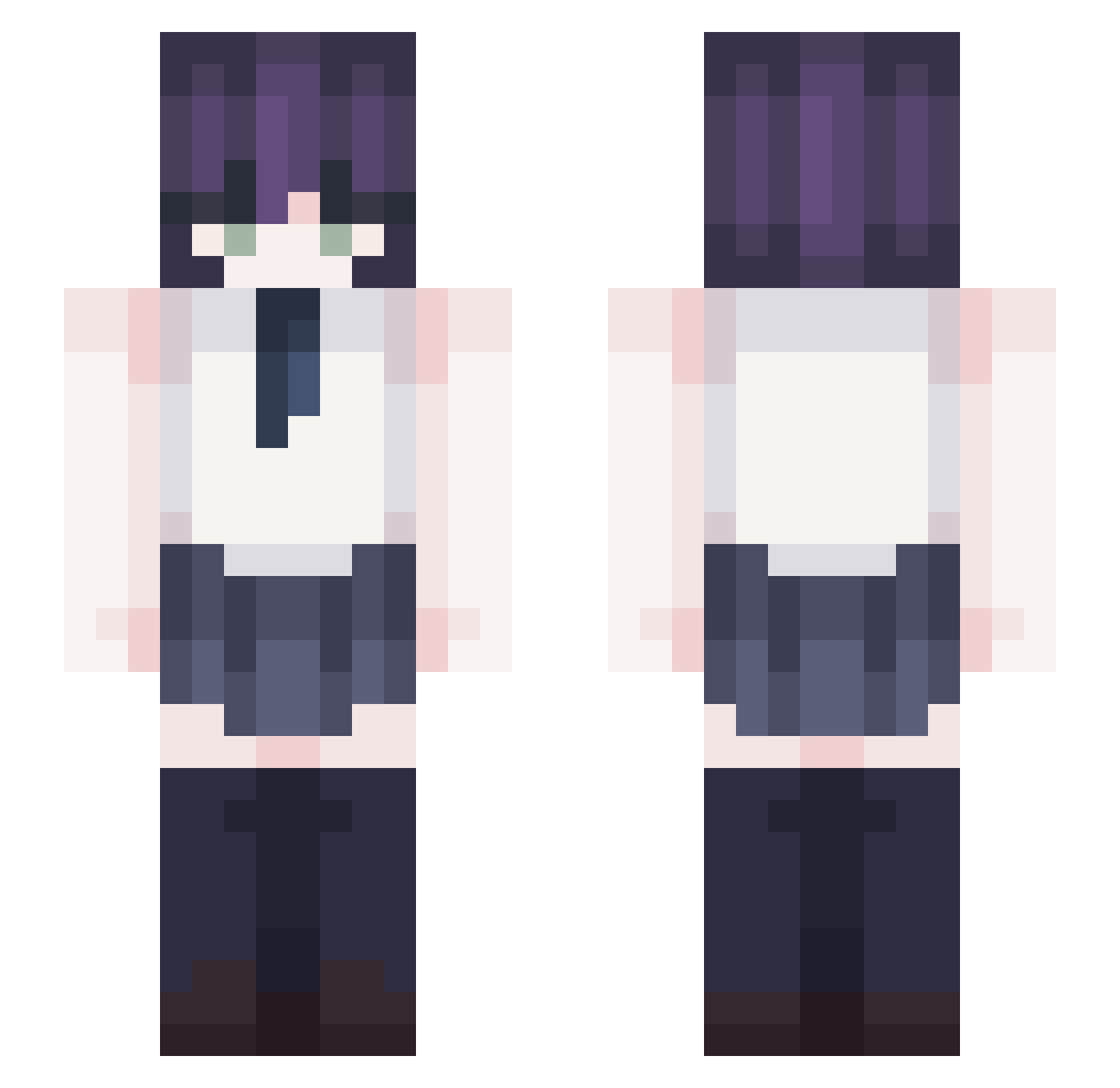
Current Minecraft skin of the player JoeLove_, loaded from the official Mojang API. Rotate the 3D model with your mouse or finger, then download the skin as a PNG file and use it in Minecraft: Bedrock Edition or Java Edition for free. When JoeLove_ changes their skin, this page updates automatically and the old skin stays in the history below.
Other players with this skin (328)
JoeLove_ was the 118th player we have seen with this skin, first spotted on 24.08.2026. The same skin was seen on these players. Open a nickname to see their current skin and skin history.
 Zako_sama_ Ais3lle non007 Szymuz WawaTou HGS0313 PKR0 nero_25n Varis29 XXIII0623 shchoi2008 LateOsprey44064 Shrider Hypesterr Demonblood_1007
 Grimnly datura_kisses cr0wvr0 lts_Ancient Chwngshi agiingjik poloclacla mongkeyman Falami
 quskie kwapow z993 Kabi_0813 Brigumin kimeunhwan1001 DPX_ekzem
 MYdishari ilovelockheart TohruX5752 alpha050511 world_is_mine101 valqntines itzsalo RezeTheBomb Seiko____ 27asp Sicertum Buddy25768
 memory3333 msbaek MrKledula HARDAST001 DarthKim lin1024
 Nexes_Negi vespermist ESHKEREL Burntoast852 Formky Zatssu SSDpls Dedecxz dlwnsgh0518 Shigejuzi
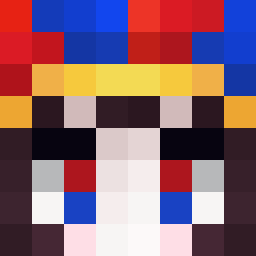 Yuumeeee
More School Uniform Minecraft skins
See all 6207 School Uniform skins
How to install the JoeLove_ skin
- Press the Download button above to save the skin as a PNG file.
- Minecraft: Bedrock Edition (PE): open the Dressing Room from the main menu (or tap your character → Edit Character), go to Classic Skins → Owned, press the + (new skin) button, choose the downloaded PNG and pick the Slim (Alex) model. Works on PC and mobile; consoles cannot import custom skins.
- Minecraft: Java Edition: open the Minecraft Launcher, go to the Skins tab, click New Skin, load the PNG, pick the Slim (Alex) model and press Save & Use. You can also upload it at minecraft.net → Profile → Change Skin.
The skin does not show up after import - what should I do?
Restart Minecraft and open the Dressing Room again - imported skins sometimes appear only after a restart. Also make sure you selected the imported skin and picked the Slim (Alex) model.
Which model should I choose, Classic or Slim?
This skin is designed for the Slim (Alex) model. If you pick the wrong model, the arms of the skin will look stretched or squeezed.
Is the skin of JoeLove_ free to download?
Yes. Press Download, save the PNG file and use it in Minecraft: Bedrock Edition or Java Edition - no payment or registration needed. The skin also works on multiplayer servers and Realms.
More skins
Looking for more? Go back to all Minecraft skins and check the top skins of the week, month and all time, or find any player's skin by nickname.