
smashnoah - Minecraft Skins & Skin History
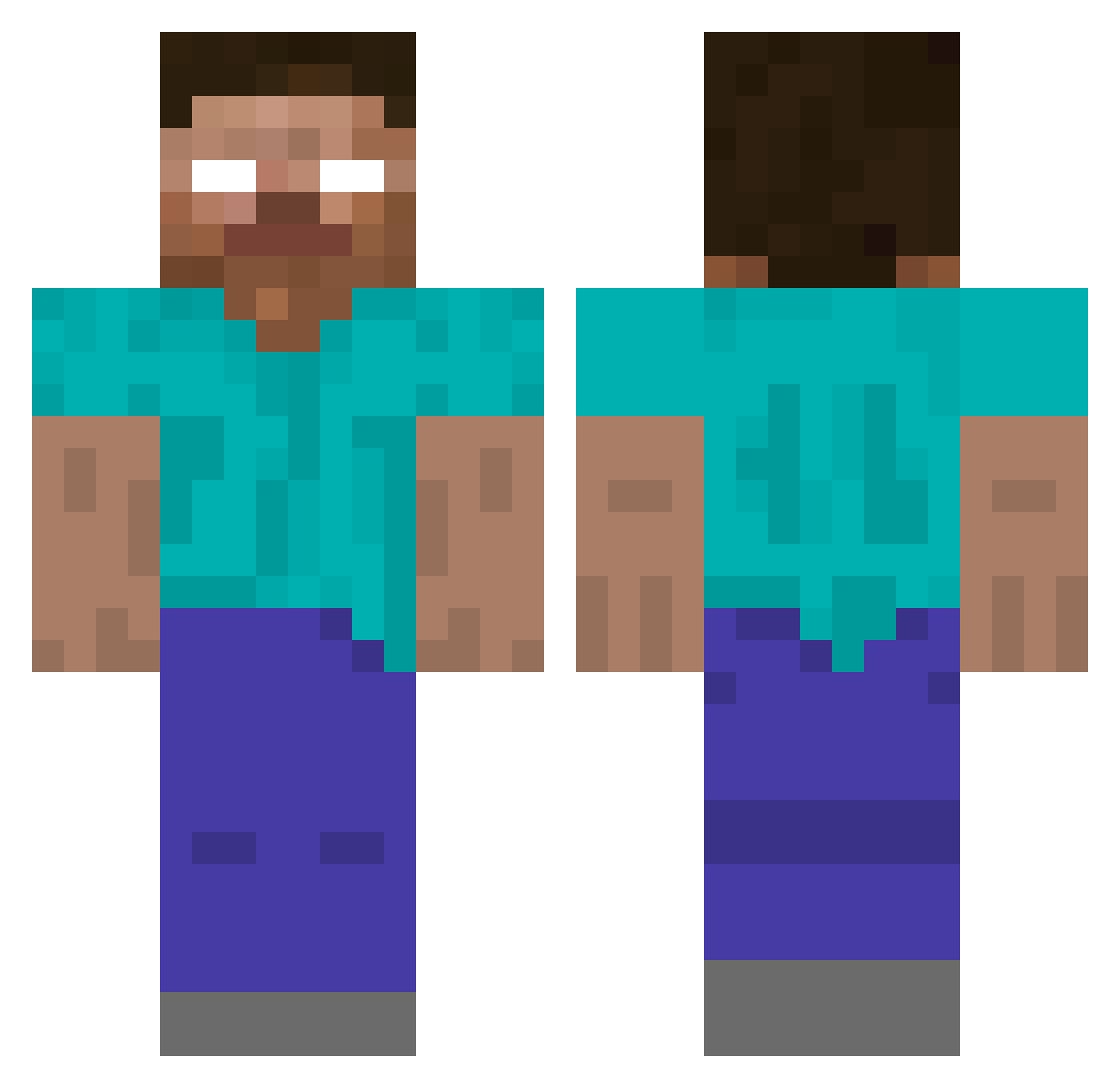
Current Minecraft skin of the player smashnoah, loaded from the official Mojang API. Rotate the 3D model with your mouse or finger, then download the skin as a PNG file and use it in Minecraft: Bedrock Edition or Java Edition for free. When smashnoah changes their skin, this page updates automatically and the old skin stays in the history below.
Other players with this skin (424)
smashnoah was the 32nd player we have seen with this skin, first spotted on 30.07.2026. The same skin was seen on these players. Open a nickname to see their current skin and skin history.
 nate3393 MichaelDeuce wesro12 WolfHunter315 Sonic301a PresidentJack sman226 DrasticWalrus EJ_THE_COOL DJPONYFUNK maxandrei 2t0j1r9 ZSH0422 Arch_angel05 Brutus_Shark Dustin_rules kire4455 THSrulz Tallak10 BigChungus2003 gunnar4276 cole1116 dylan2646 Buzzkill1977 TheLost McPols raydenphua NFSmo ARCRIXION werciaDj zobzob1 C_Harp ryanjacob2013 ENDERDRAGON12648 dobo0501 Mystery2 elmerberrios larryboal24 J0K3Rxxxx kurt1109 TanglingBloom Minneyboys LampardTheMan8 TnT233 Blockking621 Danmatty1 Tplayer987 Sebbafresh titan22HSB yardenep47 bomblover78 F64_RxAlt21 steveandrhys AcridDirector Dream_chen diamondblake7 colinbolin02 Dymonminer Dal548 Forrest_Gump89
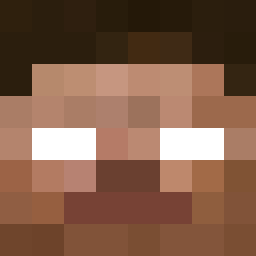
More Herobrine Minecraft skins
How to install the smashnoah skin
- Press the Download button above to save the skin as a PNG file.
- Minecraft: Bedrock Edition (PE): open the Dressing Room from the main menu (or tap your character → Edit Character), go to Classic Skins → Owned, press the + (new skin) button, choose the downloaded PNG and pick the Classic (Steve) model. Works on PC and mobile; consoles cannot import custom skins.
- Minecraft: Java Edition: open the Minecraft Launcher, go to the Skins tab, click New Skin, load the PNG, pick the Classic (Steve) model and press Save & Use. You can also upload it at minecraft.net → Profile → Change Skin.
The skin does not show up after import - what should I do?
Restart Minecraft and open the Dressing Room again - imported skins sometimes appear only after a restart. Also make sure you selected the imported skin and picked the Classic (Steve) model.
Which model should I choose, Classic or Slim?
This skin is designed for the Classic (Steve) model. If you pick the wrong model, the arms of the skin will look stretched or squeezed.
Is the skin of smashnoah free to download?
Yes. Press Download, save the PNG file and use it in Minecraft: Bedrock Edition or Java Edition - no payment or registration needed. The skin also works on multiplayer servers and Realms.
More skins
Looking for more? Go back to all Minecraft skins and check the top skins of the week, month and all time, or find any player's skin by nickname.