
shmunkyyy - Minecraft Skins & Skin History
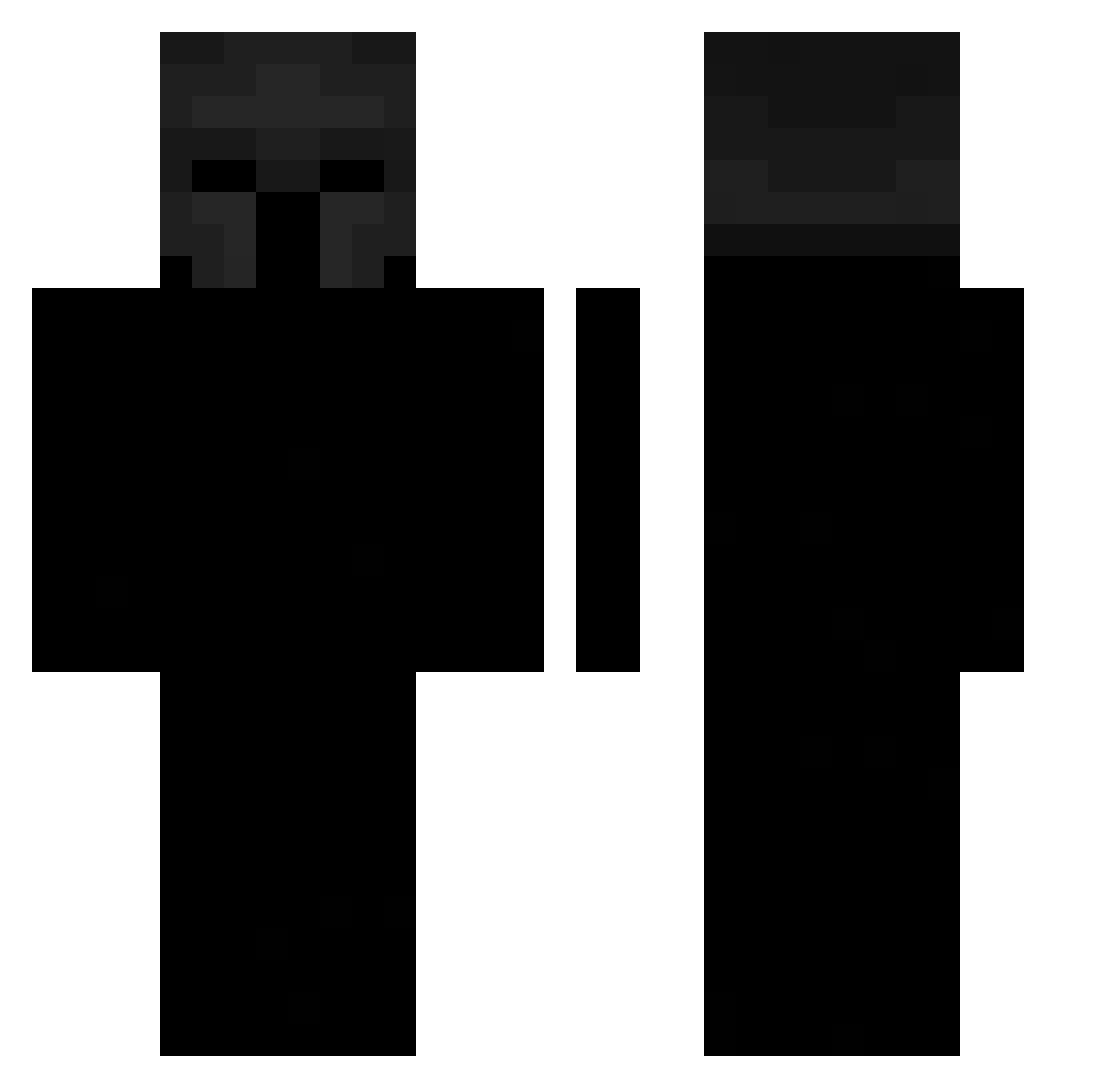
Current Minecraft skin of the player shmunkyyy, loaded from the official Mojang API. Rotate the 3D model with your mouse or finger, then download the skin as a PNG file and use it in Minecraft: Bedrock Edition or Java Edition for free. When shmunkyyy changes their skin, this page updates automatically and the old skin stays in the history below.
Other players with this skin (109)
shmunkyyy was the 57th player we have seen with this skin, first spotted on 16.09.2026. The same skin was seen on these players. Open a nickname to see their current skin and skin history.
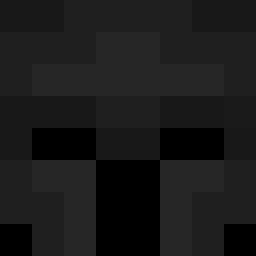 NWest555 Raayquazza Louis_Lmaoo lunarglows Hyperiumm U_SETH DracaufU flimpaf DJYisus29 hpaza dany_extreme DNJJ frenchayy tr4ck3r_ digex21 Kayo_RD7 CtrlZ02 blacknes TToasty VoidPx BerSerKer005 PokerDice fran50005 Mator_Django dukai1 ZEker_Bedroque Zephyrzx_ InfernoFire_ Maksio_zalee Storm_Hamid Crispo2 Micr0Fork computerleaks ultra342 DrCocounut Valors_NGM n6kc mo3taz1 Brutqlised Shady848
 B3zplodny Mrbedwares MAERDD Zxyed_ mxrtinxd 0Polar0 IsKira Mayoneso212 ramses340 mupety Oskar9848 Naraancia Vigene fypImran Ochoax2
 PacBlack SMT_1 Jhanxxx_ Nawris giull13
More Spartan Minecraft skins
How to install the shmunkyyy skin
- Press the Download button above to save the skin as a PNG file.
- Minecraft: Bedrock Edition (PE): open the Dressing Room from the main menu (or tap your character → Edit Character), go to Classic Skins → Owned, press the + (new skin) button, choose the downloaded PNG and pick the Classic (Steve) model. Works on PC and mobile; consoles cannot import custom skins.
- Minecraft: Java Edition: open the Minecraft Launcher, go to the Skins tab, click New Skin, load the PNG, pick the Classic (Steve) model and press Save & Use. You can also upload it at minecraft.net → Profile → Change Skin.
The skin does not show up after import - what should I do?
Restart Minecraft and open the Dressing Room again - imported skins sometimes appear only after a restart. Also make sure you selected the imported skin and picked the Classic (Steve) model.
Which model should I choose, Classic or Slim?
This skin is designed for the Classic (Steve) model. If you pick the wrong model, the arms of the skin will look stretched or squeezed.
Is the skin of shmunkyyy free to download?
Yes. Press Download, save the PNG file and use it in Minecraft: Bedrock Edition or Java Edition - no payment or registration needed. The skin also works on multiplayer servers and Realms.
More skins
Looking for more? Go back to all Minecraft skins and check the top skins of the week, month and all time, or find any player's skin by nickname.