
shengbao - Minecraft Skins & Skin History
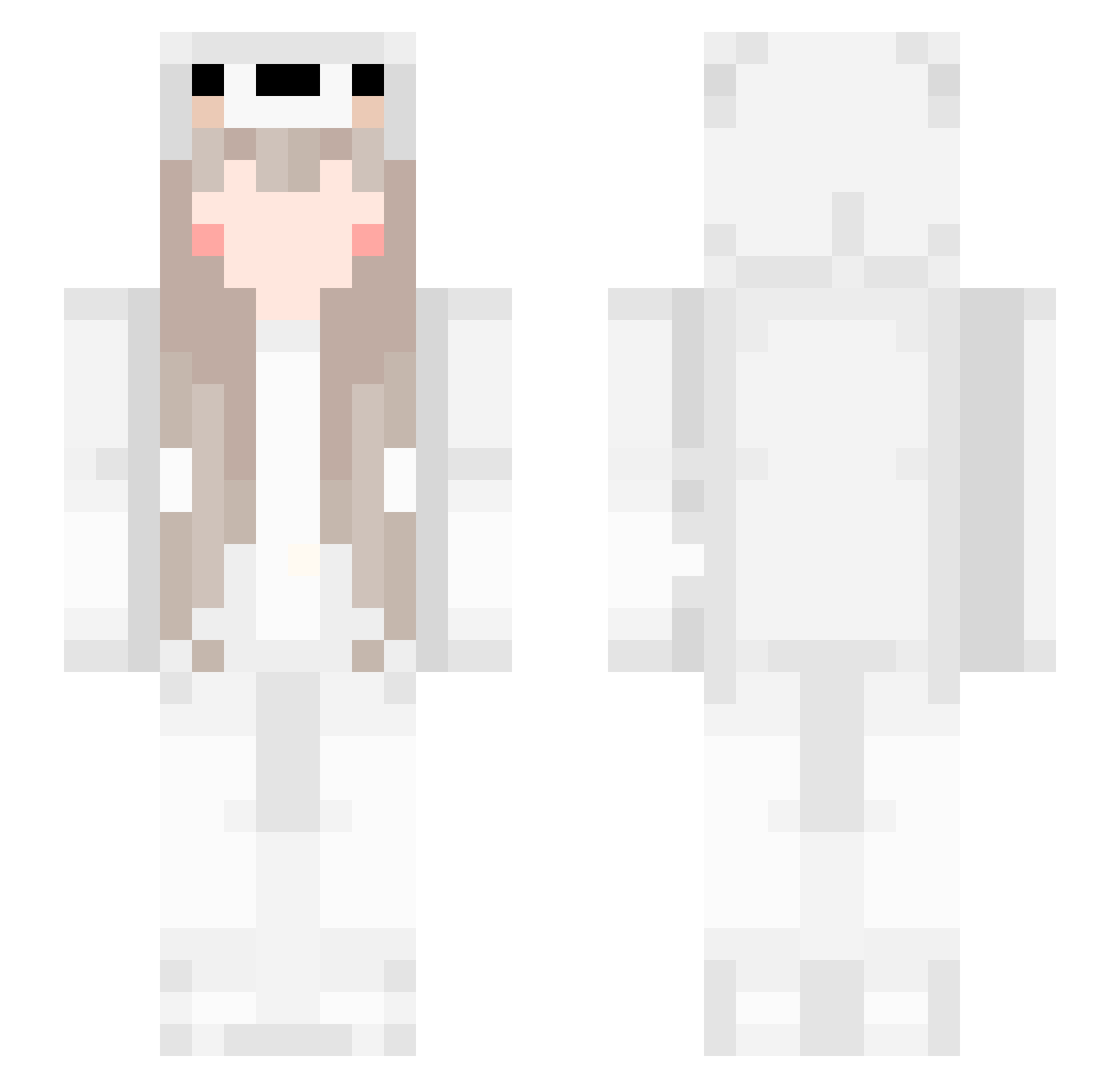
Current Minecraft skin of the player shengbao, loaded from the official Mojang API. Rotate the 3D model with your mouse or finger, then download the skin as a PNG file and use it in Minecraft: Bedrock Edition or Java Edition for free. When shengbao changes their skin, this page updates automatically and the old skin stays in the history below.
Other players with this skin (561)
shengbao was the 160th player we have seen with this skin, first spotted on 22.08.2026. The same skin was seen on these players. Open a nickname to see their current skin and skin history.
 caroleric Chen_Q04 PengPeng998 Wastedwood_SU zhaoshuai111 xjj0701 Raindroping Treasure617 beicen M_Ho_Oh aru3088 Battle_ran Charlie_233 Michaelzhy qcl36250 ZHE1212 gxx1221 xx2023 sweety_sweet LjwDOGE Zttttttttttttttt xiaolu_555 __Gayan xiaochenchen521 zhou1026 MayHanamaki BrickyBell hyx1205 XWfall QQstarmilk Weloisia Reverse_Cyy yuufou youlandaier0101 siren_2 Syccc_ xxanny7 Autism_Treason YUI_YII wangshijia6 uwudal Zaix_OxO Will_eart Ytq86 YELINSEN lunckGOD YUNSHANGYOUYU xiaomi1109 Alienarmy soyaaya liuguangqingmeng Chen2014 yuejian123 Daytieme fuliovo MaoErDuo sasasand Vizarhez PurpleHailk Claireeth
More Girl Minecraft skins
How to install the shengbao skin
- Press the Download button above to save the skin as a PNG file.
- Minecraft: Bedrock Edition (PE): open the Dressing Room from the main menu (or tap your character → Edit Character), go to Classic Skins → Owned, press the + (new skin) button, choose the downloaded PNG and pick the Slim (Alex) model. Works on PC and mobile; consoles cannot import custom skins.
- Minecraft: Java Edition: open the Minecraft Launcher, go to the Skins tab, click New Skin, load the PNG, pick the Slim (Alex) model and press Save & Use. You can also upload it at minecraft.net → Profile → Change Skin.
The skin does not show up after import - what should I do?
Restart Minecraft and open the Dressing Room again - imported skins sometimes appear only after a restart. Also make sure you selected the imported skin and picked the Slim (Alex) model.
Which model should I choose, Classic or Slim?
This skin is designed for the Slim (Alex) model. If you pick the wrong model, the arms of the skin will look stretched or squeezed.
Is the skin of shengbao free to download?
Yes. Press Download, save the PNG file and use it in Minecraft: Bedrock Edition or Java Edition - no payment or registration needed. The skin also works on multiplayer servers and Realms.
More skins
Looking for more? Go back to all Minecraft skins and check the top skins of the week, month and all time, or find any player's skin by nickname.