
saver666 - Minecraft Skins & Skin History
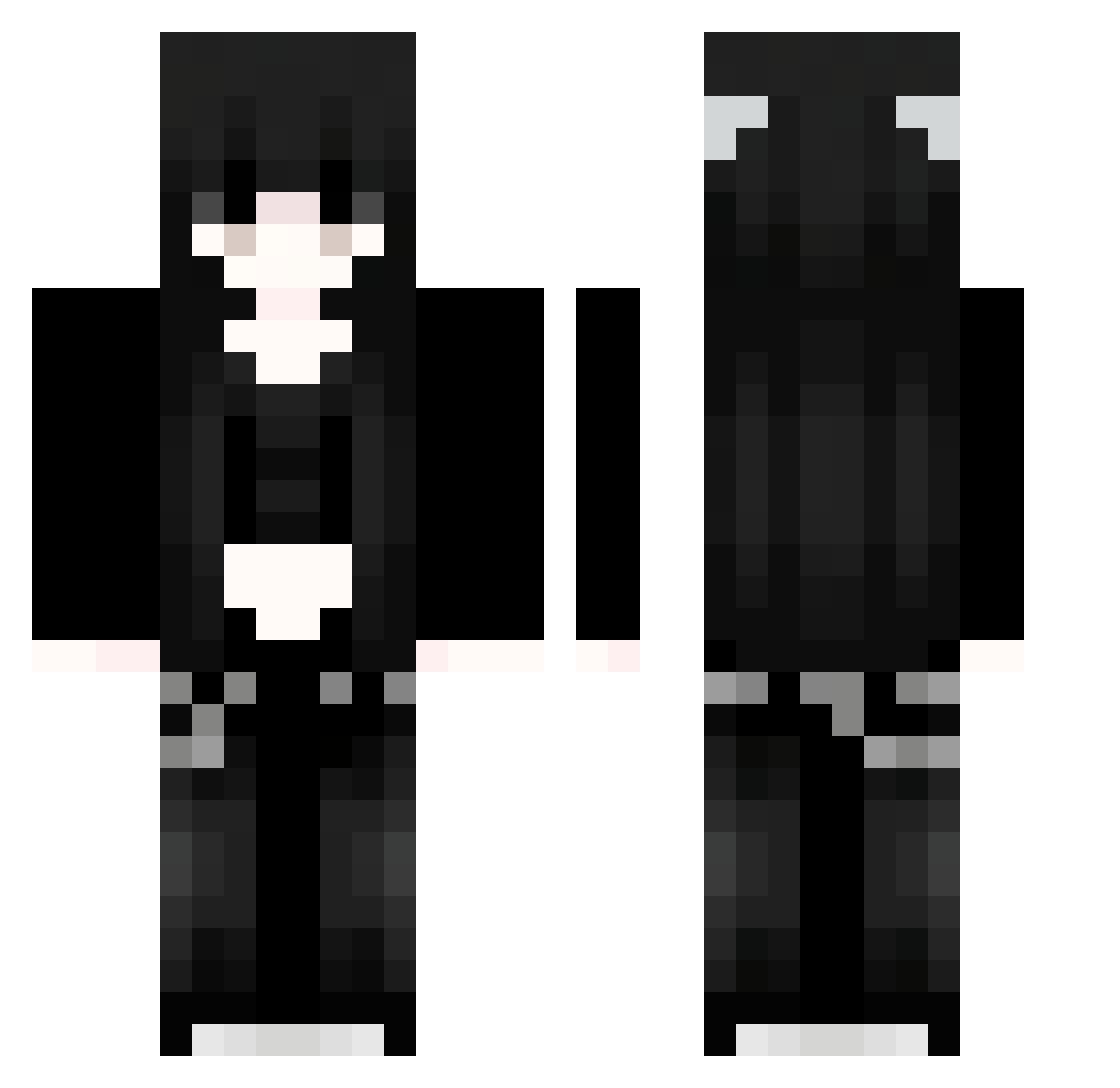
Current Minecraft skin of the player saver666, loaded from the official Mojang API. Rotate the 3D model with your mouse or finger, then download the skin as a PNG file and use it in Minecraft: Bedrock Edition or Java Edition for free. When saver666 changes their skin, this page updates automatically and the old skin stays in the history below.
Other players with this skin (1126)
saver666 was the 300th player we have seen with this skin, first spotted on 27.08.2026. The same skin was seen on these players. Open a nickname to see their current skin and skin history.
 xkl780 agw991 FyB301 Sakura_OmtHel451 WLb104 ukQ13 CIE320 EndermanKiller67 EtI206 TuX261 verostation Prb993 91_DCmGEWLEQF818 Ohj663 kaitlvvn EqR99 Sakura_QFvcye376 91_qEDhxnTnXZ644 xXB400 Pgt960 Xix452 91_IUUQlSyXxX612 ywE473 trGnexkvffZSv460 cEd410 BakaTaka95 Sakura_uPaTnB311
 typowy_matix WqT11 mzjYhl223 Vlo870 YDl348 eNM186 Gip35 FBf394 CherishedMemory APd822 gVP403 Sps347 babyysalem AiY832 Sakura_Vvbprb713 Sakura_zHpPPC490 ComiendoMucho ttbcy ljr52 JAO183 91_FRPbymxMib541 Sakura_QpckuD725 xxY400 91_NkuJZmfvLG610 ANd287 OjrQoovUXAMPt839 jk_dayo mars_op_ ZzA996 Lmv773 Sakura_JKIFHj487 hlf699 91_NtXQAAzypl479
More Emo Minecraft skins
How to install the saver666 skin
- Press the Download button above to save the skin as a PNG file.
- Minecraft: Bedrock Edition (PE): open the Dressing Room from the main menu (or tap your character → Edit Character), go to Classic Skins → Owned, press the + (new skin) button, choose the downloaded PNG and pick the Classic (Steve) model. Works on PC and mobile; consoles cannot import custom skins.
- Minecraft: Java Edition: open the Minecraft Launcher, go to the Skins tab, click New Skin, load the PNG, pick the Classic (Steve) model and press Save & Use. You can also upload it at minecraft.net → Profile → Change Skin.
The skin does not show up after import - what should I do?
Restart Minecraft and open the Dressing Room again - imported skins sometimes appear only after a restart. Also make sure you selected the imported skin and picked the Classic (Steve) model.
Which model should I choose, Classic or Slim?
This skin is designed for the Classic (Steve) model. If you pick the wrong model, the arms of the skin will look stretched or squeezed.
Is the skin of saver666 free to download?
Yes. Press Download, save the PNG file and use it in Minecraft: Bedrock Edition or Java Edition - no payment or registration needed. The skin also works on multiplayer servers and Realms.
More skins
Looking for more? Go back to all Minecraft skins and check the top skins of the week, month and all time, or find any player's skin by nickname.