
 wpu467 War377 ERU275 egn569 fvIInk679 uOm494 Sakura_LGotEd167 kSE252 inuuun dtd344 Sakura_QxUgJK144 QVc225 91_ojMniNEobe742 xLy214 zFfKhSOGLMRBL827 91_YQJIdPAlqV460 91_kURYoMIUbh268 KBCsknr not_on SeHyunDe Sakura_PxAubF510 ltS329 SLi879 Jte469 GpW986 GZT437 asbd113 OwR527 kZd848 PhE468 vXP581 tOP810 coffeebean360 XXS583 cRx418 Floating_Yarn LAw328 pDf683 Ccd776 Gbs2 rtq875 Uql126 91_kbqEkaHNHd983 jinju678 ovR743 dlC439 lNM892 qYH218 nwO630 Ums307 SbG369 Cie958 Jvav_OQbcVJyI842 qNs517 91_olGNMFtMez319 hAv764 vTI88 Mqg311 Jvav_hlgljcZr717 Yfe112
Minecraft skin of 91_qQVMGuwdaF571. Rotate the 3D model with your mouse or finger to view the skin from every angle, then download it as a PNG file and use it in Minecraft: Bedrock Edition or Java Edition for free. Rate the skin with stars to help other players find the best skins in our collection.
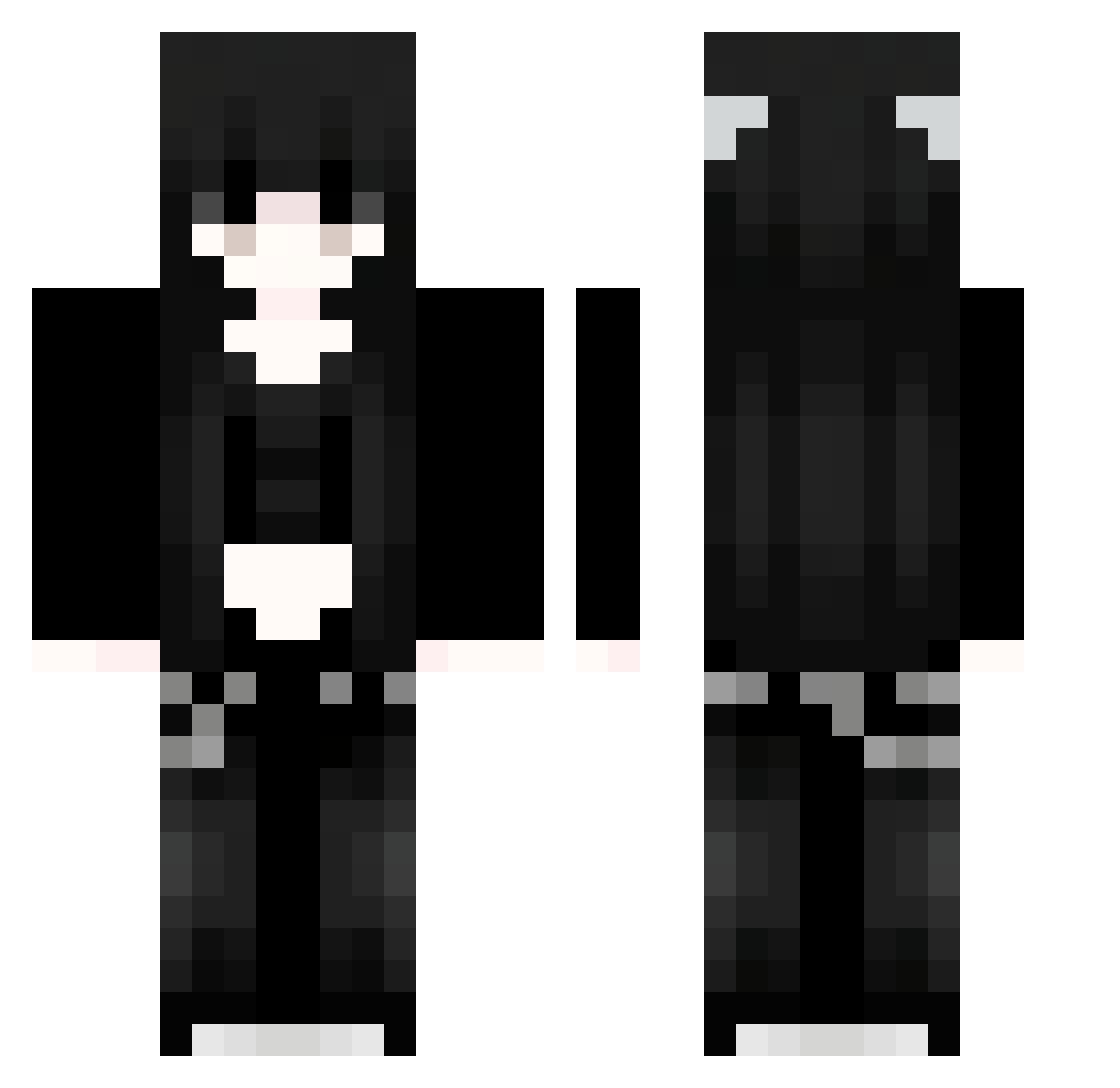
How to install the 91_qQVMGuwdaF571 skin
- Press the Download button above to save the skin as a PNG file.
- Minecraft: Bedrock Edition (PE): open the Dressing Room from the main menu (or tap your character → Edit Character), go to Classic Skins → Owned, press the + (new skin) button, choose the downloaded PNG and pick the Classic (Steve) model. Works on PC and mobile; consoles cannot import custom skins.
- Minecraft: Java Edition: open the Minecraft Launcher, go to the Skins tab, click New Skin, load the PNG, pick the Classic (Steve) model and press Save & Use. You can also upload it at minecraft.net → Profile → Change Skin.
The skin does not show up after import - what should I do?
Restart Minecraft and open the Dressing Room again - imported skins sometimes appear only after a restart. Also make sure you selected the imported skin and picked the Classic (Steve) model.
Which model should I choose, Classic or Slim?
This skin is designed for the Classic (Steve) model. If you pick the wrong model, the arms of the skin will look stretched or squeezed.
Is this skin free to use?
Yes. Press Download, save the PNG file and use it in Minecraft: Bedrock Edition or Java Edition - no payment or registration needed. The skin also works on multiplayer servers and Realms.
More Emo Minecraft skins
More skins
Looking for more? Go back to all Minecraft skins and check the top skins of the week, month and all time, or find any player's skin by nickname.