
sasharit - Minecraft Skins & Skin History
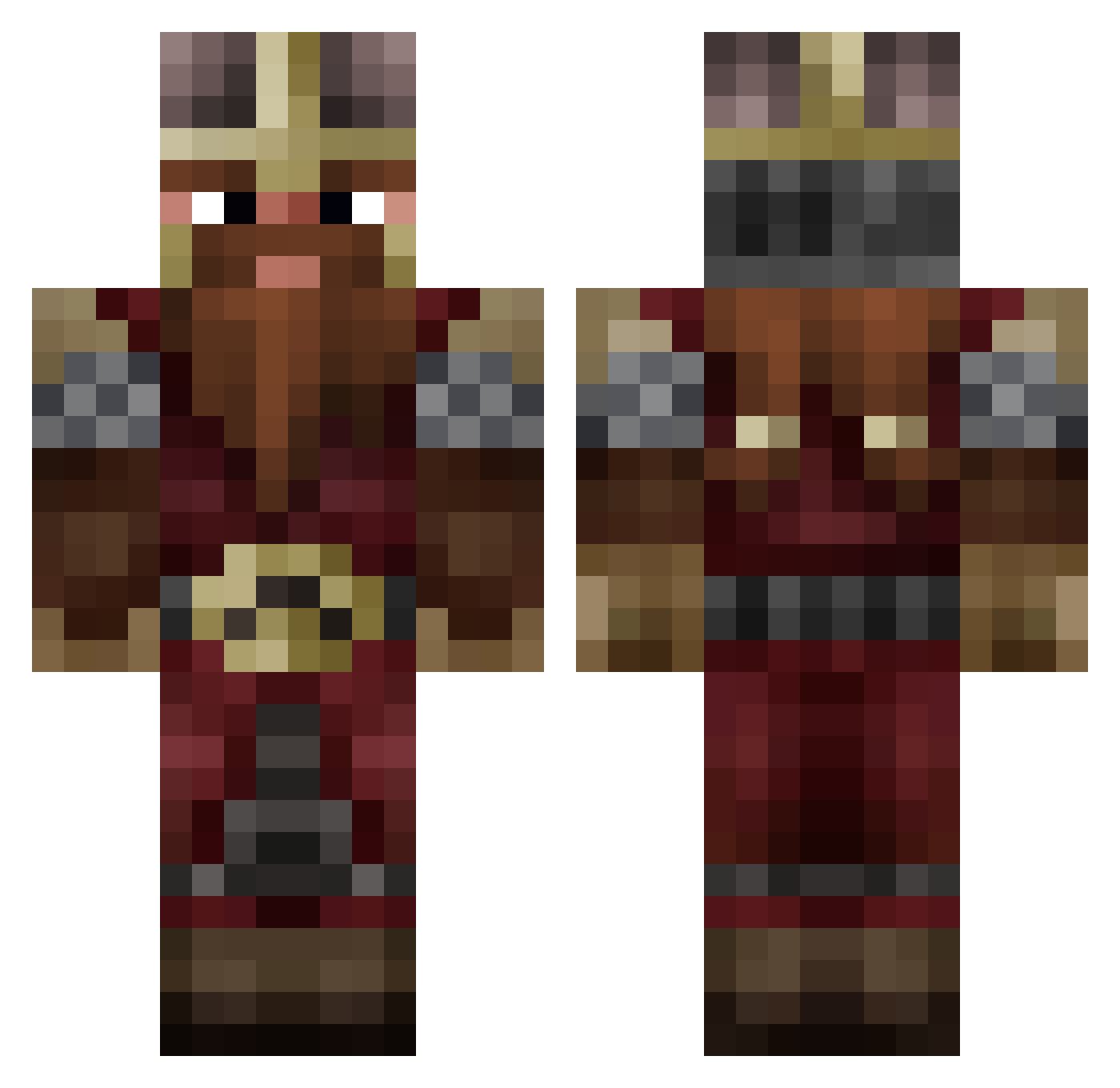
Current Minecraft skin of the player sasharit, loaded from the official Mojang API. Rotate the 3D model with your mouse or finger, then download the skin as a PNG file and use it in Minecraft: Bedrock Edition or Java Edition for free. When sasharit changes their skin, this page updates automatically and the old skin stays in the history below.
Other players with this skin (809)
sasharit was the 781st player we have seen with this skin, first spotted on 19.10.2026. The same skin was seen on these players. Open a nickname to see their current skin and skin history.
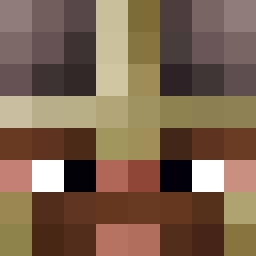 Bat_Man309 Digginacolamine Gholghota Axel7O PerroConLeche NowyAK Neidala calypsium Hawko_ SerjiAU F3nrir54 Moneimer98 Ev1l_Eye AxelRaide Teddobeer Ibaff NightRaven25 schnkr Basator_ Th3Craigmachine PolarbeaI2 Xx_ProReaps_xX ulyssesfun AweKingSome RemusLupin ScoobyDoobyDome xXBladecutterXx Prysser Zenitss xxxSadBoyxxx Valdemar_Alfred Grufalon LittleBoby Guntera3 Rambaldi_ Garxi_ Darth_Revvin aj3800 gaiton64 Zrebak420 Kearz23 Ooverdoz Tguerre sans_vin Alpen_Lotos_ Nosrakeo Relees Swaggs1232 Heorzeoul Scinner1990 Blancpoire goluzak MascouPichu Foofernutter SirRonBird Larz1984 Itamioh Nerinerix Immolatas M4rl3y314
More Dwarf Minecraft skins
How to install the sasharit skin
- Press the Download button above to save the skin as a PNG file.
- Minecraft: Bedrock Edition (PE): open the Dressing Room from the main menu (or tap your character → Edit Character), go to Classic Skins → Owned, press the + (new skin) button, choose the downloaded PNG and pick the Classic (Steve) model. Works on PC and mobile; consoles cannot import custom skins.
- Minecraft: Java Edition: open the Minecraft Launcher, go to the Skins tab, click New Skin, load the PNG, pick the Classic (Steve) model and press Save & Use. You can also upload it at minecraft.net → Profile → Change Skin.
The skin does not show up after import - what should I do?
Restart Minecraft and open the Dressing Room again - imported skins sometimes appear only after a restart. Also make sure you selected the imported skin and picked the Classic (Steve) model.
Which model should I choose, Classic or Slim?
This skin is designed for the Classic (Steve) model. If you pick the wrong model, the arms of the skin will look stretched or squeezed.
Is the skin of sasharit free to download?
Yes. Press Download, save the PNG file and use it in Minecraft: Bedrock Edition or Java Edition - no payment or registration needed. The skin also works on multiplayer servers and Realms.
More skins
Looking for more? Go back to all Minecraft skins and check the top skins of the week, month and all time, or find any player's skin by nickname.