
 cosmicron MTNDEW88 superfly102 kras4266 Toxicviper261 brygge_12 billie8 ninerin lukem99 Shizaru_ slimchance383 MiiC431 matthew_1012 Charzard12345687 Austyn34 posik05 Zaniac22 Despare BySkaner Cmfire46 newo2k14 xciitu Gimli123 spncr1 DrunkenCroc gumgumxd3 Dettfor stormx111 drnrdy BruhItsRoan TheIrish1 Zanman23 RedDra9on1 Nitrobite nateowe oscarjames123 syndicatson jacobkips texhexman1 nobleaek godinez123 bombmaster93 Floogles BlueSource nosenos macintoshmonster darkZ3RO Snaskbom Dopeyy2 PRONEX01 benjade9 HACKERxxxHIND lewdog42 xNinjaAssassinx9 Jelly_Bean Kadadj slinx25 LightingPerson1 T2red CoolPepsi
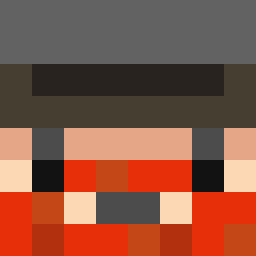
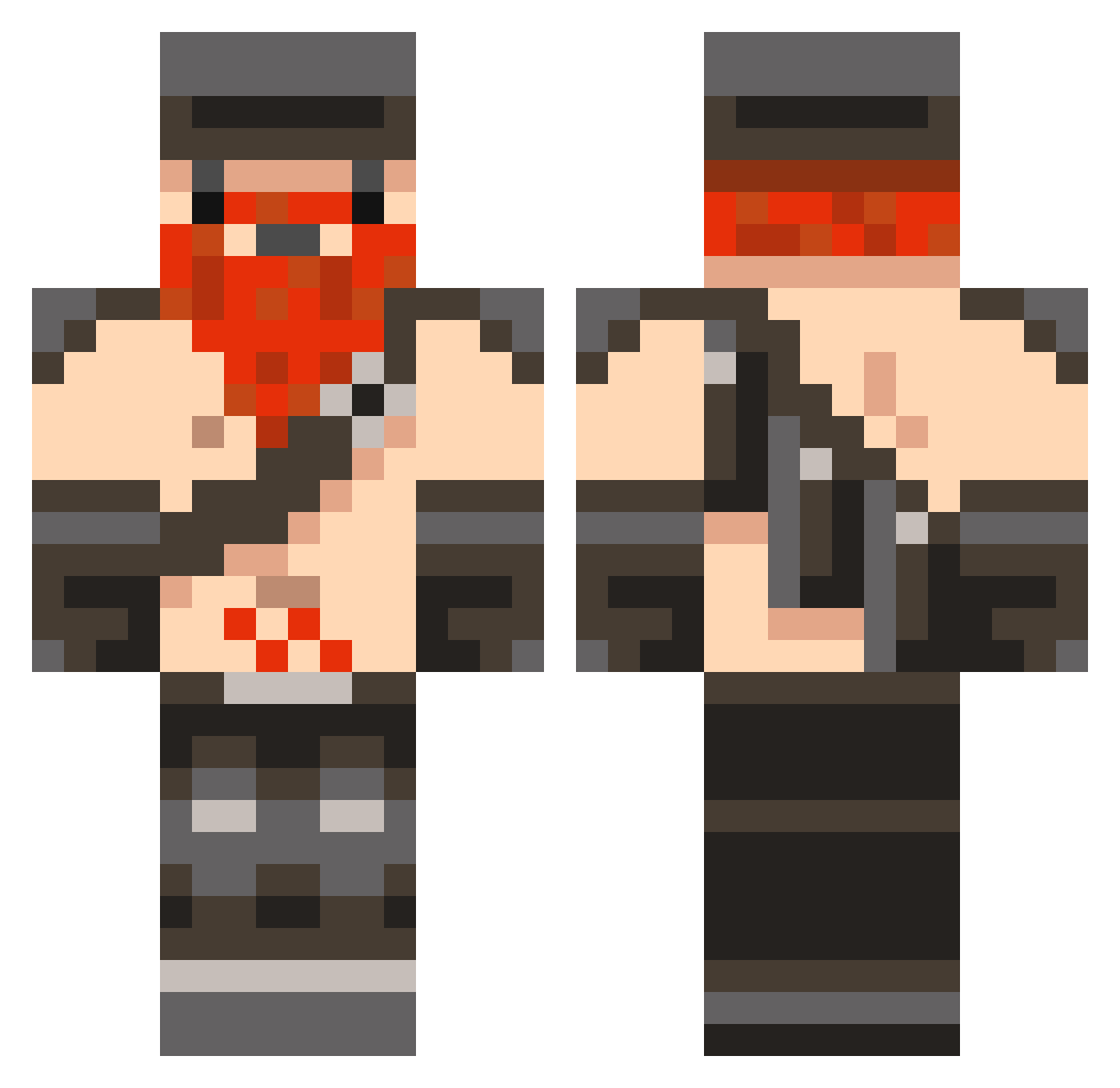
Minecraft skin of zultan1234. Rotate the 3D model with your mouse or finger to view the skin from every angle, then download it as a PNG file and use it in Minecraft: Bedrock Edition or Java Edition for free. Rate the skin with stars to help other players find the best skins in our collection.
How to install the zultan1234 skin
- Press the Download button above to save the skin as a PNG file.
- Minecraft: Bedrock Edition (PE): open the Dressing Room from the main menu (or tap your character → Edit Character), go to Classic Skins → Owned, press the + (new skin) button, choose the downloaded PNG and pick the Classic (Steve) model. Works on PC and mobile; consoles cannot import custom skins.
- Minecraft: Java Edition: open the Minecraft Launcher, go to the Skins tab, click New Skin, load the PNG, pick the Classic (Steve) model and press Save & Use. You can also upload it at minecraft.net → Profile → Change Skin.
The skin does not show up after import - what should I do?
Restart Minecraft and open the Dressing Room again - imported skins sometimes appear only after a restart. Also make sure you selected the imported skin and picked the Classic (Steve) model.
Which model should I choose, Classic or Slim?
This skin is designed for the Classic (Steve) model. If you pick the wrong model, the arms of the skin will look stretched or squeezed.
Is this skin free to use?
Yes. Press Download, save the PNG file and use it in Minecraft: Bedrock Edition or Java Edition - no payment or registration needed. The skin also works on multiplayer servers and Realms.
More Dwarf Minecraft skins
More skins
Looking for more? Go back to all Minecraft skins and check the top skins of the week, month and all time, or find any player's skin by nickname.