
samsin68 - Minecraft Skins & Skin History
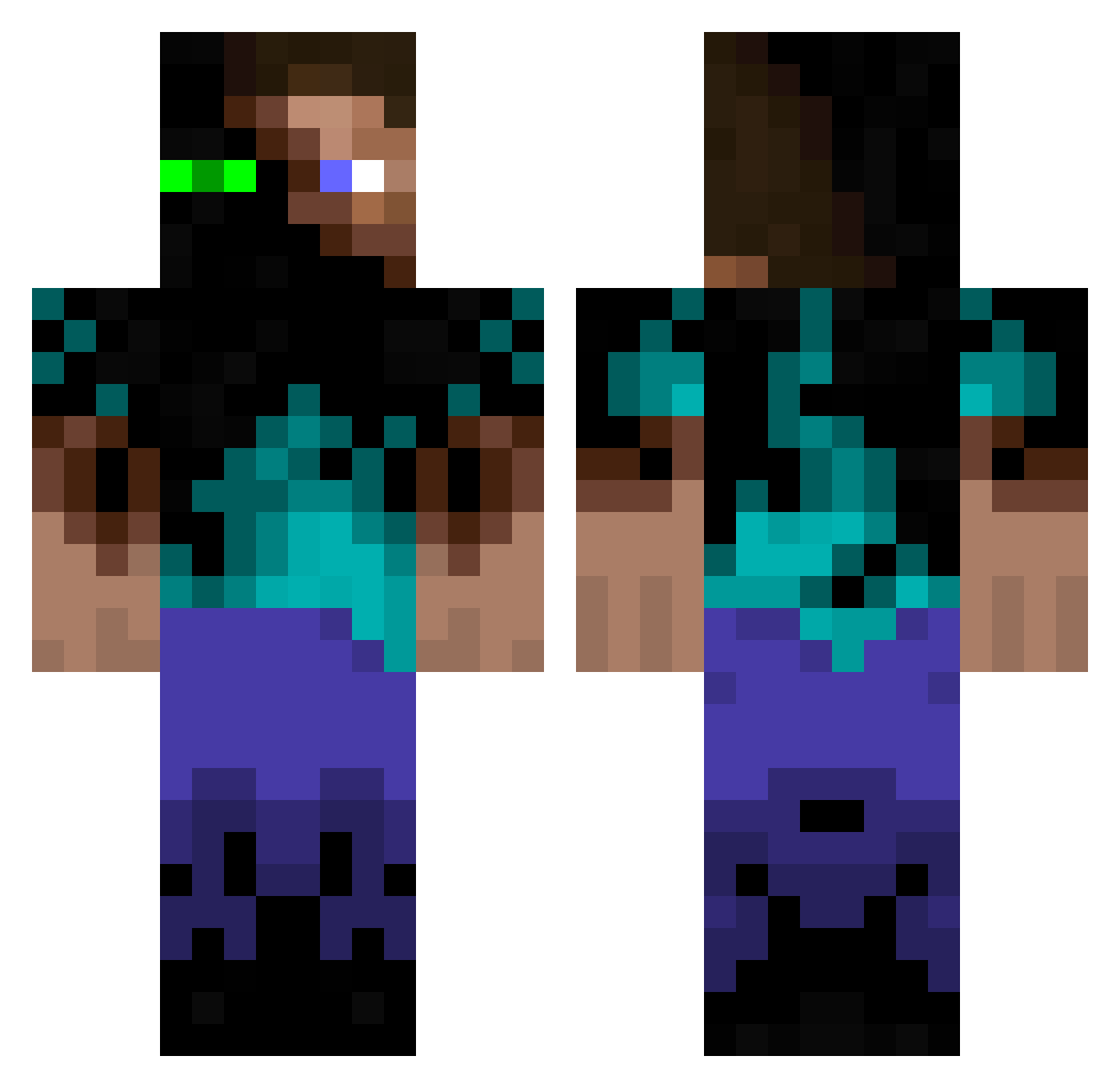
Current Minecraft skin of the player samsin68, loaded from the official Mojang API. Rotate the 3D model with your mouse or finger, then download the skin as a PNG file and use it in Minecraft: Bedrock Edition or Java Edition for free. When samsin68 changes their skin, this page updates automatically and the old skin stays in the history below.
Other players with this skin (936)
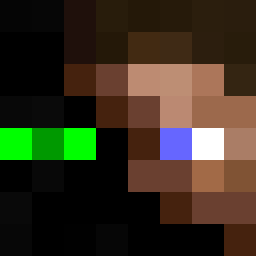
samsin68 was the 612th player we have seen with this skin, first spotted on 24.09.2026. The same skin was seen on these players. Open a nickname to see their current skin and skin history.
 sloatboy125 nils1234feldmann rbjr1 Shiftysoup Elitedragon949 dimerpunk Thunderbolt2000 DDude2Play wdyar SUPPA_MINNER Olivertwisted wolverine3532 P0werslave skeon4 RingmasterHD s_i_mon Tripacolypse Lunorak lolofanylols 24Fritz24 purerift NiteMarish111 krammyt teelusikka Tajeron nagi66 masonrakowicz37 calogerino themexecutioner HuJons miniman1479 TheMrMrX sharkboyj5 jtubesin AxeBitten AlJa2000 bigjacky Roberts0012707 TiLiMuRkA OneMoreNerd MilIenium s_lukas joeman555 lucasthoren S0NIC_2003 BudakJht silver2003 lippo ChadJohn123 lavieest JayCleaton Thatguy101c ReeseTalor Ar_Raver mineprodave Xumas Quinn5257 kelltuc kyogre1 Harri_5
More Glowing Eyes Minecraft skins
See all 2312 Glowing Eyes skins
How to install the samsin68 skin
- Press the Download button above to save the skin as a PNG file.
- Minecraft: Bedrock Edition (PE): open the Dressing Room from the main menu (or tap your character → Edit Character), go to Classic Skins → Owned, press the + (new skin) button, choose the downloaded PNG and pick the Classic (Steve) model. Works on PC and mobile; consoles cannot import custom skins.
- Minecraft: Java Edition: open the Minecraft Launcher, go to the Skins tab, click New Skin, load the PNG, pick the Classic (Steve) model and press Save & Use. You can also upload it at minecraft.net → Profile → Change Skin.
The skin does not show up after import - what should I do?
Restart Minecraft and open the Dressing Room again - imported skins sometimes appear only after a restart. Also make sure you selected the imported skin and picked the Classic (Steve) model.
Which model should I choose, Classic or Slim?
This skin is designed for the Classic (Steve) model. If you pick the wrong model, the arms of the skin will look stretched or squeezed.
Is the skin of samsin68 free to download?
Yes. Press Download, save the PNG file and use it in Minecraft: Bedrock Edition or Java Edition - no payment or registration needed. The skin also works on multiplayer servers and Realms.
More skins
Looking for more? Go back to all Minecraft skins and check the top skins of the week, month and all time, or find any player's skin by nickname.