
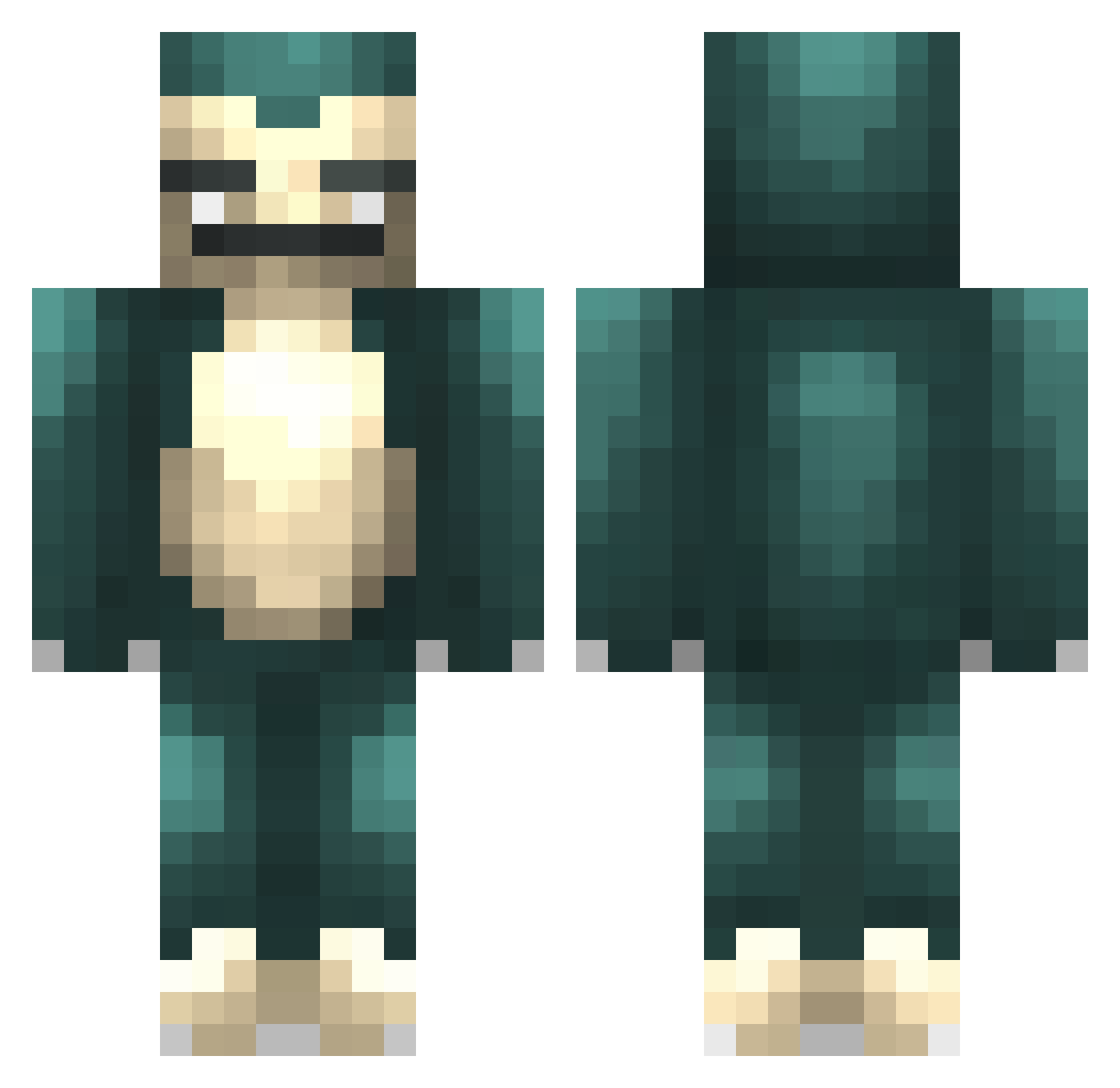
Current Minecraft skin of the player ruzack, loaded from the official Mojang API. Rotate the 3D model with your mouse or finger, then download the skin as a PNG file and use it in Minecraft: Bedrock Edition or Java Edition for free. When ruzack changes their skin, this page updates automatically and the old skin stays in the history below.
Other players with this skin (357)
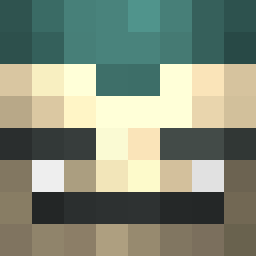
ruzack was the 236th player we have seen with this skin, first spotted on 23.09.2026. The same skin was seen on these players. Open a nickname to see their current skin and skin history.
 marc4231 sheab2005 Flikott GeoShift nietjeniet Mr_Awesome180 PASTABRICKS TheParty Cavem4n_ korndragon Zwoosh Aracnicid Gorexs Mr_Creative11 Yuiles Monolith247 MacLarensPub IBims1Relaxo MrKingMuffin Kwakske RyanHayato Acrylic IVANWEEZY Jhonny2Liver O_McDoodleBums_O JohnPinoy siebet greenaide corolla99 garrett321 Neilthedemon Boeddy krapo94 kitiket124 Squeetie moykamoyka Alvis10 SandDetector Nimitz11 leodragon2007 Mr_Harper polarbaker jason_the_pirate cottonphone1 DerEchteUmit bowjay86 Sp0okd nilsson124 robosam123 ruben1240 kongming olliegh collision234 Miifan67 knrasmussen Baissuppe NinjaFlash11 Suppenloni general_gigino Luuki_Loek
More Snorlax Minecraft skins
How to install the ruzack skin
- Press the Download button above to save the skin as a PNG file.
- Minecraft: Bedrock Edition (PE): open the Dressing Room from the main menu (or tap your character → Edit Character), go to Classic Skins → Owned, press the + (new skin) button, choose the downloaded PNG and pick the Classic (Steve) model. Works on PC and mobile; consoles cannot import custom skins.
- Minecraft: Java Edition: open the Minecraft Launcher, go to the Skins tab, click New Skin, load the PNG, pick the Classic (Steve) model and press Save & Use. You can also upload it at minecraft.net → Profile → Change Skin.
The skin does not show up after import - what should I do?
Restart Minecraft and open the Dressing Room again - imported skins sometimes appear only after a restart. Also make sure you selected the imported skin and picked the Classic (Steve) model.
Which model should I choose, Classic or Slim?
This skin is designed for the Classic (Steve) model. If you pick the wrong model, the arms of the skin will look stretched or squeezed.
Is the skin of ruzack free to download?
Yes. Press Download, save the PNG file and use it in Minecraft: Bedrock Edition or Java Edition - no payment or registration needed. The skin also works on multiplayer servers and Realms.
More skins
Looking for more? Go back to all Minecraft skins and check the top skins of the week, month and all time, or find any player's skin by nickname.