
 Josh904 The_War_Is_Over Hypnotic_Sheep GoonCrafter H19H3N3RGY C9S ToMuchToastForMe Diavyr SanzaDK TheRealAke fattynat MenAmongPandas tekkdeath FrostBoyWonder skeleton_slayer8 WhatUpYeezus stomp1112 DaBears2302 Delta_Main _youngboy_ Sarahjb7 Antxusti GoonHawk ALLMIGHTYSNORLAX xXDerSchnitzelXx Spitfire0398 TheSatyr79 mifiel KingOfMicronesia DenPau5 rallegp Tortugaa kamojoe BillyHoward14 JoRa1338 PabloandLeroy Lillapoppy Admonisher25 IHaveGonorrhea PrettyThug CallXD Kippax Timboo_ riley1601 StokeCity Twanaldo123 LILAUTIST AttractiveBeav barnieboy123 layAbrick Captain_Cri eiffel133 Th3Littl3On3 lilgrenny GridRaven PutensohnPvP kkinc Lizard_Kid omuraisu1059 fedepoul
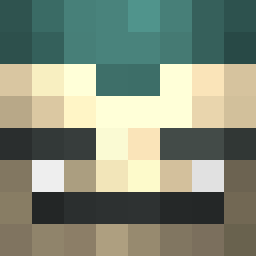
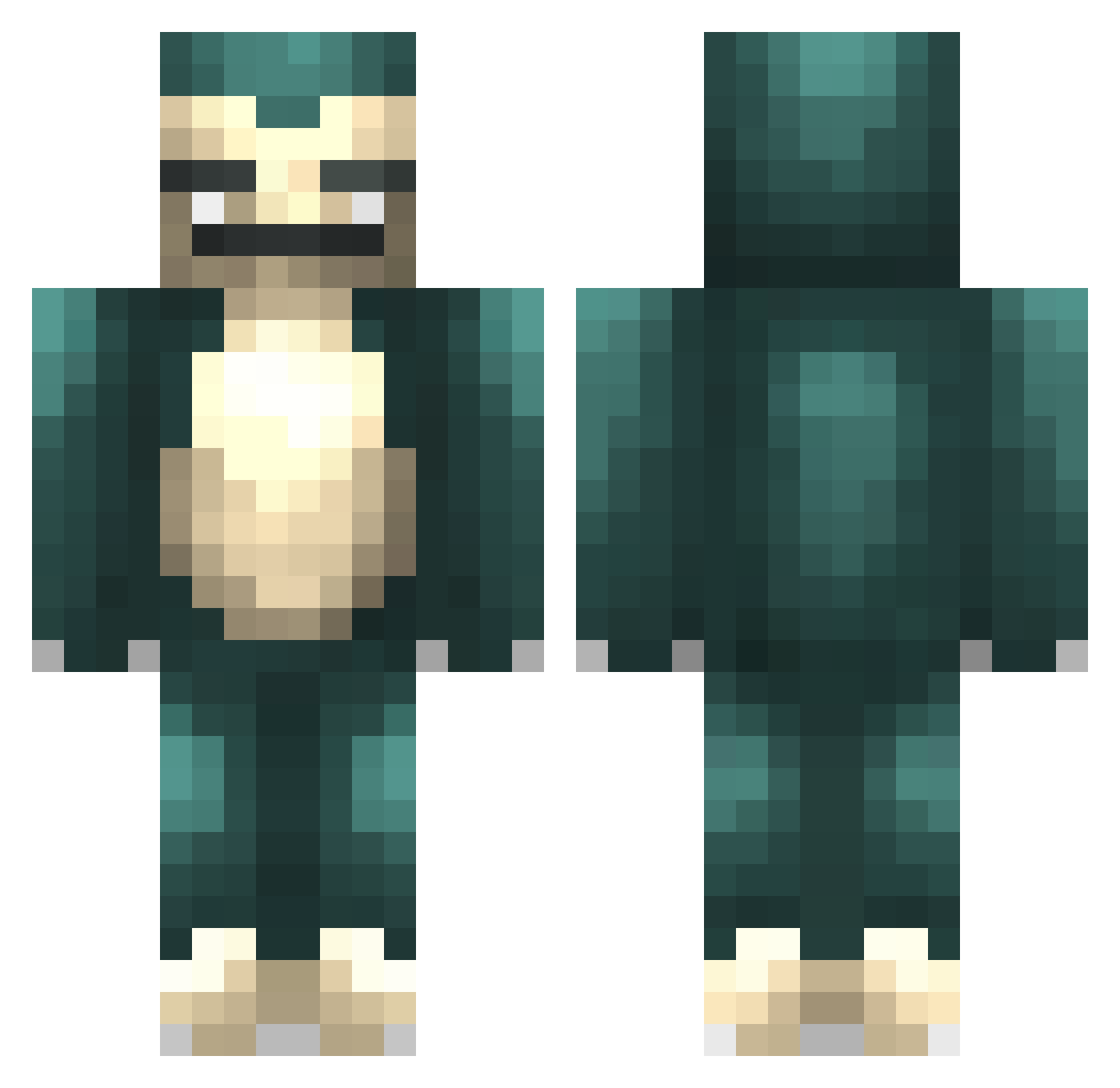
Minecraft skin of Qaladrim. Rotate the 3D model with your mouse or finger to view the skin from every angle, then download it as a PNG file and use it in Minecraft: Bedrock Edition or Java Edition for free. Rate the skin with stars to help other players find the best skins in our collection.
How to install the Qaladrim skin
- Press the Download button above to save the skin as a PNG file.
- Minecraft: Bedrock Edition (PE): open the Dressing Room from the main menu (or tap your character → Edit Character), go to Classic Skins → Owned, press the + (new skin) button, choose the downloaded PNG and pick the Classic (Steve) model. Works on PC and mobile; consoles cannot import custom skins.
- Minecraft: Java Edition: open the Minecraft Launcher, go to the Skins tab, click New Skin, load the PNG, pick the Classic (Steve) model and press Save & Use. You can also upload it at minecraft.net → Profile → Change Skin.
The skin does not show up after import - what should I do?
Restart Minecraft and open the Dressing Room again - imported skins sometimes appear only after a restart. Also make sure you selected the imported skin and picked the Classic (Steve) model.
Which model should I choose, Classic or Slim?
This skin is designed for the Classic (Steve) model. If you pick the wrong model, the arms of the skin will look stretched or squeezed.
Is this skin free to use?
Yes. Press Download, save the PNG file and use it in Minecraft: Bedrock Edition or Java Edition - no payment or registration needed. The skin also works on multiplayer servers and Realms.
More Snorlax Minecraft skins
More skins
Looking for more? Go back to all Minecraft skins and check the top skins of the week, month and all time, or find any player's skin by nickname.