
prettig - Minecraft Skins & Skin History
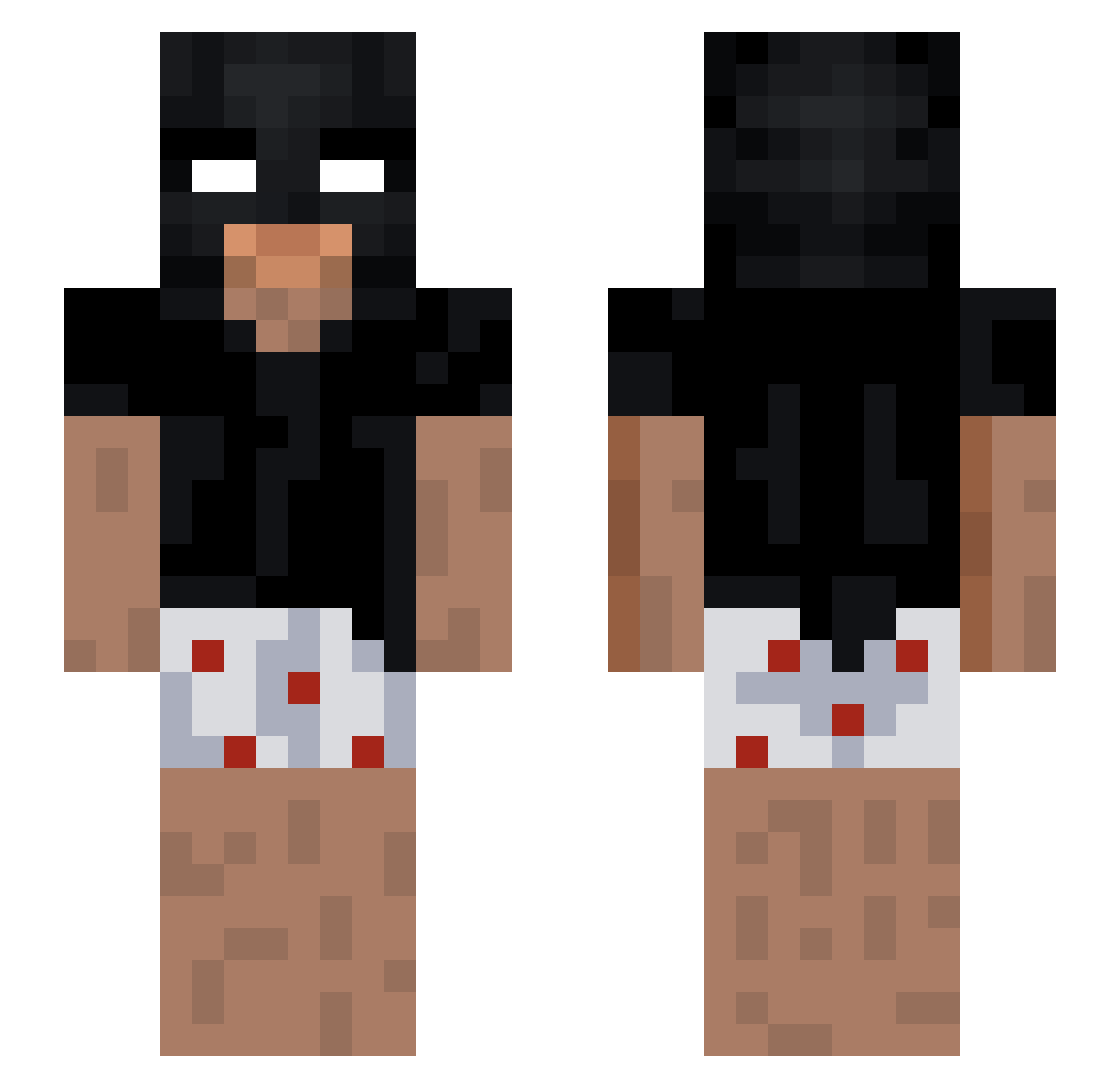
Current Minecraft skin of the player prettig, loaded from the official Mojang API. Rotate the 3D model with your mouse or finger, then download the skin as a PNG file and use it in Minecraft: Bedrock Edition or Java Edition for free. When prettig changes their skin, this page updates automatically and the old skin stays in the history below.
Other players with this skin (214)
prettig was the 26th player we have seen with this skin, first spotted on 04.08.2026. The same skin was seen on these players. Open a nickname to see their current skin and skin history.
 Gingres
 spanky2shoes Tomadzu Chaves2128 tunka_eu godsnjco TheLuban DanieI333 ojambalaiA felippin69 PaperThrone HenHog14 ChoraProBrenin
 DrSlocks IkratosI Razethebuilder Fede_Run RealChichico zoolk Rexxv2 Caminhaozin 6SaNe9 FREEKBOB kb_luna SAHROMA GaboCampy Asta_849 jacobisbatman stringentUitig0 lerns_ LuciDDDDDddde NotSwiftie2 3wib Erostatics32
 3MIR Ker4
 Ryond_
 tonyleberger xicolasg ItsKiiwi Gatuzooo Weidong520 Huz0xx SuorTony MINSKHOTEL
 Emil6759 nicolinhas123 Nxno1080p rysmostek Kago_x4 nacho0234
 appxrentlyzxn BIG5ON NeverTouchedIt walerr Toxicistuff RedGhost_ID LilOof6969
 dvir50 filipposv
More Batman Minecraft skins
How to install the prettig skin
- Press the Download button above to save the skin as a PNG file.
- Minecraft: Bedrock Edition (PE): open the Dressing Room from the main menu (or tap your character → Edit Character), go to Classic Skins → Owned, press the + (new skin) button, choose the downloaded PNG and pick the Slim (Alex) model. Works on PC and mobile; consoles cannot import custom skins.
- Minecraft: Java Edition: open the Minecraft Launcher, go to the Skins tab, click New Skin, load the PNG, pick the Slim (Alex) model and press Save & Use. You can also upload it at minecraft.net → Profile → Change Skin.
The skin does not show up after import - what should I do?
Restart Minecraft and open the Dressing Room again - imported skins sometimes appear only after a restart. Also make sure you selected the imported skin and picked the Slim (Alex) model.
Which model should I choose, Classic or Slim?
This skin is designed for the Slim (Alex) model. If you pick the wrong model, the arms of the skin will look stretched or squeezed.
Is the skin of prettig free to download?
Yes. Press Download, save the PNG file and use it in Minecraft: Bedrock Edition or Java Edition - no payment or registration needed. The skin also works on multiplayer servers and Realms.
More skins
Looking for more? Go back to all Minecraft skins and check the top skins of the week, month and all time, or find any player's skin by nickname.