
 ThatGuySoup54855 maximumpig123 RandyRod2018 ThisGamingPro TheLittleChosen ripghostmw fluffy2533 Ridikulous_Games Eneguen xhb C_Man_Crafter LuisMH LucaKnol0 CadetM Thegamingnerd27 Mat7hew123 EFLCSIKA ApolloSquid Holstss UNBANIMAGINEO_O _Luddig_ flixxi237 blazxr CLOWNKILLER912 AmGlobul Nacke The_DarkKnight09 Austinpreneur Bezuglov Aki_030 Sniping_Bunuelo neijen Maxyman13423 Have001 stolleryawesome CoolFFW robie344 capt_bunny STP2001 deathjeff666 cesarhernandez31 tsteinkoetter NaturalHealer jamiesuite10 theft211 Starmale El_Duky Twochris lionkingthe1 joseantval1007 LGmystery LazyTurtles lolipopi8 RomyBrothers Ekmo gravyGrant Nate_0101 PurpleDuck simonbschunk brunoDFV
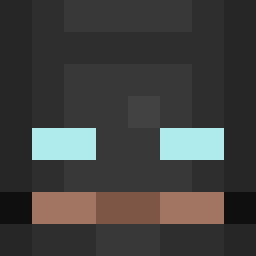
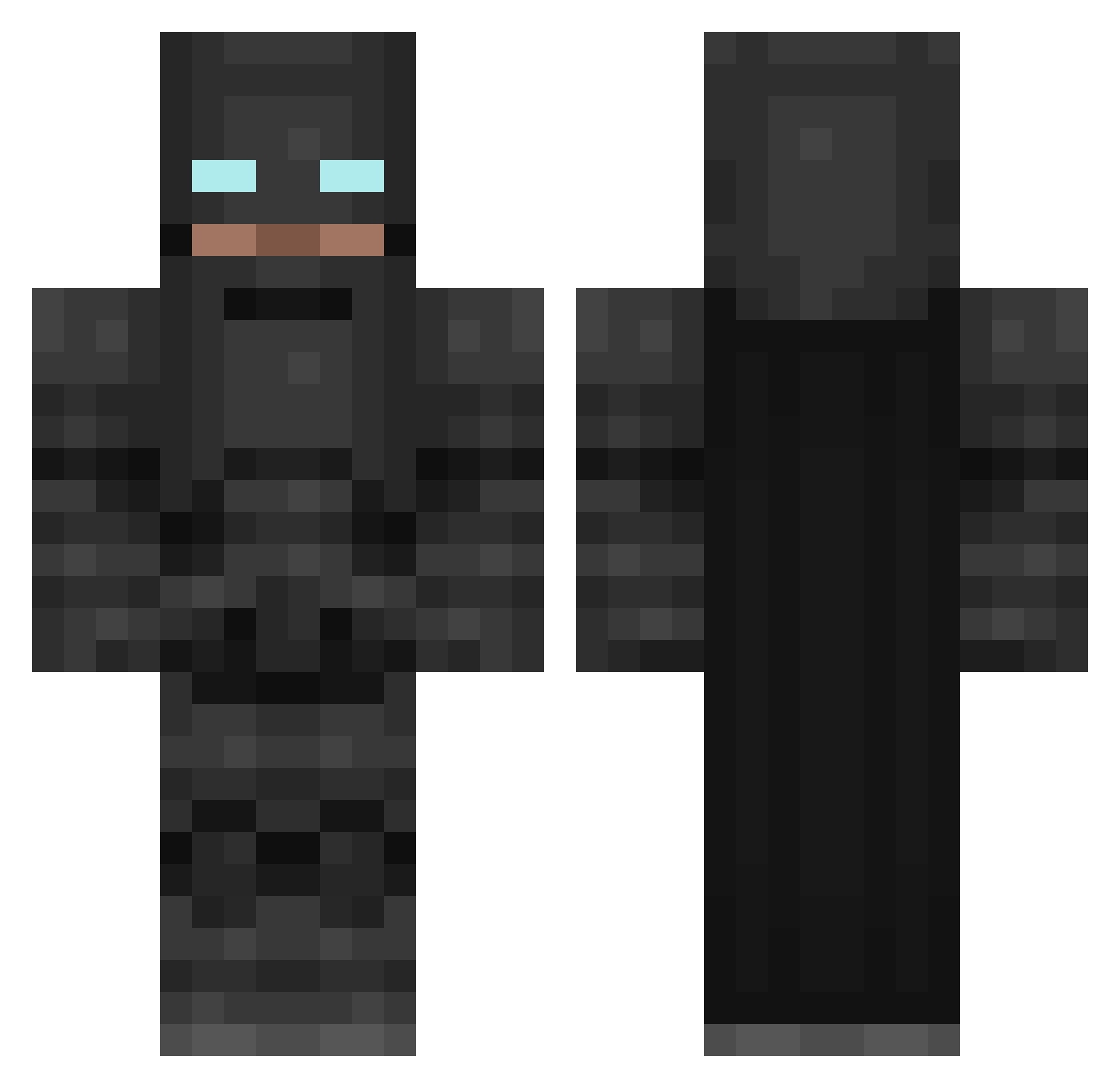
Minecraft skin of HarshJobalia. Rotate the 3D model with your mouse or finger to view the skin from every angle, then download it as a PNG file and use it in Minecraft: Bedrock Edition or Java Edition for free. Rate the skin with stars to help other players find the best skins in our collection.
How to install the HarshJobalia skin
- Press the Download button above to save the skin as a PNG file.
- Minecraft: Bedrock Edition (PE): open the Dressing Room from the main menu (or tap your character → Edit Character), go to Classic Skins → Owned, press the + (new skin) button, choose the downloaded PNG and pick the Classic (Steve) model. Works on PC and mobile; consoles cannot import custom skins.
- Minecraft: Java Edition: open the Minecraft Launcher, go to the Skins tab, click New Skin, load the PNG, pick the Classic (Steve) model and press Save & Use. You can also upload it at minecraft.net → Profile → Change Skin.
The skin does not show up after import - what should I do?
Restart Minecraft and open the Dressing Room again - imported skins sometimes appear only after a restart. Also make sure you selected the imported skin and picked the Classic (Steve) model.
Which model should I choose, Classic or Slim?
This skin is designed for the Classic (Steve) model. If you pick the wrong model, the arms of the skin will look stretched or squeezed.
Is this skin free to use?
Yes. Press Download, save the PNG file and use it in Minecraft: Bedrock Edition or Java Edition - no payment or registration needed. The skin also works on multiplayer servers and Realms.
More Batman Minecraft skins
More skins
Looking for more? Go back to all Minecraft skins and check the top skins of the week, month and all time, or find any player's skin by nickname.