
 carchanz McCool213 Jisthegoat Coltin56 ZikuuMC mkyeq Tymchak24 ParkerPryor diegotico15 _Bartorius_ lecastor69 Gmacc ZALOL16 Nenad_ ChrisB070 neverfortess DCXAR kh_247 Chillbone789 ComboReaper JustJerom_ bfya b1fflle Ilovepaigesmith JaIlen999 divinesenior AJSinor RICHMANREAL0 Thebrillsman Pybounce Mattarooniee ItzShottyyy JUJU_NIGHT Retil Warify7 anshmalla Jaqu89 firstblodTR CR7_13 Broze tbtl_hevar norgraven spoke6555 Xx_S911 Tobylur charlieyeet12 Benisda Chittybang_7 OfficialBlackout Hardik2105 dorble FourWinner95547 maxiskindaweird clarko___ BetMANk SOMGOKU OvalPower00 Chbn1 Arttumaani Ooqwxy
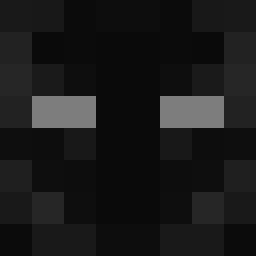
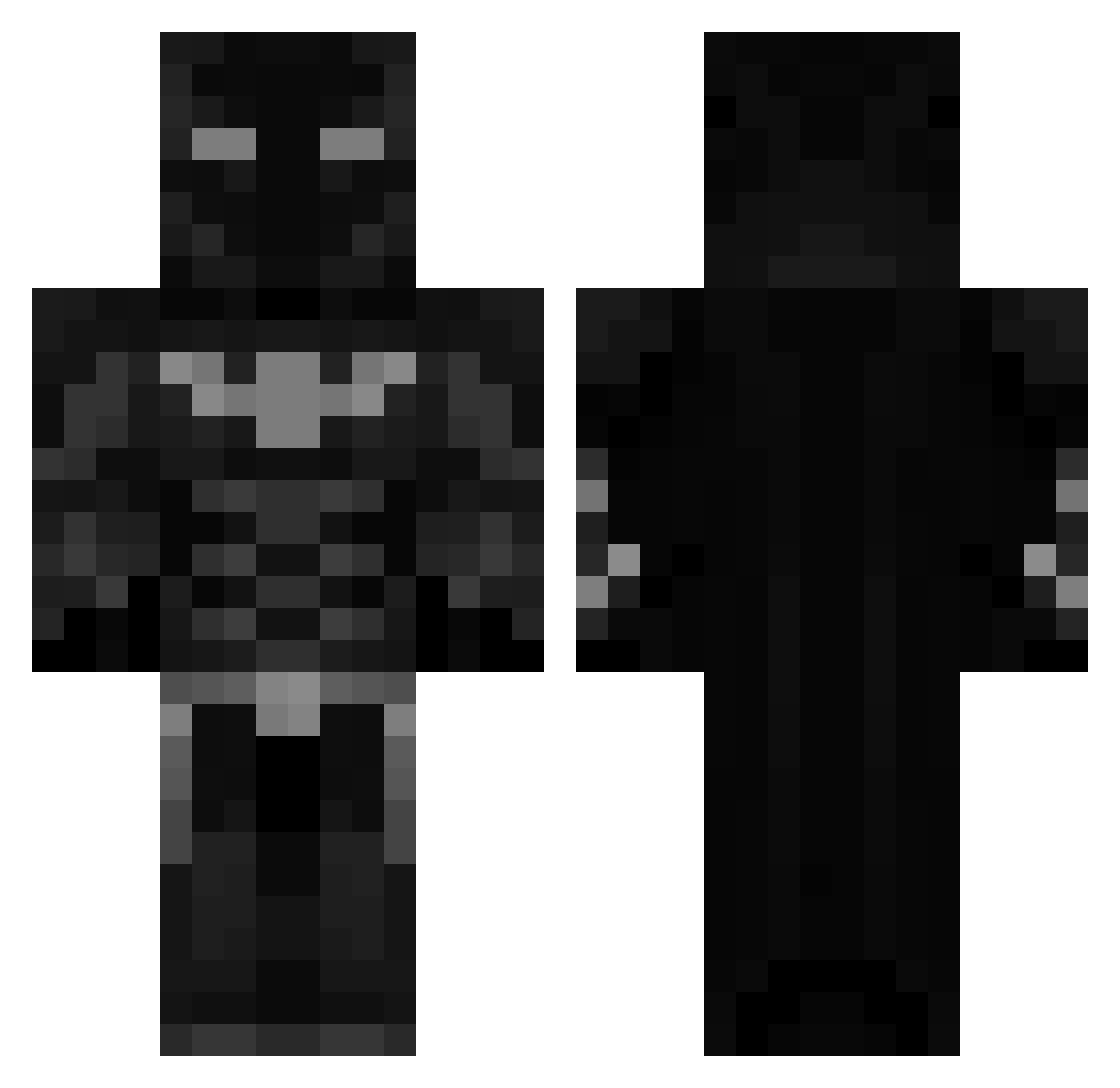
Minecraft skin of Elpajaro. Rotate the 3D model with your mouse or finger to view the skin from every angle, then download it as a PNG file and use it in Minecraft: Bedrock Edition or Java Edition for free. Rate the skin with stars to help other players find the best skins in our collection.
How to install the Elpajaro skin
- Press the Download button above to save the skin as a PNG file.
- Minecraft: Bedrock Edition (PE): open the Dressing Room from the main menu (or tap your character → Edit Character), go to Classic Skins → Owned, press the + (new skin) button, choose the downloaded PNG and pick the Classic (Steve) model. Works on PC and mobile; consoles cannot import custom skins.
- Minecraft: Java Edition: open the Minecraft Launcher, go to the Skins tab, click New Skin, load the PNG, pick the Classic (Steve) model and press Save & Use. You can also upload it at minecraft.net → Profile → Change Skin.
The skin does not show up after import - what should I do?
Restart Minecraft and open the Dressing Room again - imported skins sometimes appear only after a restart. Also make sure you selected the imported skin and picked the Classic (Steve) model.
Which model should I choose, Classic or Slim?
This skin is designed for the Classic (Steve) model. If you pick the wrong model, the arms of the skin will look stretched or squeezed.
Is this skin free to use?
Yes. Press Download, save the PNG file and use it in Minecraft: Bedrock Edition or Java Edition - no payment or registration needed. The skin also works on multiplayer servers and Realms.
More Batman Minecraft skins
More skins
Looking for more? Go back to all Minecraft skins and check the top skins of the week, month and all time, or find any player's skin by nickname.