
poo_El8wK_10_01 - Minecraft Skins & Skin History
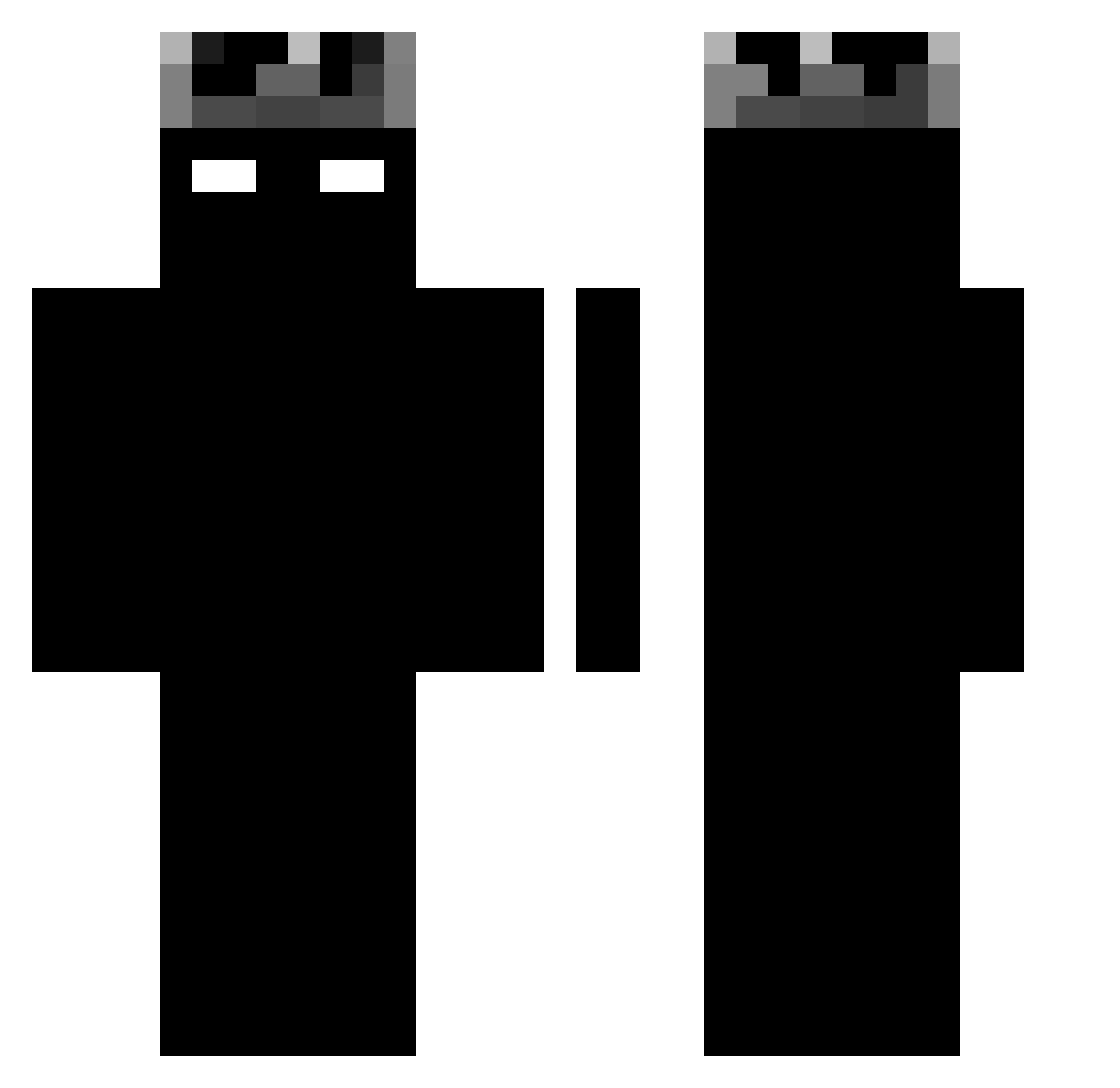
Current Minecraft skin of the player poo_El8wK_10_01, loaded from the official Mojang API. Rotate the 3D model with your mouse or finger, then download the skin as a PNG file and use it in Minecraft: Bedrock Edition or Java Edition for free. When poo_El8wK_10_01 changes their skin, this page updates automatically and the old skin stays in the history below.
Other players with this skin (981)
poo_El8wK_10_01 was the 715th player we have seen with this skin, first spotted on 28.09.2026. The same skin was seen on these players. Open a nickname to see their current skin and skin history.
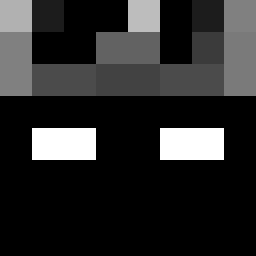 NerfBlaze KingPhantom_26 wrzzd Enz_00 Kaidagoatfr lakshya07 zytherite KuraiKuu KayNAV88 Mcamerubtex armaan2109 Dark_Various smokeoneshot Ikuuuu_ xnapsee FirebursTV2 HUSTLER2000 leo12mega eloruny Its_Sw1ftz Pszczulka777 Mustafa_XD1 MARCOS_904 EggyMonkey21221 TxrpY321_ ibby998 Legoolz78 Jxmau THIMAX17 goat_skipper thenotoriousjohn Tomcat_3874 el_geniet Stranger4515 II_BLiTz_II ZifirPlay MrM4RK__ MADMAX2331 bo_taher TheHyperLegend RaiyanShake Darxeex Tis2010 nugget_cn navysa98 killer_dragon123 sssssssss_ Mr_Swiffer Robertosigma FrostyzOff Biscotoast AstaGod therealwolking RaiimeeTV Fox_Lab highofdazaza Ryanthe01 ValiidKsa Ayrel_777 M1lkTea_____
More Shadow Minecraft skins
How to install the poo_El8wK_10_01 skin
- Press the Download button above to save the skin as a PNG file.
- Minecraft: Bedrock Edition (PE): open the Dressing Room from the main menu (or tap your character → Edit Character), go to Classic Skins → Owned, press the + (new skin) button, choose the downloaded PNG and pick the Classic (Steve) model. Works on PC and mobile; consoles cannot import custom skins.
- Minecraft: Java Edition: open the Minecraft Launcher, go to the Skins tab, click New Skin, load the PNG, pick the Classic (Steve) model and press Save & Use. You can also upload it at minecraft.net → Profile → Change Skin.
The skin does not show up after import - what should I do?
Restart Minecraft and open the Dressing Room again - imported skins sometimes appear only after a restart. Also make sure you selected the imported skin and picked the Classic (Steve) model.
Which model should I choose, Classic or Slim?
This skin is designed for the Classic (Steve) model. If you pick the wrong model, the arms of the skin will look stretched or squeezed.
Is the skin of poo_El8wK_10_01 free to download?
Yes. Press Download, save the PNG file and use it in Minecraft: Bedrock Edition or Java Edition - no payment or registration needed. The skin also works on multiplayer servers and Realms.
More skins
Looking for more? Go back to all Minecraft skins and check the top skins of the week, month and all time, or find any player's skin by nickname.