
partyPrincessNZ - Minecraft Skins & Skin History
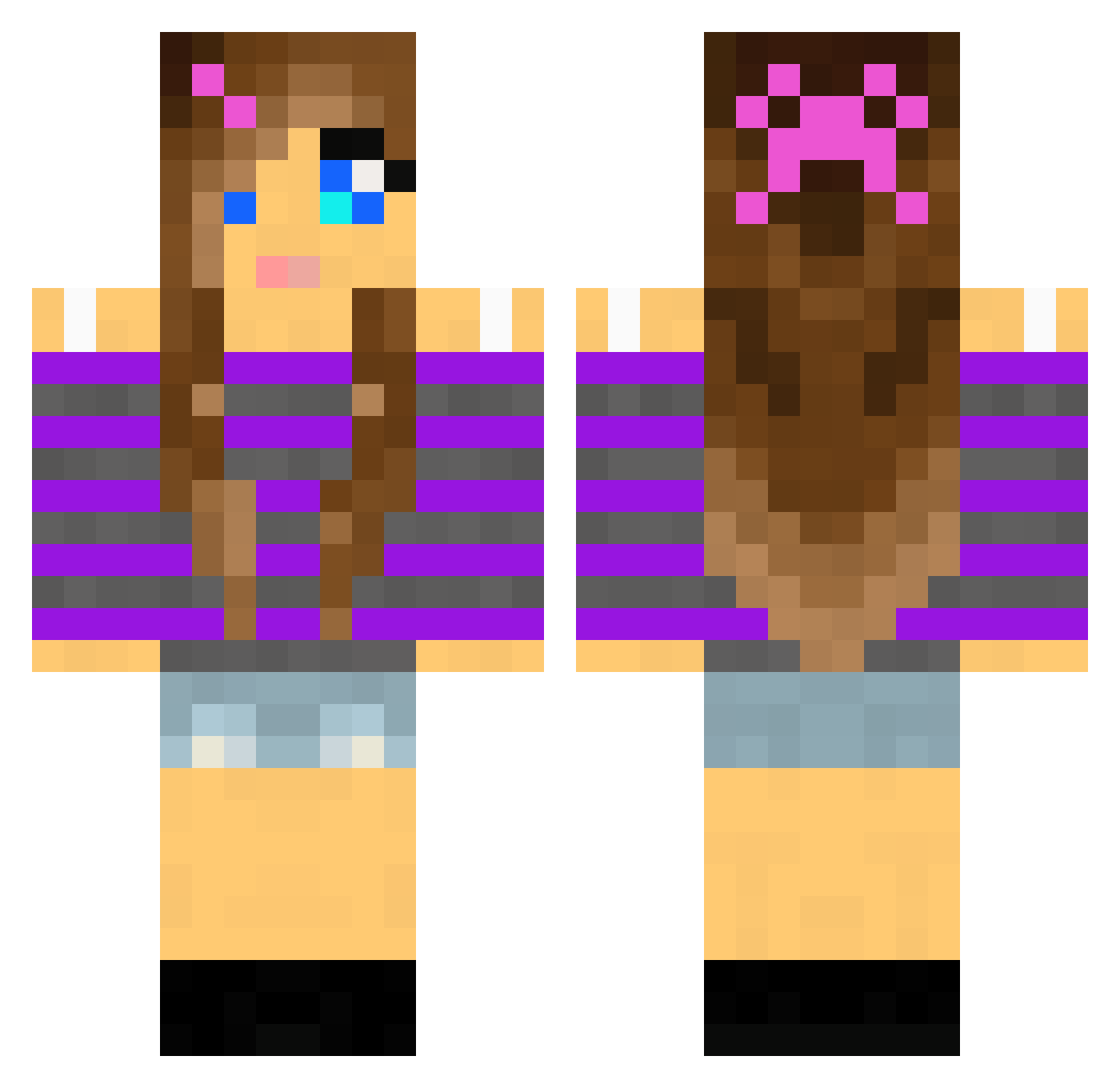
Current Minecraft skin of the player partyPrincessNZ, loaded from the official Mojang API. Rotate the 3D model with your mouse or finger, then download the skin as a PNG file and use it in Minecraft: Bedrock Edition or Java Edition for free. When partyPrincessNZ changes their skin, this page updates automatically and the old skin stays in the history below.
Other players with this skin (2001)
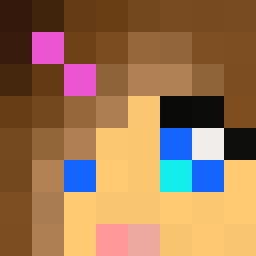
partyPrincessNZ was the 1845th player we have seen with this skin, first spotted on 27.10.2026. The same skin was seen on these players. Open a nickname to see their current skin and skin history.
 Bananaz_panthers DiamondDragon24 herobrinenija2 saphy84 Cupcake2549 Gurkan0505 awesomecreeper4 mathilde2012 magicsparkle12 Addi_Miller anikka70 Blargha micahshadow Zpandaxx mary285 Candy_Kitten101 miserlysilver Agus2005 123buff Garbear299 Guroooo Theo920 goldfarb641 livie17 horsequeenie iome Mrs_Fred nomi_4_20 pekingknut Milkshake110x Tessvr mariepigen1245 Livyponys26 Equinocentric 1151917 Linneamaa Emblo1 knightg112 JackalPenguin69 kittenslime BlackDogsFriend1 Jain_Zar Isabelski11 KFinsterbusch Buttercup0611 magn8002 Rossome_Toniii Missda_Meanor xyzbine HaNnZ07 charly1990 mia1234101 sarahblue8 Epik_Feet Star_Light06 BlokHappy DeathSound55 kaywolf svmnn Jade682
More Girl Minecraft skins
How to install the partyPrincessNZ skin
- Press the Download button above to save the skin as a PNG file.
- Minecraft: Bedrock Edition (PE): open the Dressing Room from the main menu (or tap your character → Edit Character), go to Classic Skins → Owned, press the + (new skin) button, choose the downloaded PNG and pick the Classic (Steve) model. Works on PC and mobile; consoles cannot import custom skins.
- Minecraft: Java Edition: open the Minecraft Launcher, go to the Skins tab, click New Skin, load the PNG, pick the Classic (Steve) model and press Save & Use. You can also upload it at minecraft.net → Profile → Change Skin.
The skin does not show up after import - what should I do?
Restart Minecraft and open the Dressing Room again - imported skins sometimes appear only after a restart. Also make sure you selected the imported skin and picked the Classic (Steve) model.
Which model should I choose, Classic or Slim?
This skin is designed for the Classic (Steve) model. If you pick the wrong model, the arms of the skin will look stretched or squeezed.
Is the skin of partyPrincessNZ free to download?
Yes. Press Download, save the PNG file and use it in Minecraft: Bedrock Edition or Java Edition - no payment or registration needed. The skin also works on multiplayer servers and Realms.
More skins
Looking for more? Go back to all Minecraft skins and check the top skins of the week, month and all time, or find any player's skin by nickname.