
p0nt3x - Minecraft Skins & Skin History
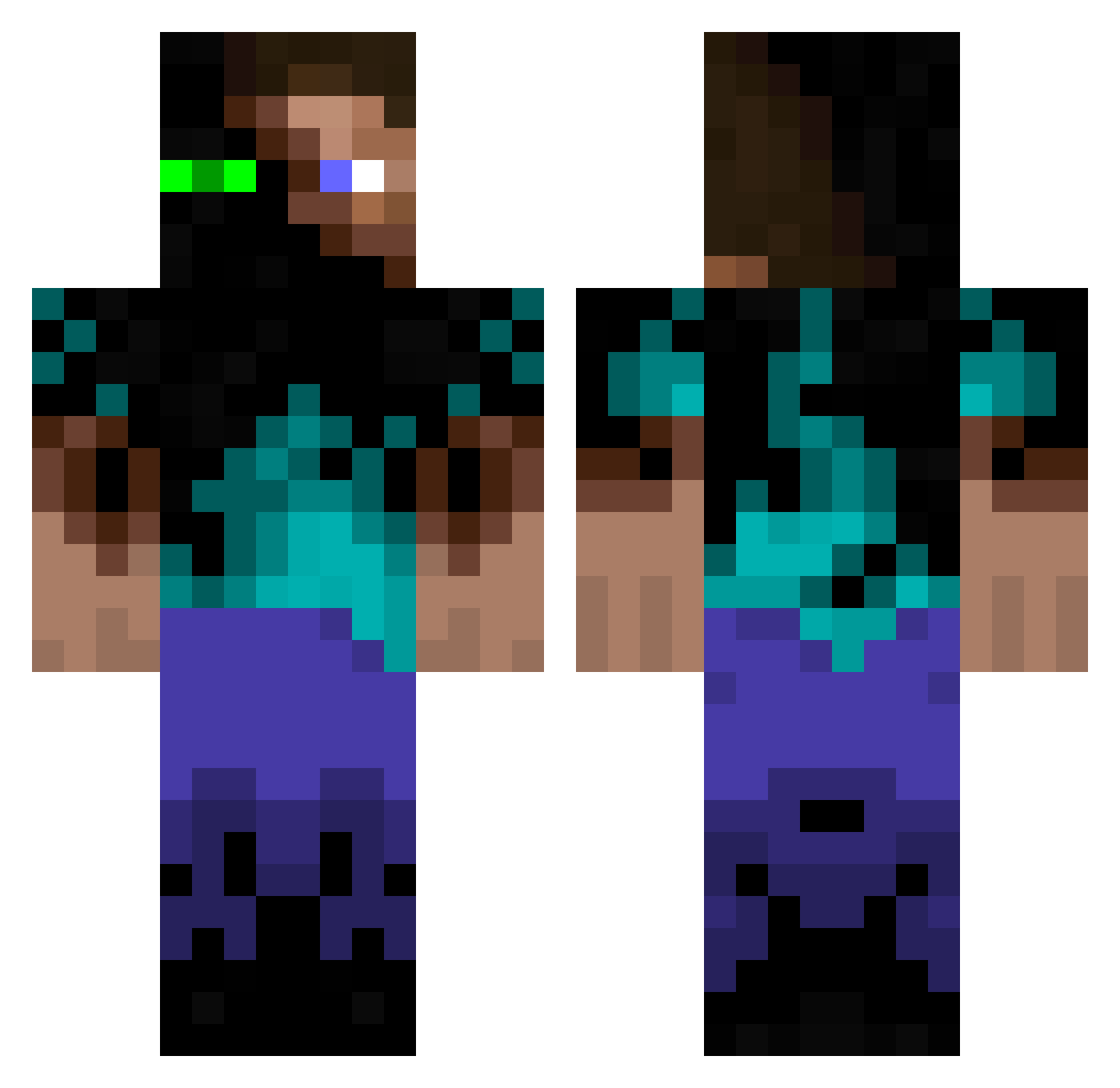
Current Minecraft skin of the player p0nt3x, loaded from the official Mojang API. Rotate the 3D model with your mouse or finger, then download the skin as a PNG file and use it in Minecraft: Bedrock Edition or Java Edition for free. When p0nt3x changes their skin, this page updates automatically and the old skin stays in the history below.
Other players with this skin (296)
p0nt3x was the 100th player we have seen with this skin, first spotted on 28.08.2026. The same skin was seen on these players. Open a nickname to see their current skin and skin history.
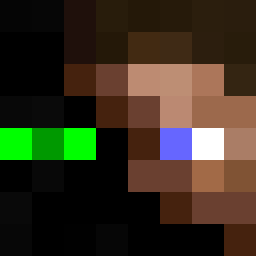 No_iH LoBartolo Bazuann Animo956 PotatoChipHands ItsFreeze Villadsbeaf fredfull Andershell simmmoon omarspedrun FlinkeFeder HerpDerp_Man banditattack34 Lord_Hannibal Sauronnnn Darckghostt ENKRYPTON Kvn482 Dr_Mat Rekrsiv joepew JorgeMine6 Nirilnov Lousyyy hsuee KayciBB Deknop choguun zezeyelfifou44 Seolsushi BMLAmon thelikelegende pampa95 master0fevil OxyKrash xFrankieTx soyinsama Toaster2345 NiallPaul11 Hanako_Maka Blackdoner FatOrUglyV4 Fire_duck69 SurvivorBAS53 SuicideInAlaska ZincVI Skraen32 Fabi_19085 666theft XIII_Demon astroicers Xcqrc
 Ambition6013 ZwFlame snoozesoilder127
 Renitras UncannyDaniel OmarTRG rowan360
More Glowing Eyes Minecraft skins
See all 2405 Glowing Eyes skins
How to install the p0nt3x skin
- Press the Download button above to save the skin as a PNG file.
- Minecraft: Bedrock Edition (PE): open the Dressing Room from the main menu (or tap your character → Edit Character), go to Classic Skins → Owned, press the + (new skin) button, choose the downloaded PNG and pick the Classic (Steve) model. Works on PC and mobile; consoles cannot import custom skins.
- Minecraft: Java Edition: open the Minecraft Launcher, go to the Skins tab, click New Skin, load the PNG, pick the Classic (Steve) model and press Save & Use. You can also upload it at minecraft.net → Profile → Change Skin.
The skin does not show up after import - what should I do?
Restart Minecraft and open the Dressing Room again - imported skins sometimes appear only after a restart. Also make sure you selected the imported skin and picked the Classic (Steve) model.
Which model should I choose, Classic or Slim?
This skin is designed for the Classic (Steve) model. If you pick the wrong model, the arms of the skin will look stretched or squeezed.
Is the skin of p0nt3x free to download?
Yes. Press Download, save the PNG file and use it in Minecraft: Bedrock Edition or Java Edition - no payment or registration needed. The skin also works on multiplayer servers and Realms.
More skins
Looking for more? Go back to all Minecraft skins and check the top skins of the week, month and all time, or find any player's skin by nickname.