
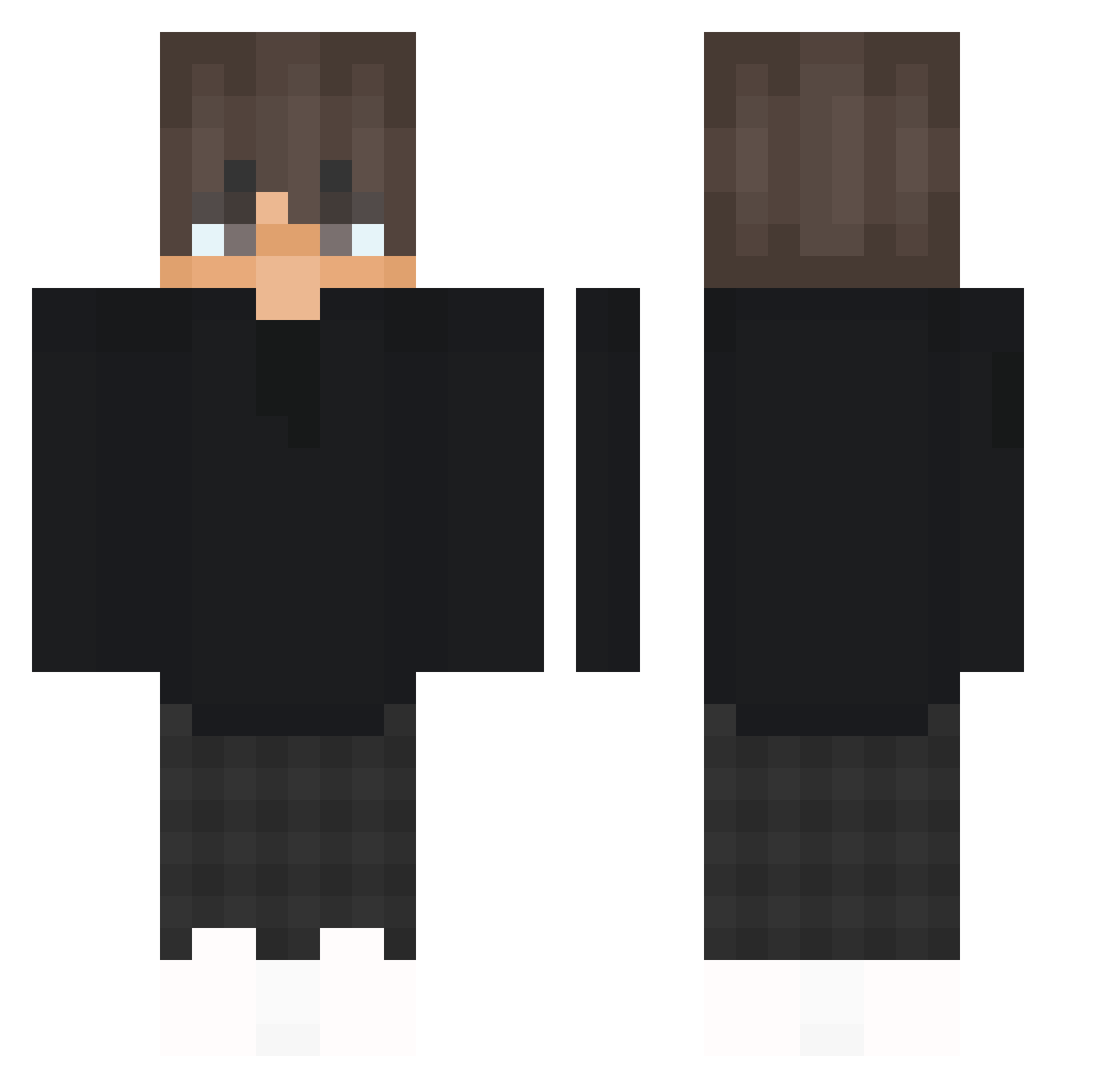
Current Minecraft skin of the player oysl2, loaded from the official Mojang API. Rotate the 3D model with your mouse or finger, then download the skin as a PNG file and use it in Minecraft: Bedrock Edition or Java Edition for free. When oysl2 changes their skin, this page updates automatically and the old skin stays in the history below.
Other players with this skin (337)
oysl2 was the 47th player we have seen with this skin, first spotted on 08.08.2026. The same skin was seen on these players. Open a nickname to see their current skin and skin history.
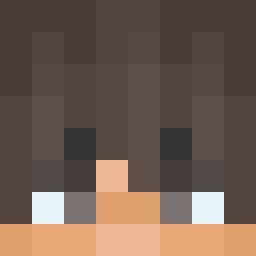 GabboTuSdruma Haweis050704 DinoPR drbabynut_ GodlyAlenKS vvviksa_ Spyloww xKentyYT SlicedAero user14235 _kkito WeKeeWk osakana38 Lukey_Pookey itzz_przerwa BedrockHatchet78
 noctoul Fia5962 Yu_ji0610 GwoonStan nupahadi SAMSAGODDDDDDDD Tolfize mingyoo080902 JEI1211 uverta Agentben1236 spark40 Enlock168 kekas101 Minioneq_2137 TheBestAtStuff3 Minecraftside Mats1200 AvarX_
 Wiktor129 CalledSomzy maverick8092 FlosterX
 Voskel kaiqu3 Quentin7575 Dreams_onyt MineTimo2020 LoNTbo jmslasso Rafaxzx BaZed Franullo_YT Nicoatt Tondoxd mp1003 SecrectColours Millebo13 EDDYYYY grabiaz Quentox35 VzZkxi Qijss Imek10
How to install the oysl2 skin
- Press the Download button above to save the skin as a PNG file.
- Minecraft: Bedrock Edition (PE): open the Dressing Room from the main menu (or tap your character → Edit Character), go to Classic Skins → Owned, press the + (new skin) button, choose the downloaded PNG and pick the Classic (Steve) model. Works on PC and mobile; consoles cannot import custom skins.
- Minecraft: Java Edition: open the Minecraft Launcher, go to the Skins tab, click New Skin, load the PNG, pick the Classic (Steve) model and press Save & Use. You can also upload it at minecraft.net → Profile → Change Skin.
The skin does not show up after import - what should I do?
Restart Minecraft and open the Dressing Room again - imported skins sometimes appear only after a restart. Also make sure you selected the imported skin and picked the Classic (Steve) model.
Which model should I choose, Classic or Slim?
This skin is designed for the Classic (Steve) model. If you pick the wrong model, the arms of the skin will look stretched or squeezed.
Is the skin of oysl2 free to download?
Yes. Press Download, save the PNG file and use it in Minecraft: Bedrock Edition or Java Edition - no payment or registration needed. The skin also works on multiplayer servers and Realms.
More skins
Looking for more? Go back to all Minecraft skins and check the top skins of the week, month and all time, or find any player's skin by nickname.