
onyxthewolf - Minecraft Skins & Skin History
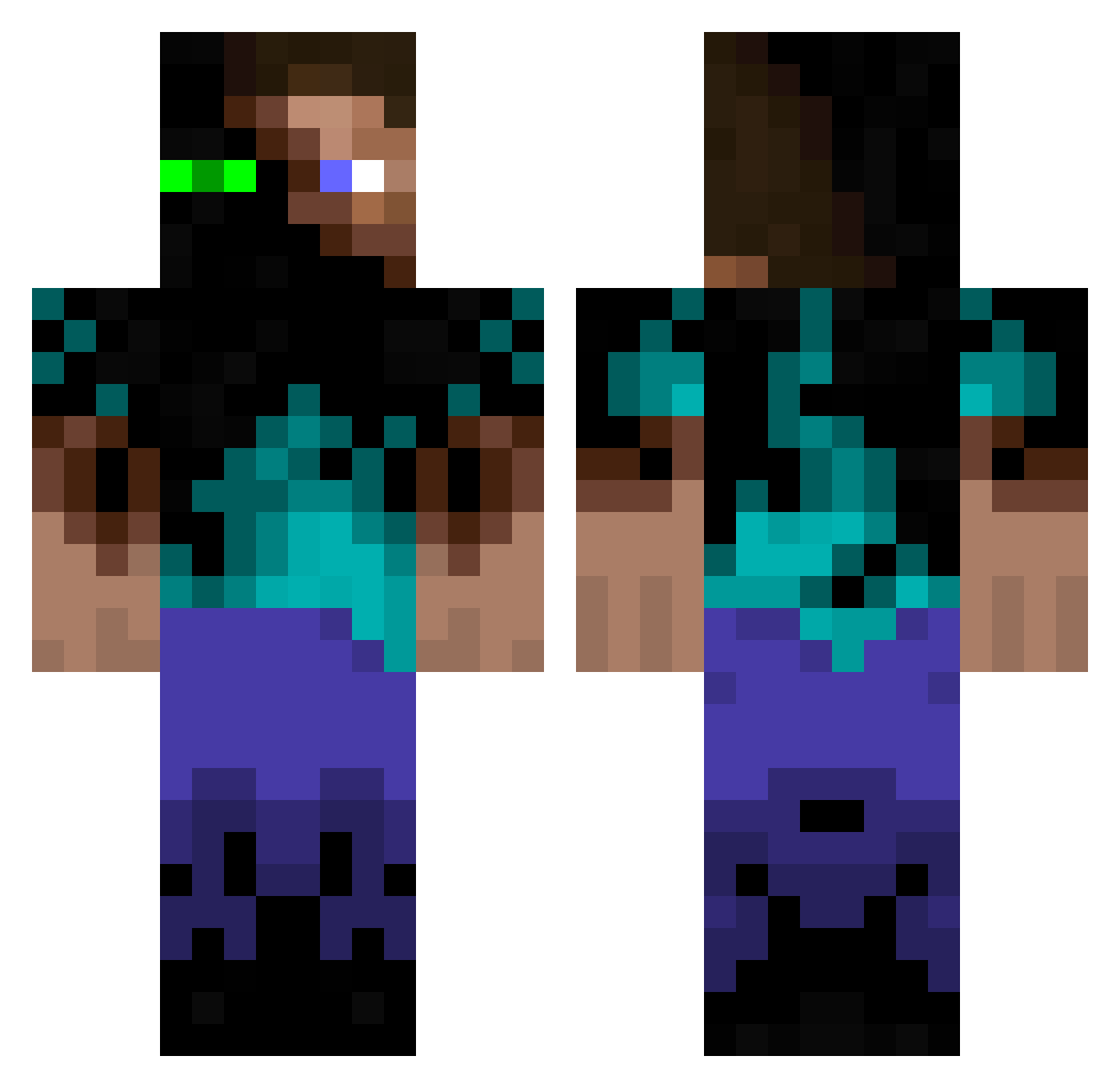
Current Minecraft skin of the player onyxthewolf, loaded from the official Mojang API. Rotate the 3D model with your mouse or finger, then download the skin as a PNG file and use it in Minecraft: Bedrock Edition or Java Edition for free. When onyxthewolf changes their skin, this page updates automatically and the old skin stays in the history below.
Other players with this skin (934)
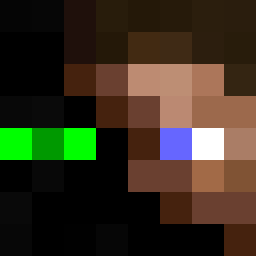
onyxthewolf was the 489th player we have seen with this skin, first spotted on 11.09.2026. The same skin was seen on these players. Open a nickname to see their current skin and skin history.
 mlf0919 SEANdieRATTE LarryN Vinmaxdu06 Barbaric_SWE madman67894 Djyova Phaselluss zp12ah CMac2294 jammer9618 Bo_Scooby Javiusky ReallyMoosey Qenta ghoststar479 dimorik KaralLp ovekam lololol Blood200 Nethercreeper435 gabe321may symphonyflames CruelAmen DSwain Brunogodhe MidgetSquirrel golfingoblin RobbRock agomez74 OGcodex Loocoss3DS popoblito nakazoo froggyman166 Mumbles111 iisunknown Pronche dylandad2010 lnrdzll Noenan33 McKickassx3 Jamisen2001 007creeperhunter Narobis LukiPoki101 partyboy3 Kmaczoro ShotDownInFlames Nobodyknowsgamer Herumtreiber Scratman99 banshay3 mswagger717 Fwivo Koning_Julien bence88 xXChaz_69_420Xx Killenkalle
More Glowing Eyes Minecraft skins
See all 2312 Glowing Eyes skins
How to install the onyxthewolf skin
- Press the Download button above to save the skin as a PNG file.
- Minecraft: Bedrock Edition (PE): open the Dressing Room from the main menu (or tap your character → Edit Character), go to Classic Skins → Owned, press the + (new skin) button, choose the downloaded PNG and pick the Classic (Steve) model. Works on PC and mobile; consoles cannot import custom skins.
- Minecraft: Java Edition: open the Minecraft Launcher, go to the Skins tab, click New Skin, load the PNG, pick the Classic (Steve) model and press Save & Use. You can also upload it at minecraft.net → Profile → Change Skin.
The skin does not show up after import - what should I do?
Restart Minecraft and open the Dressing Room again - imported skins sometimes appear only after a restart. Also make sure you selected the imported skin and picked the Classic (Steve) model.
Which model should I choose, Classic or Slim?
This skin is designed for the Classic (Steve) model. If you pick the wrong model, the arms of the skin will look stretched or squeezed.
Is the skin of onyxthewolf free to download?
Yes. Press Download, save the PNG file and use it in Minecraft: Bedrock Edition or Java Edition - no payment or registration needed. The skin also works on multiplayer servers and Realms.
More skins
Looking for more? Go back to all Minecraft skins and check the top skins of the week, month and all time, or find any player's skin by nickname.