
ncj_ - Minecraft Skins & Skin History
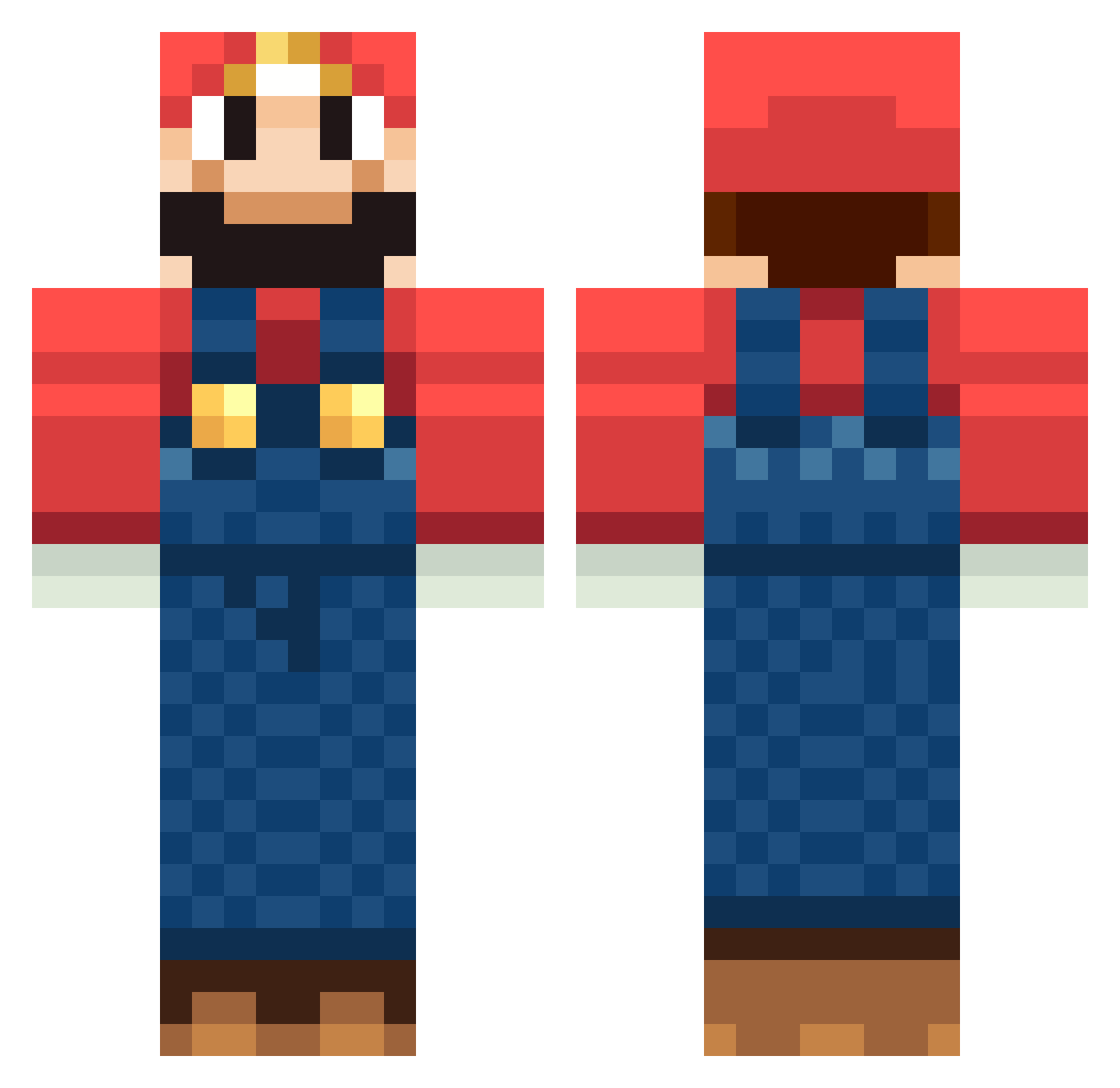
Current Minecraft skin of the player ncj_, loaded from the official Mojang API. Rotate the 3D model with your mouse or finger, then download the skin as a PNG file and use it in Minecraft: Bedrock Edition or Java Edition for free. When ncj_ changes their skin, this page updates automatically and the old skin stays in the history below.
Other players with this skin (1260)
ncj_ was the 101st player we have seen with this skin, first spotted on 01.08.2026. The same skin was seen on these players. Open a nickname to see their current skin and skin history.
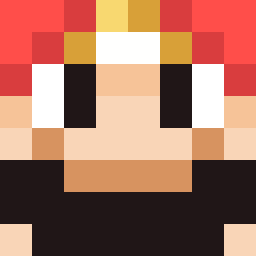 Azazel1984 Beerculez TommyRidge deadmanddz Poprostu_Mario nesseldii DarkRami mor1ken irakli0007 sv85 sk8rboss xMayaku Vincenzo1800 frostybelly BearableCarpet Grapin_24_7 takeshi86 moritz3223 Pusemuckel Black_astra cakeburger Babbe386 SKINNER99 jwsl 7_vn PeuKong dasrenntier eraku heise ThomasRaith vibo fdam96 firmplatypus poppuyo Kolbert Ericaroo1 tyler_2 marioperson100 blopperud Rockie728 mathieu88260 carlphilip1 BigMario98 DuctTapist TheModernDog Buerschle hannes1799 Tom2700 Balaiboy Xeres76 TomoCort mcfan9 Trollmaster9999 Mori_Shintaro FatTurd astew7 shaytan1 Peter_33 BEKE nikko002
More Mario Minecraft skins
How to install the ncj_ skin
- Press the Download button above to save the skin as a PNG file.
- Minecraft: Bedrock Edition (PE): open the Dressing Room from the main menu (or tap your character → Edit Character), go to Classic Skins → Owned, press the + (new skin) button, choose the downloaded PNG and pick the Classic (Steve) model. Works on PC and mobile; consoles cannot import custom skins.
- Minecraft: Java Edition: open the Minecraft Launcher, go to the Skins tab, click New Skin, load the PNG, pick the Classic (Steve) model and press Save & Use. You can also upload it at minecraft.net → Profile → Change Skin.
The skin does not show up after import - what should I do?
Restart Minecraft and open the Dressing Room again - imported skins sometimes appear only after a restart. Also make sure you selected the imported skin and picked the Classic (Steve) model.
Which model should I choose, Classic or Slim?
This skin is designed for the Classic (Steve) model. If you pick the wrong model, the arms of the skin will look stretched or squeezed.
Is the skin of ncj_ free to download?
Yes. Press Download, save the PNG file and use it in Minecraft: Bedrock Edition or Java Edition - no payment or registration needed. The skin also works on multiplayer servers and Realms.
More skins
Looking for more? Go back to all Minecraft skins and check the top skins of the week, month and all time, or find any player's skin by nickname.