
 Tsukemen_Man marioduoduo JoeyRichy123 _SuperMario24_ davidsimms3 Cornflakes333 Chowl0l _RakuNN_ Hugomag03 JapidMin DiuxFloyd DoNald63 Stiegie 7798293992 NGU_BIG_obeyRO milmil730 ST33LPL4Y Weizenreas TheVector89 MytheFoz KebabTellEm Seth1inmillion Muth15 Rancio mariofisherman AlexanderDavid10 SEBASTIAN_Oehler TheArterGlad dessenfent mario50 bacondawg 0c0 mattieb1998 GrizzlyCUFF lazkopat_6116 BlackMario1926 HarryH1107 iTakeKills Jaake Rutherfordium275 DavidKoopmans Kipsate willow2235 volcomxx c_enturion Ciasto 19CLG77 KoenBaeten Bebo3000 MrGailschwanz Appletineeoh Valiron Wigamooshoo NotchLovesPEN15 KelvinDunlea1 abdullah4k kitajima__ Kroquette51 StickFlick moosbeere
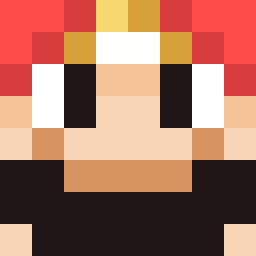
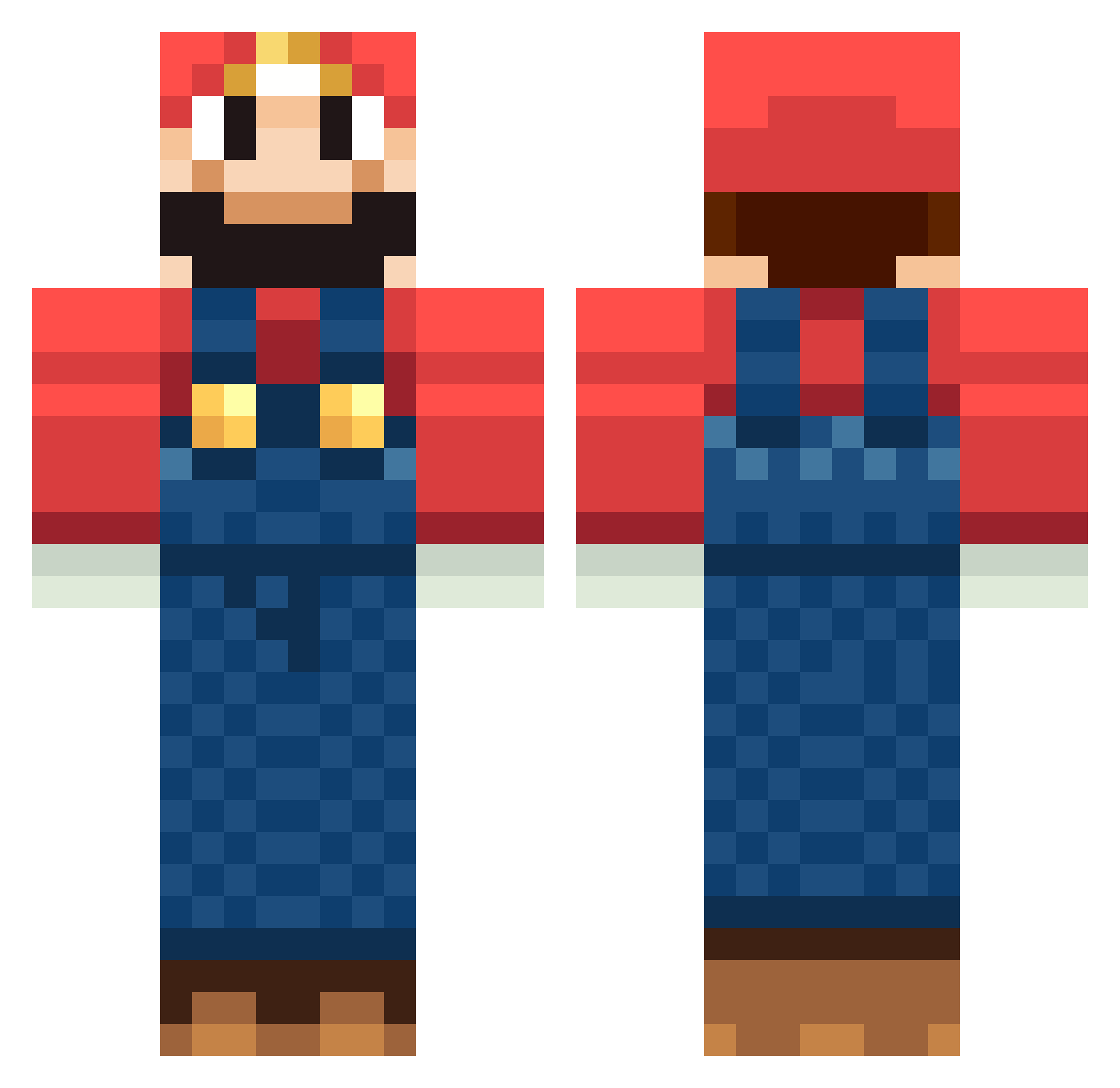
Minecraft skin of PablooBe. Rotate the 3D model with your mouse or finger to view the skin from every angle, then download it as a PNG file and use it in Minecraft: Bedrock Edition or Java Edition for free. Rate the skin with stars to help other players find the best skins in our collection.
How to install the PablooBe skin
- Press the Download button above to save the skin as a PNG file.
- Minecraft: Bedrock Edition (PE): open the Dressing Room from the main menu (or tap your character → Edit Character), go to Classic Skins → Owned, press the + (new skin) button, choose the downloaded PNG and pick the Classic (Steve) model. Works on PC and mobile; consoles cannot import custom skins.
- Minecraft: Java Edition: open the Minecraft Launcher, go to the Skins tab, click New Skin, load the PNG, pick the Classic (Steve) model and press Save & Use. You can also upload it at minecraft.net → Profile → Change Skin.
The skin does not show up after import - what should I do?
Restart Minecraft and open the Dressing Room again - imported skins sometimes appear only after a restart. Also make sure you selected the imported skin and picked the Classic (Steve) model.
Which model should I choose, Classic or Slim?
This skin is designed for the Classic (Steve) model. If you pick the wrong model, the arms of the skin will look stretched or squeezed.
Is this skin free to use?
Yes. Press Download, save the PNG file and use it in Minecraft: Bedrock Edition or Java Edition - no payment or registration needed. The skin also works on multiplayer servers and Realms.
More Mario Minecraft skins
More skins
Looking for more? Go back to all Minecraft skins and check the top skins of the week, month and all time, or find any player's skin by nickname.