
 Lasse1321 Lord_DrunkyRat zachatttack96 lysi123 PanNosy Zenderrr BoBdoni Skipperao skfkh7 Guzz02 Daniel080791 angelito1105 arniw xdragonslayerx1 Claudemir6 hurricanekyle Onecard_Beast Vanzie jet35 joshsnowden9 Afrohawk52 flori_95 MisterMarcos la_sarkz GoogleMeTwice Domme3311 xColdWater billymahler mattewpepe MalochZA apollozz alexfromgalax MAGNEH kawaken0712 ketaru SaturZippy EPIC_WILLY troydalessio TheOverlord78 JewBasket TheLauring RemcoAH SpartacusTOP okasikingu AltaNL saso82 kayle123456 rafe666 bubbie1223 CartiTekk psyck_ Aresus Spike1337 NICKYC07 BallBag No_Vice vasse98 Mariohaks FuTcHa BabyBoy135
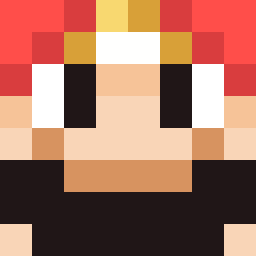
Minecraft skin of Agneta. Rotate the 3D model with your mouse or finger to view the skin from every angle, then download it as a PNG file and use it in Minecraft: Bedrock Edition or Java Edition for free. Rate the skin with stars to help other players find the best skins in our collection.
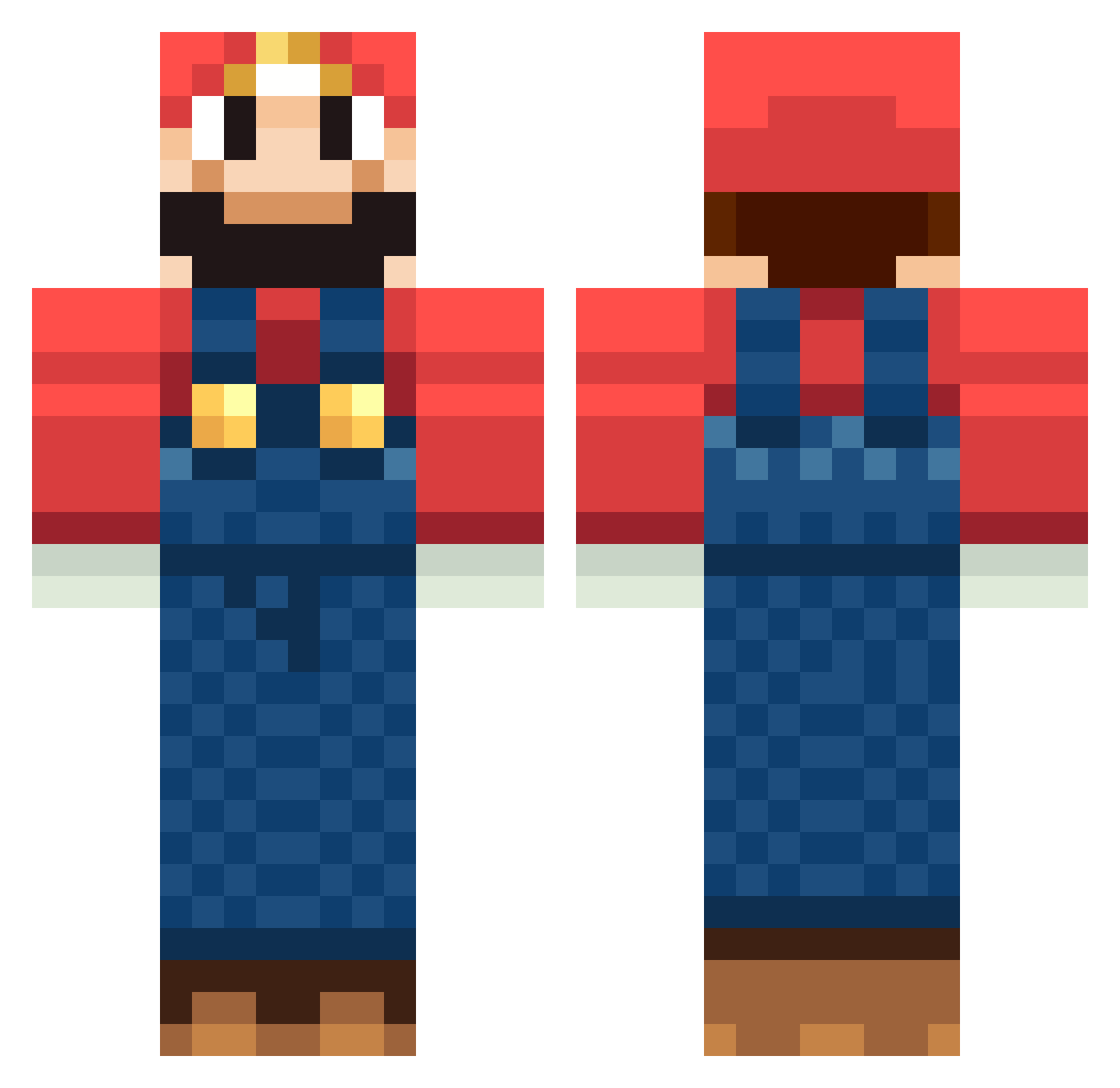
How to install the Agneta skin
- Press the Download button above to save the skin as a PNG file.
- Minecraft: Bedrock Edition (PE): open the Dressing Room from the main menu (or tap your character → Edit Character), go to Classic Skins → Owned, press the + (new skin) button, choose the downloaded PNG and pick the Classic (Steve) model. Works on PC and mobile; consoles cannot import custom skins.
- Minecraft: Java Edition: open the Minecraft Launcher, go to the Skins tab, click New Skin, load the PNG, pick the Classic (Steve) model and press Save & Use. You can also upload it at minecraft.net → Profile → Change Skin.
The skin does not show up after import - what should I do?
Restart Minecraft and open the Dressing Room again - imported skins sometimes appear only after a restart. Also make sure you selected the imported skin and picked the Classic (Steve) model.
Which model should I choose, Classic or Slim?
This skin is designed for the Classic (Steve) model. If you pick the wrong model, the arms of the skin will look stretched or squeezed.
Is this skin free to use?
Yes. Press Download, save the PNG file and use it in Minecraft: Bedrock Edition or Java Edition - no payment or registration needed. The skin also works on multiplayer servers and Realms.
More Mario Minecraft skins
More skins
Looking for more? Go back to all Minecraft skins and check the top skins of the week, month and all time, or find any player's skin by nickname.