
 Alejandro1234CC lz12345 Zombie1291 21MOMO21 TaiK0ngR chacohime Captpingaloca Instinct_PR RoboRob13 glitzynuts Zukatotokuari01 LUKAGrindewald talarason L_Sync mrsunwukong DaleeGroves mayo250 backtacle lndulges DSiStylus DobryYacek123 Mircoshaft Buschflitzer69 HappyDaisy1221 Omeomega Jnr9 LazyHana Lewackman raiddmc angclr PiPi_2333 el_provo GravityWisp IllegalMario S_Mario822 Cr33p3r_Killer TZY1018 PartyPoop3r11 Axel123488 MasterLindo JabbaJonny alljcxygs DONMichal muzi2117 _big_brain Mamma_gris wujiuu Wollmaus5588 TomIsMario Kiaaaaao A_Xiao04 KNum_5 AphexFX Marioandsonic22 PaoMoo Maegge9 THEODORIS NotSheetii KarstenBuilder mankraan
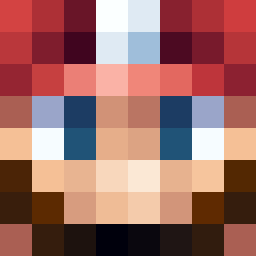
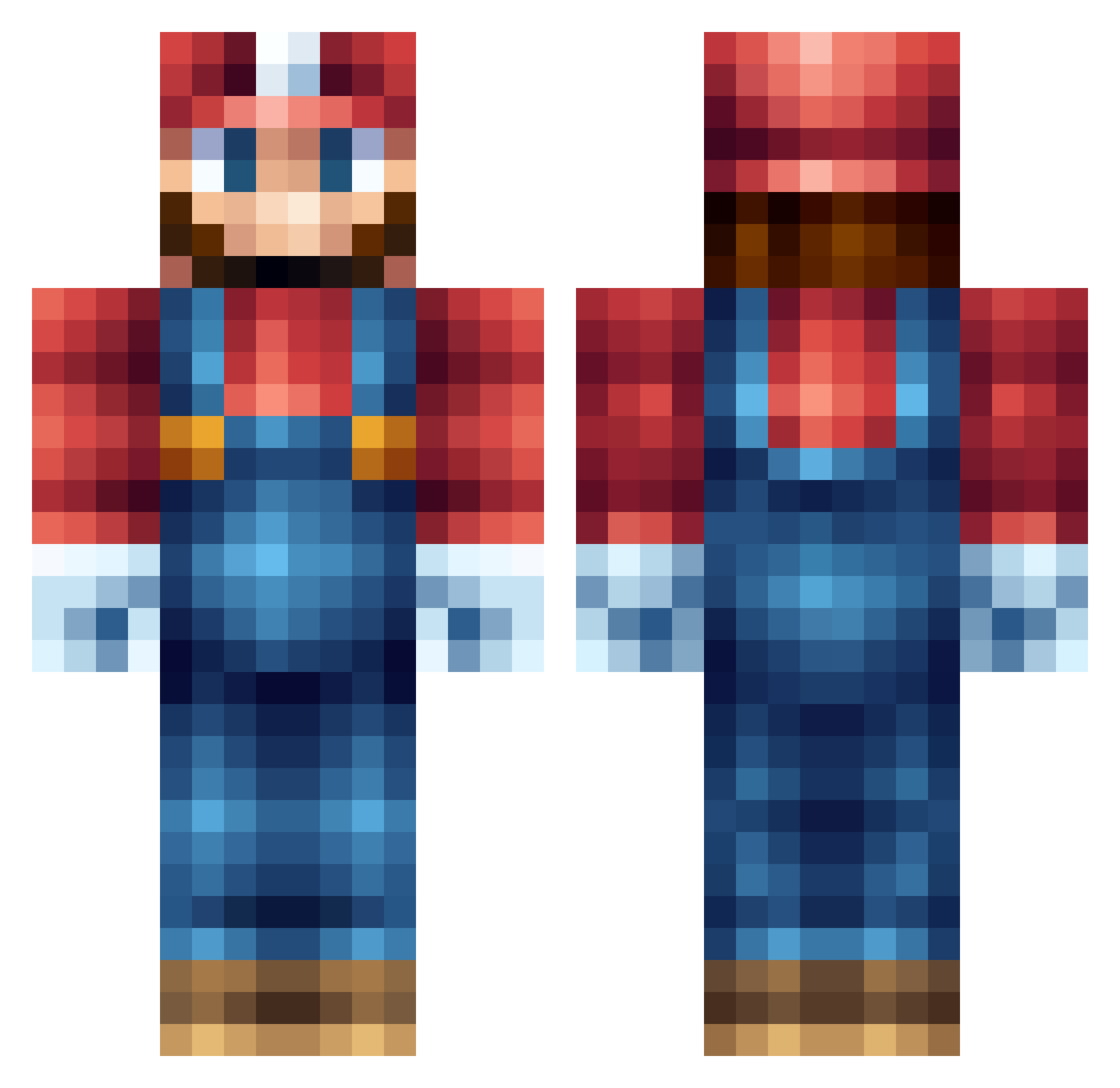
Minecraft skin of Oldmanbeaver. Rotate the 3D model with your mouse or finger to view the skin from every angle, then download it as a PNG file and use it in Minecraft: Bedrock Edition or Java Edition for free. Rate the skin with stars to help other players find the best skins in our collection.
How to install the Oldmanbeaver skin
- Press the Download button above to save the skin as a PNG file.
- Minecraft: Bedrock Edition (PE): open the Dressing Room from the main menu (or tap your character → Edit Character), go to Classic Skins → Owned, press the + (new skin) button, choose the downloaded PNG and pick the Classic (Steve) model. Works on PC and mobile; consoles cannot import custom skins.
- Minecraft: Java Edition: open the Minecraft Launcher, go to the Skins tab, click New Skin, load the PNG, pick the Classic (Steve) model and press Save & Use. You can also upload it at minecraft.net → Profile → Change Skin.
The skin does not show up after import - what should I do?
Restart Minecraft and open the Dressing Room again - imported skins sometimes appear only after a restart. Also make sure you selected the imported skin and picked the Classic (Steve) model.
Which model should I choose, Classic or Slim?
This skin is designed for the Classic (Steve) model. If you pick the wrong model, the arms of the skin will look stretched or squeezed.
Is this skin free to use?
Yes. Press Download, save the PNG file and use it in Minecraft: Bedrock Edition or Java Edition - no payment or registration needed. The skin also works on multiplayer servers and Realms.
More Nintendo Minecraft skins
More skins
Looking for more? Go back to all Minecraft skins and check the top skins of the week, month and all time, or find any player's skin by nickname.