
 PoobyPoob diekhead Arsenal_ever XD_Adamz Morrakh Tanno01 Smeeshss KappaChimpy duppa_ Flappieh 8u4dinna koelboj12 Veim Chimpdude2012 slimy_cunt legitcrafter17 apeman42 GACHIGASM_ rapsodiapt JustFrickedUrMom wizart_minecraft Chimp50 NecklasBOY nebaker EpicTimo mitcheboi101 Iguanastank BlackStone76 der_Maschine PartyDog HEEBAE iHoernchen olikuk XupaXota C_Man288 ludvigjuhl DieMine_ beefymike007 booface28 JDuggan777 Haikeeba son16 myfairyprincess EpicMonkey2003 Diabl0xT2 monkeyG400 BboySARU Evil_monkee matiscarrier13 Romain93 hampuslundell mrcraft200 MaxoMelle Julianderks MoistYamz Tony_Bxl ohFugit SirPlonkalot bl1tzcrank Astro_Kitten
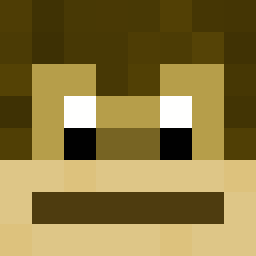
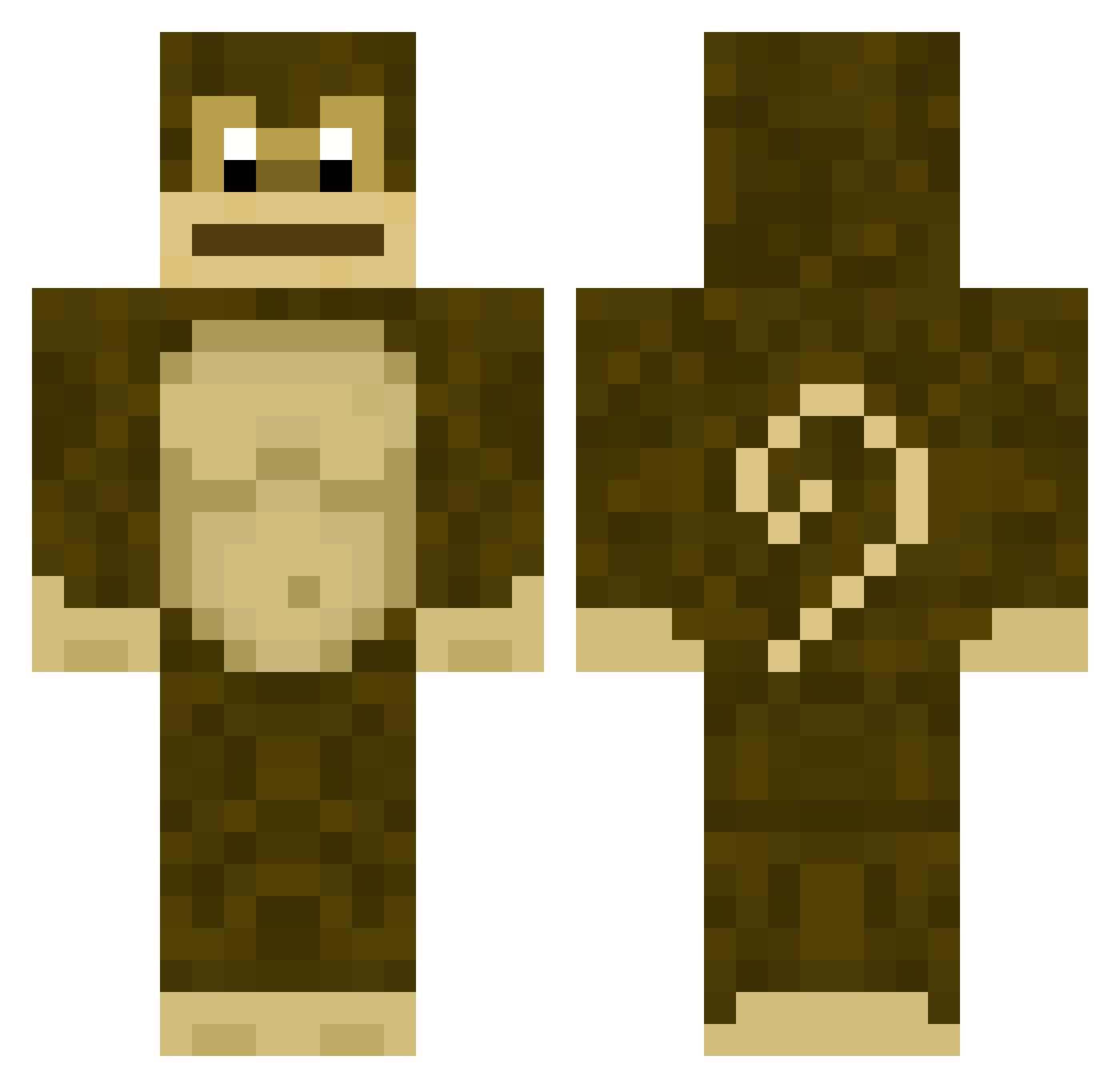
Minecraft skin of NecklasBOY. Rotate the 3D model with your mouse or finger to view the skin from every angle, then download it as a PNG file and use it in Minecraft: Bedrock Edition or Java Edition for free. Rate the skin with stars to help other players find the best skins in our collection.
How to install the NecklasBOY skin
- Press the Download button above to save the skin as a PNG file.
- Minecraft: Bedrock Edition (PE): open the Dressing Room from the main menu (or tap your character → Edit Character), go to Classic Skins → Owned, press the + (new skin) button, choose the downloaded PNG and pick the Classic (Steve) model. Works on PC and mobile; consoles cannot import custom skins.
- Minecraft: Java Edition: open the Minecraft Launcher, go to the Skins tab, click New Skin, load the PNG, pick the Classic (Steve) model and press Save & Use. You can also upload it at minecraft.net → Profile → Change Skin.
The skin does not show up after import - what should I do?
Restart Minecraft and open the Dressing Room again - imported skins sometimes appear only after a restart. Also make sure you selected the imported skin and picked the Classic (Steve) model.
Which model should I choose, Classic or Slim?
This skin is designed for the Classic (Steve) model. If you pick the wrong model, the arms of the skin will look stretched or squeezed.
Is this skin free to use?
Yes. Press Download, save the PNG file and use it in Minecraft: Bedrock Edition or Java Edition - no payment or registration needed. The skin also works on multiplayer servers and Realms.
More Gorilla Minecraft skins
More skins
Looking for more? Go back to all Minecraft skins and check the top skins of the week, month and all time, or find any player's skin by nickname.