
 Shuttleking Jsend GoMama13 Zodwar HAMISHKEMP TooSquishie Char4047 thelizzle02 LickMyNip LoggedIn13 Snemil Jakenlikesbacon AmoebaSoup yakupcmert ItzFishy apinakapina song0005 CrunkeeMunkee Swerftt coralieee AdmiralSJC hahahaahhahaha Zyrakia ramchamp JunkCode _F_L_E_X_ Roosetr AsianAedan VladLikesDads BNVillager bluboi831 Vap0r_ Affenkoks Hoovelts __Fly ApeBraine vvDelii G00SES 011i3C011in5 Yamagami_ oyr mikeysfuneral JupiterJellyfish W00ra GGKthe3rd Site7 PikaJewAnyJew Xeno003 xFidgetWinner69x HugeKarzel tylerw_001 Calakari MonkeeGooder DoctorMonkey Jrich191 davimv_22 Sinn00h Dudu_Monkey TeePOP vikandy729
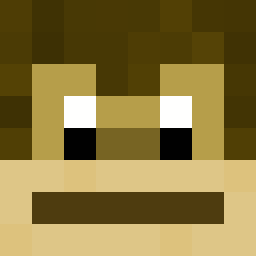
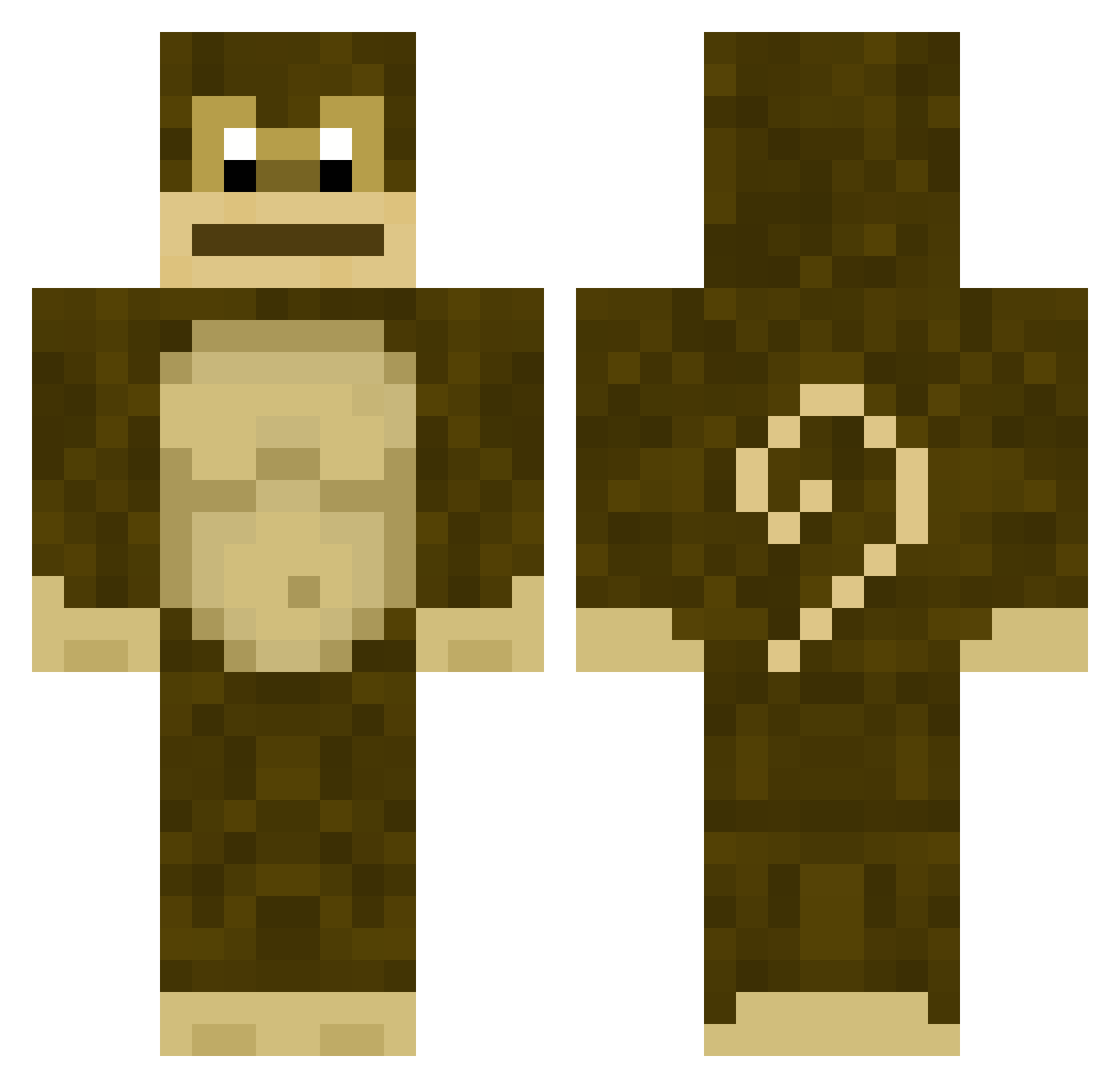
Minecraft skin of DoctorMonkey. Rotate the 3D model with your mouse or finger to view the skin from every angle, then download it as a PNG file and use it in Minecraft: Bedrock Edition or Java Edition for free. Rate the skin with stars to help other players find the best skins in our collection.
How to install the DoctorMonkey skin
- Press the Download button above to save the skin as a PNG file.
- Minecraft: Bedrock Edition (PE): open the Dressing Room from the main menu (or tap your character → Edit Character), go to Classic Skins → Owned, press the + (new skin) button, choose the downloaded PNG and pick the Classic (Steve) model. Works on PC and mobile; consoles cannot import custom skins.
- Minecraft: Java Edition: open the Minecraft Launcher, go to the Skins tab, click New Skin, load the PNG, pick the Classic (Steve) model and press Save & Use. You can also upload it at minecraft.net → Profile → Change Skin.
The skin does not show up after import - what should I do?
Restart Minecraft and open the Dressing Room again - imported skins sometimes appear only after a restart. Also make sure you selected the imported skin and picked the Classic (Steve) model.
Which model should I choose, Classic or Slim?
This skin is designed for the Classic (Steve) model. If you pick the wrong model, the arms of the skin will look stretched or squeezed.
Is this skin free to use?
Yes. Press Download, save the PNG file and use it in Minecraft: Bedrock Edition or Java Edition - no payment or registration needed. The skin also works on multiplayer servers and Realms.
More Gorilla Minecraft skins
More skins
Looking for more? Go back to all Minecraft skins and check the top skins of the week, month and all time, or find any player's skin by nickname.