
mp5hibiki - Minecraft Skins & Skin History
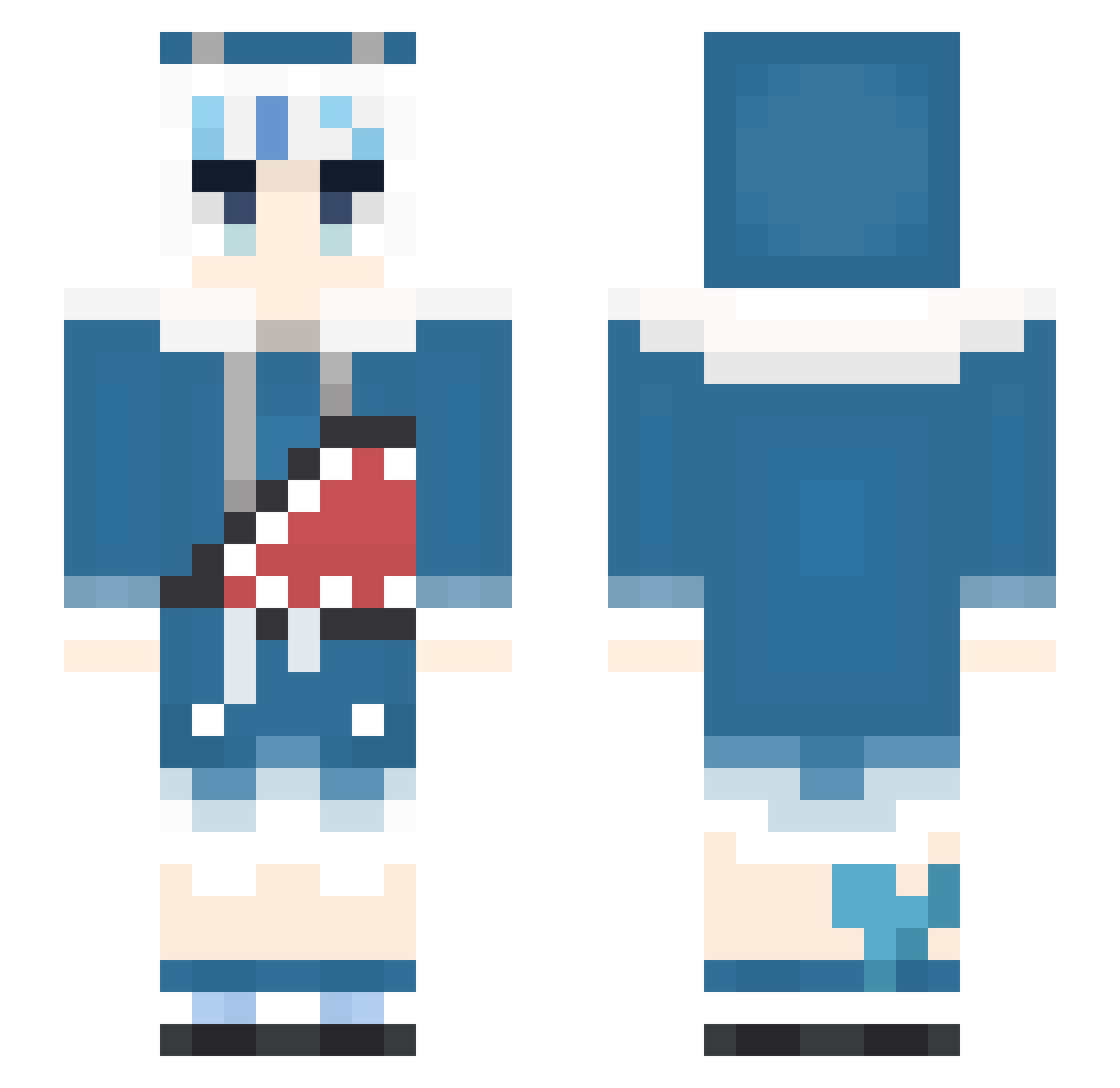
Current Minecraft skin of the player mp5hibiki, loaded from the official Mojang API. Rotate the 3D model with your mouse or finger, then download the skin as a PNG file and use it in Minecraft: Bedrock Edition or Java Edition for free. When mp5hibiki changes their skin, this page updates automatically and the old skin stays in the history below.
Other players with this skin (471)
mp5hibiki was the 237th player we have seen with this skin, first spotted on 25.09.2026. The same skin was seen on these players. Open a nickname to see their current skin and skin history.
 DtHmArE Aware_x mayday1458 ssawr bluejosh18 BlackChang_Raid6 mei_016 Nostaega Mapray_ GauGura sycn227 CrazySuicider rila06 TitaRussellx Muunen Kevinlikesomeone Ritsu0807 FishFin juanhering COMMOuO meleee23 xVic_ MOTU17 yui120711 vonhanyt123 D1ckLang jawagyoei0114 fujimaru_ joe02020 ChipmunkAlvin Nightaria evenplay6969 jasonhx1204 kijr101 Isla_Best_Waifu OrderedComa DanielsBlack ChapterJAY9527 TheGreatestJosh BanBanG88 Montag__R BBlinx Fatcat7230 babyrilee xSeitenshi alvin9890 FKGEA Tsubeidou Roripop Kimigimi Dock_15 Eternalsola Ericoc0 Siller1 Easyname523 PeachRuha shukasan 00Teemo00 BirdLee FDDog
More Gawr Gura Minecraft skins
How to install the mp5hibiki skin
- Press the Download button above to save the skin as a PNG file.
- Minecraft: Bedrock Edition (PE): open the Dressing Room from the main menu (or tap your character → Edit Character), go to Classic Skins → Owned, press the + (new skin) button, choose the downloaded PNG and pick the Slim (Alex) model. Works on PC and mobile; consoles cannot import custom skins.
- Minecraft: Java Edition: open the Minecraft Launcher, go to the Skins tab, click New Skin, load the PNG, pick the Slim (Alex) model and press Save & Use. You can also upload it at minecraft.net → Profile → Change Skin.
The skin does not show up after import - what should I do?
Restart Minecraft and open the Dressing Room again - imported skins sometimes appear only after a restart. Also make sure you selected the imported skin and picked the Slim (Alex) model.
Which model should I choose, Classic or Slim?
This skin is designed for the Slim (Alex) model. If you pick the wrong model, the arms of the skin will look stretched or squeezed.
Is the skin of mp5hibiki free to download?
Yes. Press Download, save the PNG file and use it in Minecraft: Bedrock Edition or Java Edition - no payment or registration needed. The skin also works on multiplayer servers and Realms.
More skins
Looking for more? Go back to all Minecraft skins and check the top skins of the week, month and all time, or find any player's skin by nickname.