
micahhhhhhhhh - Minecraft Skins & Skin History
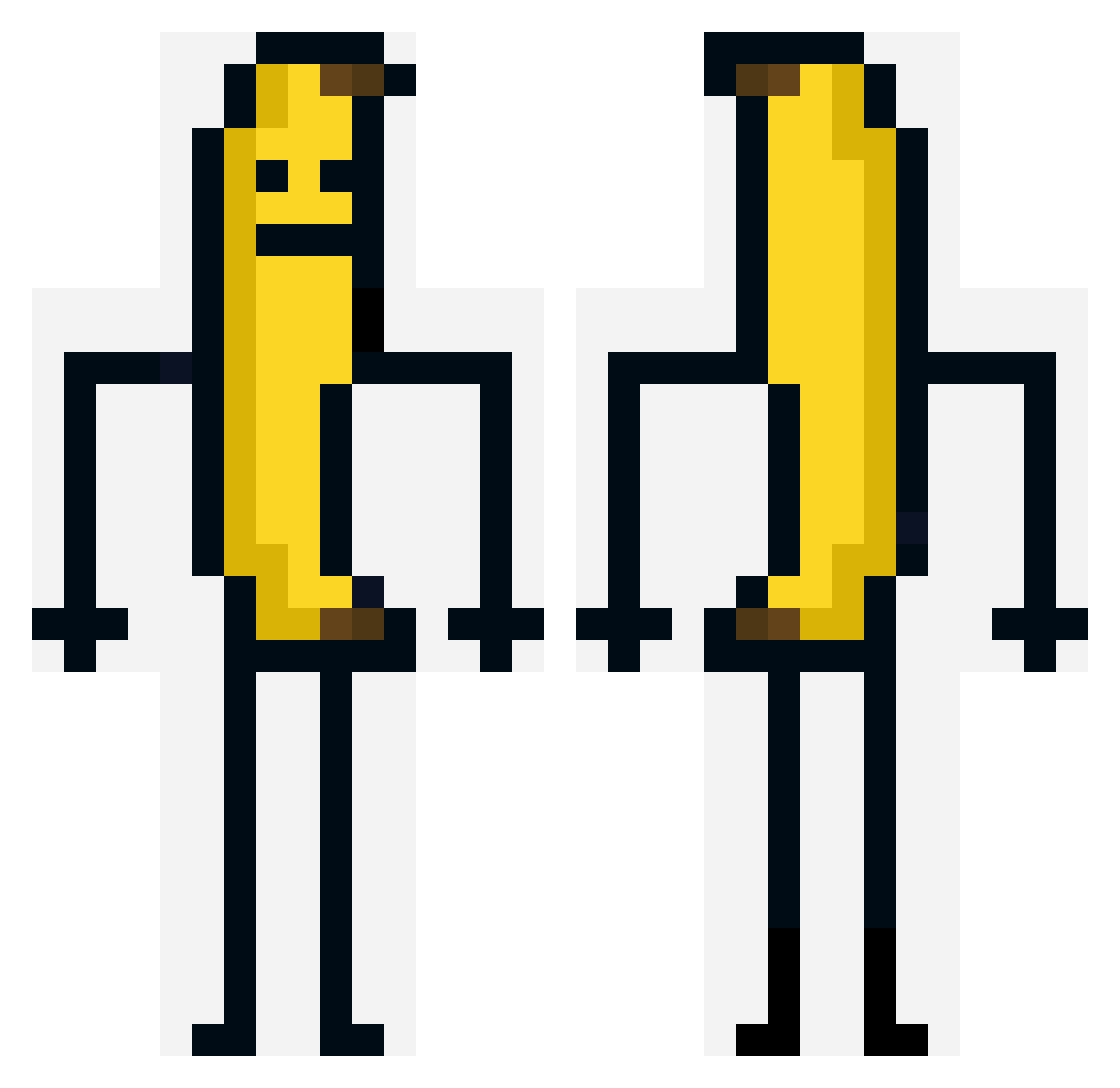
Current Minecraft skin of the player micahhhhhhhhh, loaded from the official Mojang API. Rotate the 3D model with your mouse or finger, then download the skin as a PNG file and use it in Minecraft: Bedrock Edition or Java Edition for free. When micahhhhhhhhh changes their skin, this page updates automatically and the old skin stays in the history below.
Other players with this skin (173)
micahhhhhhhhh was the 112th player we have seen with this skin, first spotted on 09.10.2026. The same skin was seen on these players. Open a nickname to see their current skin and skin history.
 Chouo_o Sewerat1 thacarmo MasterBros1506 Jasiu543 MAPLE1701 gaopea Spacekoko wa31 _D4vii Rainbra kkwhat Feast271 Mosta27 shishen233 martianmallow xRafiitaa RiggyTheHiggy Juniiork X_AlphaWolf_X M_u_y_a_h_o baraefarhane987 loaslol1 BigShlimeHerrah MR_BADGER_ HaydarFilikci Jappyly 78787866 zhibi666 Lsiya TixleQ hsiehyee Unnnu DarkLifee Albanus MrChocobo0 mintchocojmt1008 primeSky_15 ScrtTre4sure Kiulle TheOmnipotentOwl thegreatjooj Dofi_0 Zapalka23122123 XXAwxtXXAwx Cryy1ing DJHV okc13243 lamsea yeeeeeeeeeff NelsonDog01 kimcrow12 BOidoVS dishu0801 t3xture07 signorTINO GaoXing_MC TheBenBen_ ZEROFERRET ezbroo
More Banana Minecraft skins
How to install the micahhhhhhhhh skin
- Press the Download button above to save the skin as a PNG file.
- Minecraft: Bedrock Edition (PE): open the Dressing Room from the main menu (or tap your character → Edit Character), go to Classic Skins → Owned, press the + (new skin) button, choose the downloaded PNG and pick the Classic (Steve) model. Works on PC and mobile; consoles cannot import custom skins.
- Minecraft: Java Edition: open the Minecraft Launcher, go to the Skins tab, click New Skin, load the PNG, pick the Classic (Steve) model and press Save & Use. You can also upload it at minecraft.net → Profile → Change Skin.
The skin does not show up after import - what should I do?
Restart Minecraft and open the Dressing Room again - imported skins sometimes appear only after a restart. Also make sure you selected the imported skin and picked the Classic (Steve) model.
Which model should I choose, Classic or Slim?
This skin is designed for the Classic (Steve) model. If you pick the wrong model, the arms of the skin will look stretched or squeezed.
Is the skin of micahhhhhhhhh free to download?
Yes. Press Download, save the PNG file and use it in Minecraft: Bedrock Edition or Java Edition - no payment or registration needed. The skin also works on multiplayer servers and Realms.
More skins
Looking for more? Go back to all Minecraft skins and check the top skins of the week, month and all time, or find any player's skin by nickname.