
 lisuwei666 nincomp00pie Nagell1579 Oblique8995 JolyneCu utatuki robstarsSS Fire_Phoenix_XD LaughlinSMP16 Marchellono xKapek Redworc Beast_164 dltlqkfshadk SashaBlyat TokoroJoji Cooper_Banana Kotlecik11 n3mui Enzy_k LordMecil Lakaka09 Joseph1911_carft FreeSpecial DaDa_413 YolaHiperbola iUrbanization bannannerr AhmettAga31 fav9 woshisabi loxA4 rory66666 Sergiwoah DexonHell kid_napperz danisj89 Andy_Pizza Khanhnt P_JUEN BlakeTheGod DieselLuis6934 roaln priceG_ gustae GeekingtonBar imnotsuzoon Insung0632 Lucien2501 clutxch1214 bibaonbohia TyaMa10 Ivanini0 bumboturken MrCalvo970 W_Survivor YaaONE Lightfal_ Artysky788 Blessing_movelov
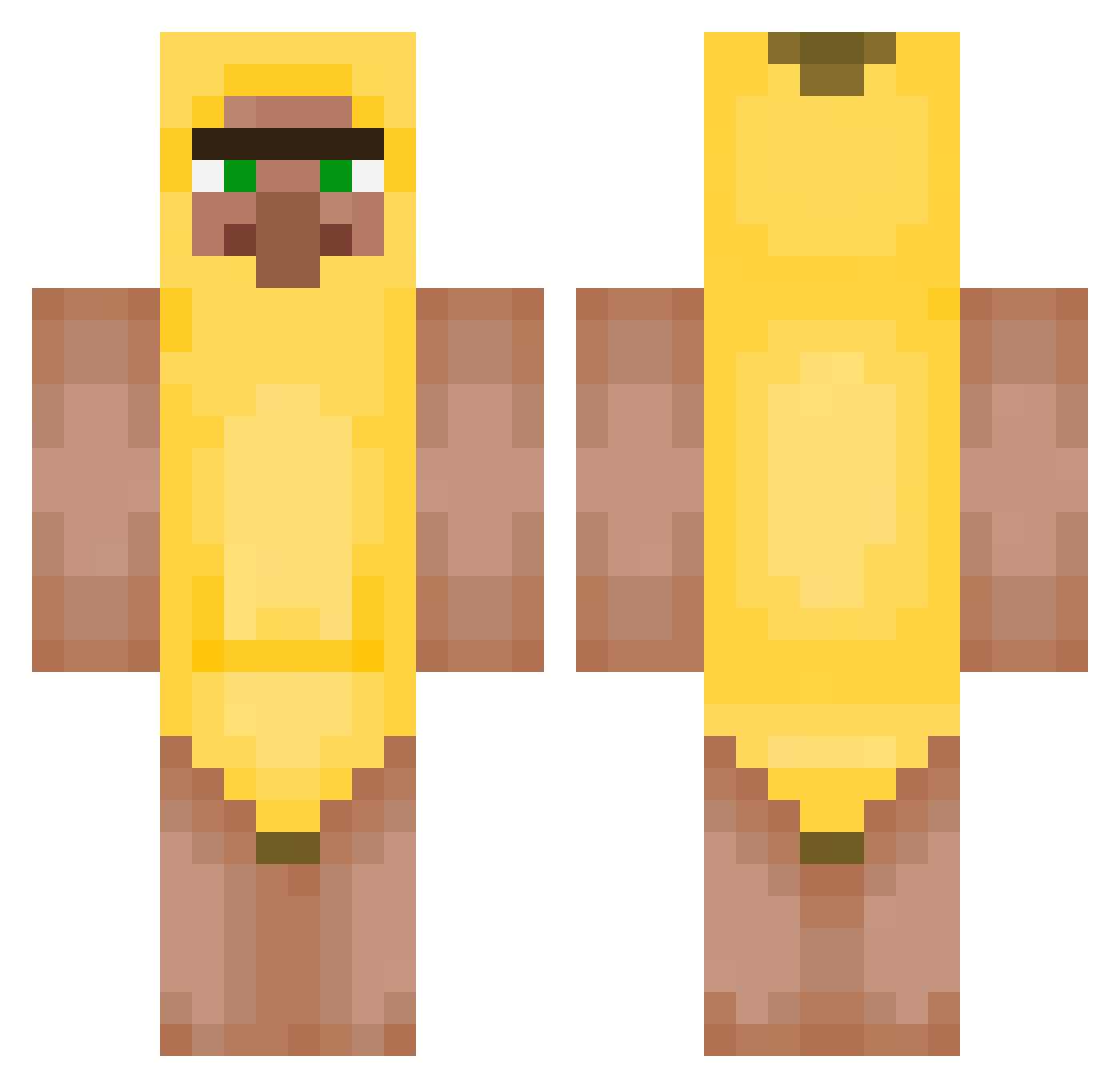
Minecraft skin of KiwwiRL. Rotate the 3D model with your mouse or finger to view the skin from every angle, then download it as a PNG file and use it in Minecraft: Bedrock Edition or Java Edition for free. Rate the skin with stars to help other players find the best skins in our collection.
How to install the KiwwiRL skin
- Press the Download button above to save the skin as a PNG file.
- Minecraft: Bedrock Edition (PE): open the Dressing Room from the main menu (or tap your character → Edit Character), go to Classic Skins → Owned, press the + (new skin) button, choose the downloaded PNG and pick the Classic (Steve) model. Works on PC and mobile; consoles cannot import custom skins.
- Minecraft: Java Edition: open the Minecraft Launcher, go to the Skins tab, click New Skin, load the PNG, pick the Classic (Steve) model and press Save & Use. You can also upload it at minecraft.net → Profile → Change Skin.
The skin does not show up after import - what should I do?
Restart Minecraft and open the Dressing Room again - imported skins sometimes appear only after a restart. Also make sure you selected the imported skin and picked the Classic (Steve) model.
Which model should I choose, Classic or Slim?
This skin is designed for the Classic (Steve) model. If you pick the wrong model, the arms of the skin will look stretched or squeezed.
Is this skin free to use?
Yes. Press Download, save the PNG file and use it in Minecraft: Bedrock Edition or Java Edition - no payment or registration needed. The skin also works on multiplayer servers and Realms.
More Banana Minecraft skins
More skins
Looking for more? Go back to all Minecraft skins and check the top skins of the week, month and all time, or find any player's skin by nickname.