
maslegoboy123 - Minecraft Skins & Skin History
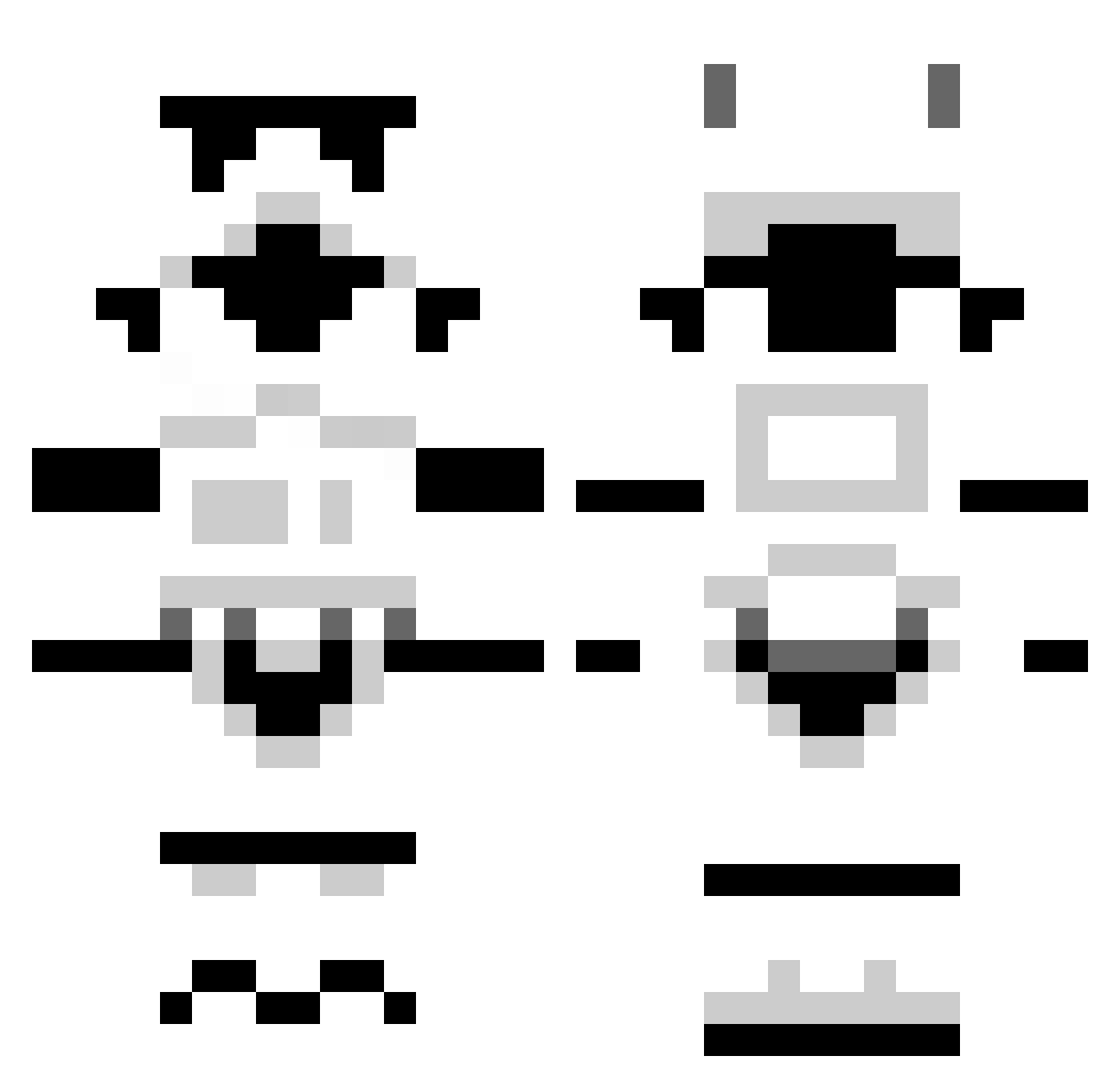
Current Minecraft skin of the player maslegoboy123, loaded from the official Mojang API. Rotate the 3D model with your mouse or finger, then download the skin as a PNG file and use it in Minecraft: Bedrock Edition or Java Edition for free. When maslegoboy123 changes their skin, this page updates automatically and the old skin stays in the history below.
Other players with this skin (1296)
maslegoboy123 was the 326th player we have seen with this skin, first spotted on 22.08.2026. The same skin was seen on these players. Open a nickname to see their current skin and skin history.
 SpazzFiend MrsMooCow Reeper182 cvecve123 Brutha01 mce sanityislost hello3655555 jcrusey98 Keshy96 ShmuelSweatShirt maxter42 vortex75000 TheJackelope Lenz9300 ToxicFlowers Pownerator Huruk hipaa Martinus2207 HuskyCircle jokernman Snows77 ali_bear fell_from_hell kriptk venomwj rbl97 RetroORodgers PalmaD HooverWho ward10 Singabc ADAMB1999 Kashpy Techno_Nick georgemac3 123benm13 Burning_Ic3 leftcopy mutalisk666 iceman187b miekd Inglu pitytheliving615 Toedoe94 Lethlos jokel7557 Narylian For_Britain SuperTiesto nmbassford Dickard StijnFlapper panda2100 Juliancito_02 DragonStallion22 Donald_4 zanebuilder Sgt_Waffle124
More Stormtrooper Minecraft skins
See all 529 Stormtrooper skins
How to install the maslegoboy123 skin
- Press the Download button above to save the skin as a PNG file.
- Minecraft: Bedrock Edition (PE): open the Dressing Room from the main menu (or tap your character → Edit Character), go to Classic Skins → Owned, press the + (new skin) button, choose the downloaded PNG and pick the Classic (Steve) model. Works on PC and mobile; consoles cannot import custom skins.
- Minecraft: Java Edition: open the Minecraft Launcher, go to the Skins tab, click New Skin, load the PNG, pick the Classic (Steve) model and press Save & Use. You can also upload it at minecraft.net → Profile → Change Skin.
The skin does not show up after import - what should I do?
Restart Minecraft and open the Dressing Room again - imported skins sometimes appear only after a restart. Also make sure you selected the imported skin and picked the Classic (Steve) model.
Which model should I choose, Classic or Slim?
This skin is designed for the Classic (Steve) model. If you pick the wrong model, the arms of the skin will look stretched or squeezed.
Is the skin of maslegoboy123 free to download?
Yes. Press Download, save the PNG file and use it in Minecraft: Bedrock Edition or Java Edition - no payment or registration needed. The skin also works on multiplayer servers and Realms.
More skins
Looking for more? Go back to all Minecraft skins and check the top skins of the week, month and all time, or find any player's skin by nickname.