
lysenkar - Minecraft Skins & Skin History
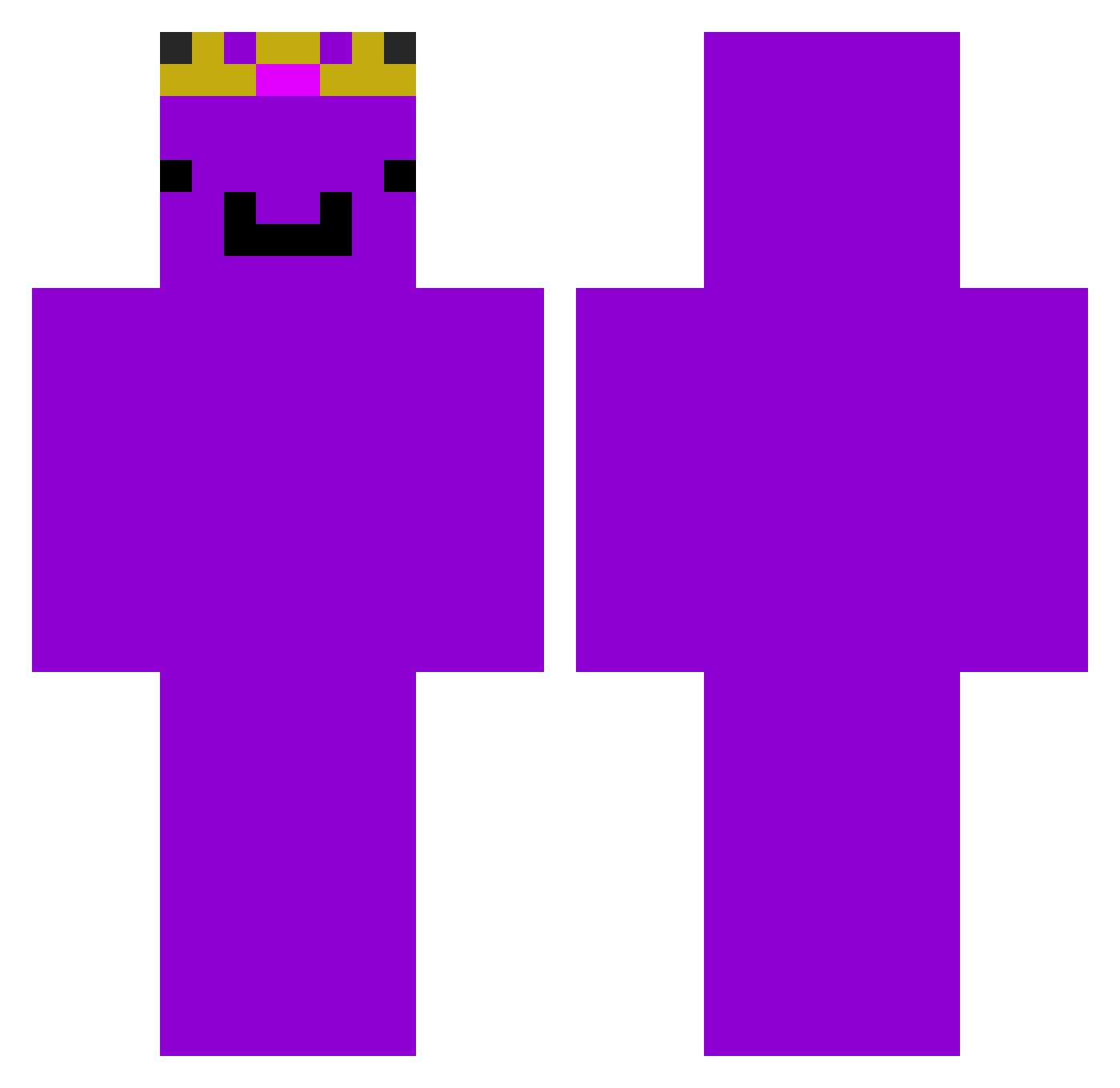
Current Minecraft skin of the player lysenkar, loaded from the official Mojang API. Rotate the 3D model with your mouse or finger, then download the skin as a PNG file and use it in Minecraft: Bedrock Edition or Java Edition for free. When lysenkar changes their skin, this page updates automatically and the old skin stays in the history below.
Other players with this skin (237)
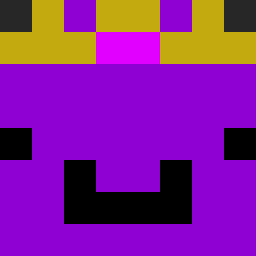
lysenkar was the 156th player we have seen with this skin, first spotted on 30.09.2026. The same skin was seen on these players. Open a nickname to see their current skin and skin history.
 JJuJJuRyan Taylor2021 BenjaminWolf2015 Victhunder2000 dumongtti RubinExE1 nicosaurio25 kqk3k Valikthebest yacob467 Rokogiant Dragon143143 gamja79a remyomi2 KENTRONNY12 FlamingMarker_56 _1six1_ nocriesbuddy yohan0615 FarSeven 4k4ever Speedy_GHG ZXCVBNM1010125 DrEnI1_ DaddytheBaddy24 Megalodon1214 Tenkaroo JSalgado299 Itzzquartz vsqncy drd710 TheRealMP lo3n stein22321123 NotGilded Walmart_Wemmbu apfelbaumss EchoRocket Kapek_2415 kingTTV CraftYounasE enchantered1 omnomnomnomnomno MING0421 PSJG _VoidKiller lolipop21371 LeviJets13 BoruleK Snaz23_ matthew91650 Ric77400 kianbro10 hussenmo3 DruzinaTratnik 1Jayke4 fumaro Dylan_Hobie lawroditzz jensp00p
Previous skins of lysenkar
Skins that lysenkar wore before, newest first. Click a skin to open its page and download it.
More Crown Minecraft skins
How to install the lysenkar skin
- Press the Download button above to save the skin as a PNG file.
- Minecraft: Bedrock Edition (PE): open the Dressing Room from the main menu (or tap your character → Edit Character), go to Classic Skins → Owned, press the + (new skin) button, choose the downloaded PNG and pick the Classic (Steve) model. Works on PC and mobile; consoles cannot import custom skins.
- Minecraft: Java Edition: open the Minecraft Launcher, go to the Skins tab, click New Skin, load the PNG, pick the Classic (Steve) model and press Save & Use. You can also upload it at minecraft.net → Profile → Change Skin.
The skin does not show up after import - what should I do?
Restart Minecraft and open the Dressing Room again - imported skins sometimes appear only after a restart. Also make sure you selected the imported skin and picked the Classic (Steve) model.
Which model should I choose, Classic or Slim?
This skin is designed for the Classic (Steve) model. If you pick the wrong model, the arms of the skin will look stretched or squeezed.
Is the skin of lysenkar free to download?
Yes. Press Download, save the PNG file and use it in Minecraft: Bedrock Edition or Java Edition - no payment or registration needed. The skin also works on multiplayer servers and Realms.
More skins
Looking for more? Go back to all Minecraft skins and check the top skins of the week, month and all time, or find any player's skin by nickname.