
luke_m02 - Minecraft Skins & Skin History
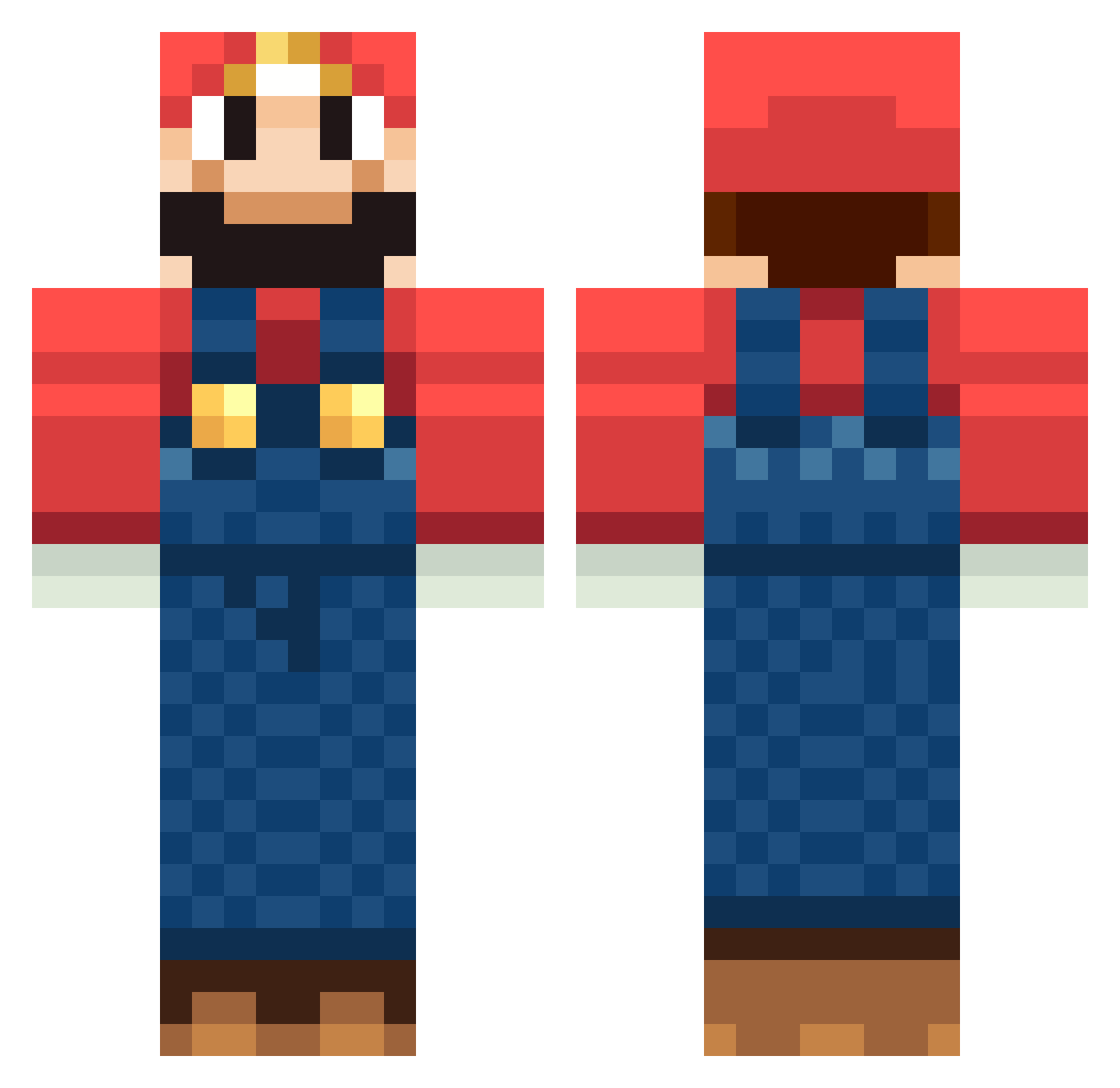
Current Minecraft skin of the player luke_m02, loaded from the official Mojang API. Rotate the 3D model with your mouse or finger, then download the skin as a PNG file and use it in Minecraft: Bedrock Edition or Java Edition for free. When luke_m02 changes their skin, this page updates automatically and the old skin stays in the history below.
Other players with this skin (1266)
luke_m02 was the 829th player we have seen with this skin, first spotted on 05.10.2026. The same skin was seen on these players. Open a nickname to see their current skin and skin history.
 Knight_ForthWind AlphaLimaFxtrot jacky8787 tom_haha taeror casil1999 Novaq8 BuffBoyd smartieslimoges Cr4nK544 arceus2 ImDesR TheAbu1 tay1011 soliton486 blob1a seanyboy15 maDwaZz Shinfo44 wcg4455 IAMthamann larestus bobmoff Aendie beano457 gubby124 kyleshippy Redwingsfan13 LaurynGiles helixfrag Spirit_CZ limena8 XProHowley hiromin777 binkz724 0HoUsEtImE0 johnboymaloy flipe_es crashpoint1 cebolapop rooieboer BigRobTx TheRugg Grotas nikolajd guffas112 jojolife Kiwiboy1337 bmxmicky MrBookie339 Buzzy12347 Tripenny rage123910 TheGreatJakob tomot59 Xx_BradderZ_xX max454545 kanagashnaga naxnarupeo Elzax
More Mario Minecraft skins
How to install the luke_m02 skin
- Press the Download button above to save the skin as a PNG file.
- Minecraft: Bedrock Edition (PE): open the Dressing Room from the main menu (or tap your character → Edit Character), go to Classic Skins → Owned, press the + (new skin) button, choose the downloaded PNG and pick the Classic (Steve) model. Works on PC and mobile; consoles cannot import custom skins.
- Minecraft: Java Edition: open the Minecraft Launcher, go to the Skins tab, click New Skin, load the PNG, pick the Classic (Steve) model and press Save & Use. You can also upload it at minecraft.net → Profile → Change Skin.
The skin does not show up after import - what should I do?
Restart Minecraft and open the Dressing Room again - imported skins sometimes appear only after a restart. Also make sure you selected the imported skin and picked the Classic (Steve) model.
Which model should I choose, Classic or Slim?
This skin is designed for the Classic (Steve) model. If you pick the wrong model, the arms of the skin will look stretched or squeezed.
Is the skin of luke_m02 free to download?
Yes. Press Download, save the PNG file and use it in Minecraft: Bedrock Edition or Java Edition - no payment or registration needed. The skin also works on multiplayer servers and Realms.
More skins
Looking for more? Go back to all Minecraft skins and check the top skins of the week, month and all time, or find any player's skin by nickname.