
lordcheesuss - Minecraft Skins & Skin History
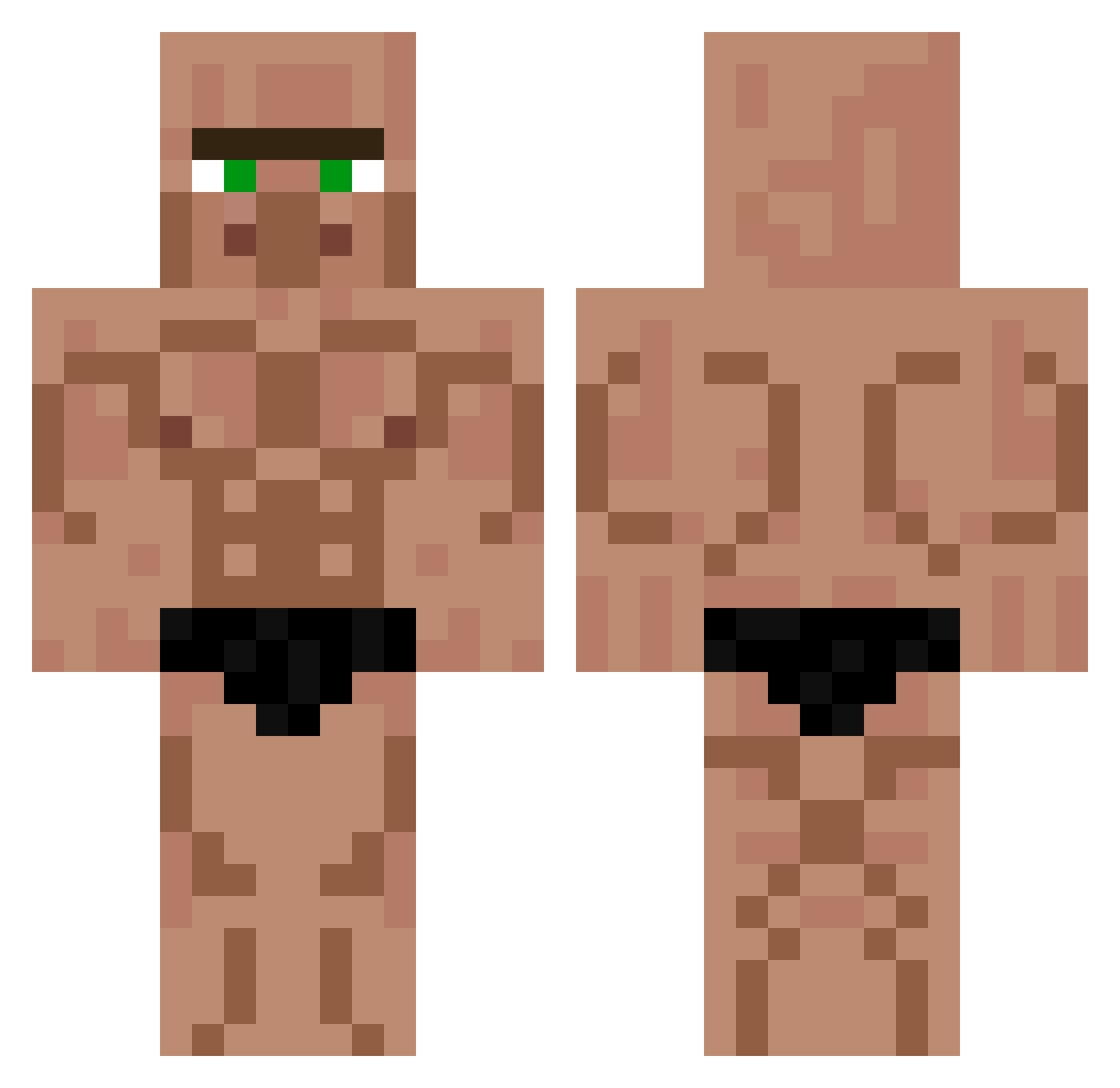
Current Minecraft skin of the player lordcheesuss, loaded from the official Mojang API. Rotate the 3D model with your mouse or finger, then download the skin as a PNG file and use it in Minecraft: Bedrock Edition or Java Edition for free. When lordcheesuss changes their skin, this page updates automatically and the old skin stays in the history below.
Other players with this skin (548)
lordcheesuss was the 525th player we have seen with this skin, first spotted on 15.10.2026. The same skin was seen on these players. Open a nickname to see their current skin and skin history.
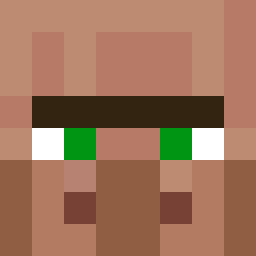 nyongmini Epichero128 zaibele Perigrintook Lion_GHG Ultimate_LPW LucksDrives Clonies101 big_pig_10 Asil_ee Chipopotame Plisakcz ssnyg Zenpis cragaryglue Drarco Doggo_with_gun Stelck Leo_CZ_6 McGurgenson Herr_Mallegger Spiralham H3R8I3 Dearzsy Cumpls lotito1 Yourang_ 0o0ly Triste_temps21 Magnanim_Blurb Kazzaryy xDaddi87 rubenrod2005 Valc0n__ 0uker UnTedcito NaroLikesBoyz Mecnool yodaFun Snoww4 pootcoot Are0n Nikonak Otto_Is_Simp pilchspilch Hiyato_ rop6053 iRoBiNHoOd0 Bartlvbrain7822 Robinootor BDawg83 RipBozo969 Atomek8 CFortney CatCool7 SwampTrash renriot CorkyPork Superperen Kalinovskiy
More Buff Minecraft skins
How to install the lordcheesuss skin
- Press the Download button above to save the skin as a PNG file.
- Minecraft: Bedrock Edition (PE): open the Dressing Room from the main menu (or tap your character → Edit Character), go to Classic Skins → Owned, press the + (new skin) button, choose the downloaded PNG and pick the Classic (Steve) model. Works on PC and mobile; consoles cannot import custom skins.
- Minecraft: Java Edition: open the Minecraft Launcher, go to the Skins tab, click New Skin, load the PNG, pick the Classic (Steve) model and press Save & Use. You can also upload it at minecraft.net → Profile → Change Skin.
The skin does not show up after import - what should I do?
Restart Minecraft and open the Dressing Room again - imported skins sometimes appear only after a restart. Also make sure you selected the imported skin and picked the Classic (Steve) model.
Which model should I choose, Classic or Slim?
This skin is designed for the Classic (Steve) model. If you pick the wrong model, the arms of the skin will look stretched or squeezed.
Is the skin of lordcheesuss free to download?
Yes. Press Download, save the PNG file and use it in Minecraft: Bedrock Edition or Java Edition - no payment or registration needed. The skin also works on multiplayer servers and Realms.
More skins
Looking for more? Go back to all Minecraft skins and check the top skins of the week, month and all time, or find any player's skin by nickname.