
lasstshot - Minecraft Skins & Skin History
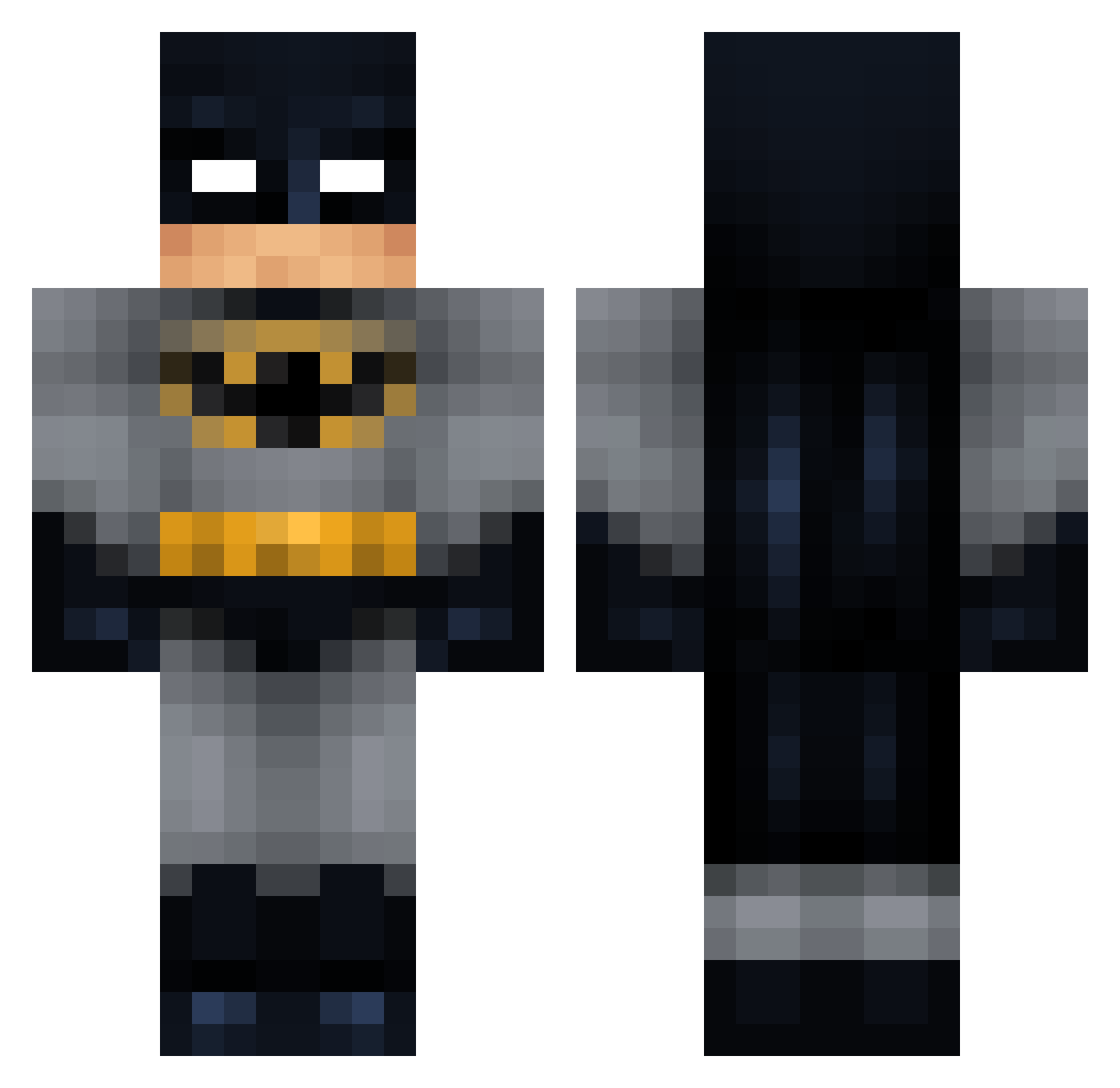
Current Minecraft skin of the player lasstshot, loaded from the official Mojang API. Rotate the 3D model with your mouse or finger, then download the skin as a PNG file and use it in Minecraft: Bedrock Edition or Java Edition for free. When lasstshot changes their skin, this page updates automatically and the old skin stays in the history below.
Other players with this skin (140)
lasstshot was the 69th player we have seen with this skin, first spotted on 21.09.2026. The same skin was seen on these players. Open a nickname to see their current skin and skin history.
 Sotka_XXX Luminik ImBobbysmom Robertoki08 LeGrandSay AyeImWild XaviLX HieuJass wingedwombat420 ToloLOL Nyulga minesimp bronqui Yruna_ mrre123 alexotle Jeremy486 M_Nobel T0astyig arksfan BlahaBless J0lape J_molitor llszt AlPhAGeNtLeMaN1 FlameIII Xynophia _kkoma__ DANYPAGE Krisperrr upt0wn11 _Minions dani_d_oz vicissitude1 ynbdrip lunchmaster gf13001 perdincibacco xSetly Giulia_454 Lucianosor Yuzzz edgz7 KD_Amin upstr IQMGLO egipt_player TarKagale spawerr M0ff0l raisedbytides Gidiwan Kike2000 bananaak jjzw gokaelman Xflaq vietjan69 Zipruss DarKNestE211298
More Batman Minecraft skins
How to install the lasstshot skin
- Press the Download button above to save the skin as a PNG file.
- Minecraft: Bedrock Edition (PE): open the Dressing Room from the main menu (or tap your character → Edit Character), go to Classic Skins → Owned, press the + (new skin) button, choose the downloaded PNG and pick the Classic (Steve) model. Works on PC and mobile; consoles cannot import custom skins.
- Minecraft: Java Edition: open the Minecraft Launcher, go to the Skins tab, click New Skin, load the PNG, pick the Classic (Steve) model and press Save & Use. You can also upload it at minecraft.net → Profile → Change Skin.
The skin does not show up after import - what should I do?
Restart Minecraft and open the Dressing Room again - imported skins sometimes appear only after a restart. Also make sure you selected the imported skin and picked the Classic (Steve) model.
Which model should I choose, Classic or Slim?
This skin is designed for the Classic (Steve) model. If you pick the wrong model, the arms of the skin will look stretched or squeezed.
Is the skin of lasstshot free to download?
Yes. Press Download, save the PNG file and use it in Minecraft: Bedrock Edition or Java Edition - no payment or registration needed. The skin also works on multiplayer servers and Realms.
More skins
Looking for more? Go back to all Minecraft skins and check the top skins of the week, month and all time, or find any player's skin by nickname.