
koteeklol1234 - Minecraft Skins & Skin History
Current Minecraft skin of the player koteeklol1234, loaded from the official Mojang API. Rotate the 3D model with your mouse or finger, then download the skin as a PNG file and use it in Minecraft: Bedrock Edition or Java Edition for free. When koteeklol1234 changes their skin, this page updates automatically and the old skin stays in the history below.
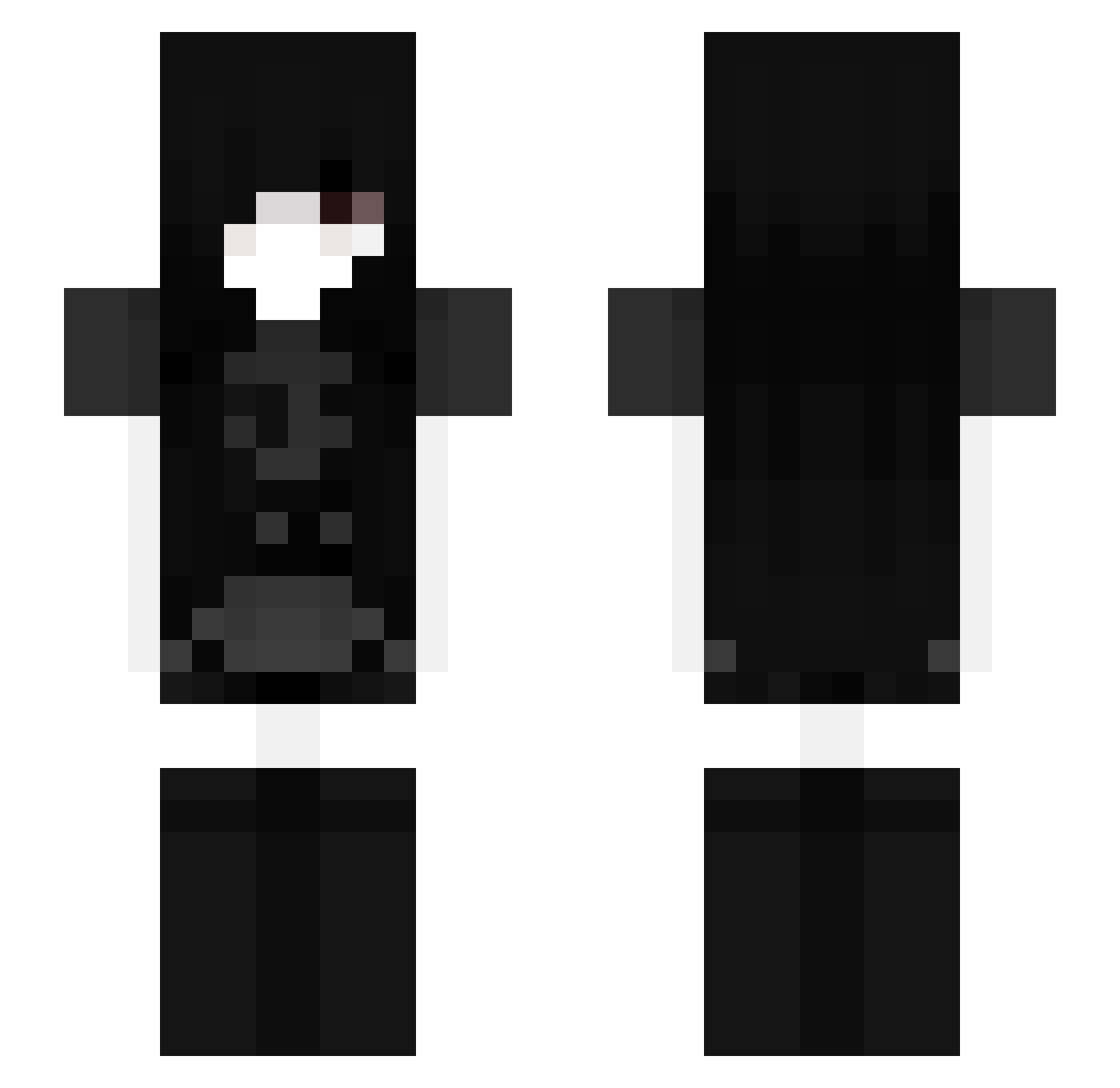
Other players with this skin (88)
koteeklol1234 was the 27th player we have seen with this skin, first spotted on 20.08.2026. The same skin was seen on these players. Open a nickname to see their current skin and skin history.
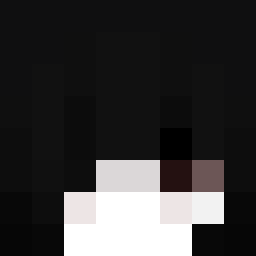 8257 8macros zValorie bunnyYay
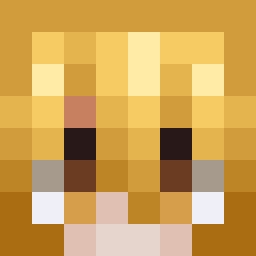 send2glory Pazoni liutimmu goodboymetin Stxrly123 djotakkj misphyric
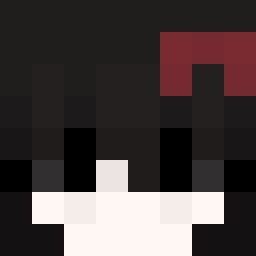 backtowhen
 Hahzah
 ghostdial Askn777 Lenskjold__ xlizi jotakkkkj moxito_17 HaitaniIan toonacatt Alkyris n4v1cxx4 qezzy44 Bisquecuit NikkiFrown asahala Qbenzos mareenaaa XbergFenas
 DocaSan jancooco ZeroTwoshka pihr VyrnoxX Kaiuza
 kenzow TananSit
 U_0s JhonnyPrevot Kaizaki_Aki LesbianLover21 WinterAlpha Nicoi_nico zxczxozxc futurekirky67
 norah15 XiroVision Deus_232
 D3vthM3tVl coolcat241 Paystub Swiwwies DXRKFUZZY purpleguy04 xbqle BiigPekka moralcorruption XxKawaiiShaiixX Noso_r
More Goth Minecraft skins
How to install the koteeklol1234 skin
- Press the Download button above to save the skin as a PNG file.
- Minecraft: Bedrock Edition (PE): open the Dressing Room from the main menu (or tap your character → Edit Character), go to Classic Skins → Owned, press the + (new skin) button, choose the downloaded PNG and pick the Slim (Alex) model. Works on PC and mobile; consoles cannot import custom skins.
- Minecraft: Java Edition: open the Minecraft Launcher, go to the Skins tab, click New Skin, load the PNG, pick the Slim (Alex) model and press Save & Use. You can also upload it at minecraft.net → Profile → Change Skin.
The skin does not show up after import - what should I do?
Restart Minecraft and open the Dressing Room again - imported skins sometimes appear only after a restart. Also make sure you selected the imported skin and picked the Slim (Alex) model.
Which model should I choose, Classic or Slim?
This skin is designed for the Slim (Alex) model. If you pick the wrong model, the arms of the skin will look stretched or squeezed.
Is the skin of koteeklol1234 free to download?
Yes. Press Download, save the PNG file and use it in Minecraft: Bedrock Edition or Java Edition - no payment or registration needed. The skin also works on multiplayer servers and Realms.
More skins
Looking for more? Go back to all Minecraft skins and check the top skins of the week, month and all time, or find any player's skin by nickname.