
kawn - Minecraft Skins & Skin History
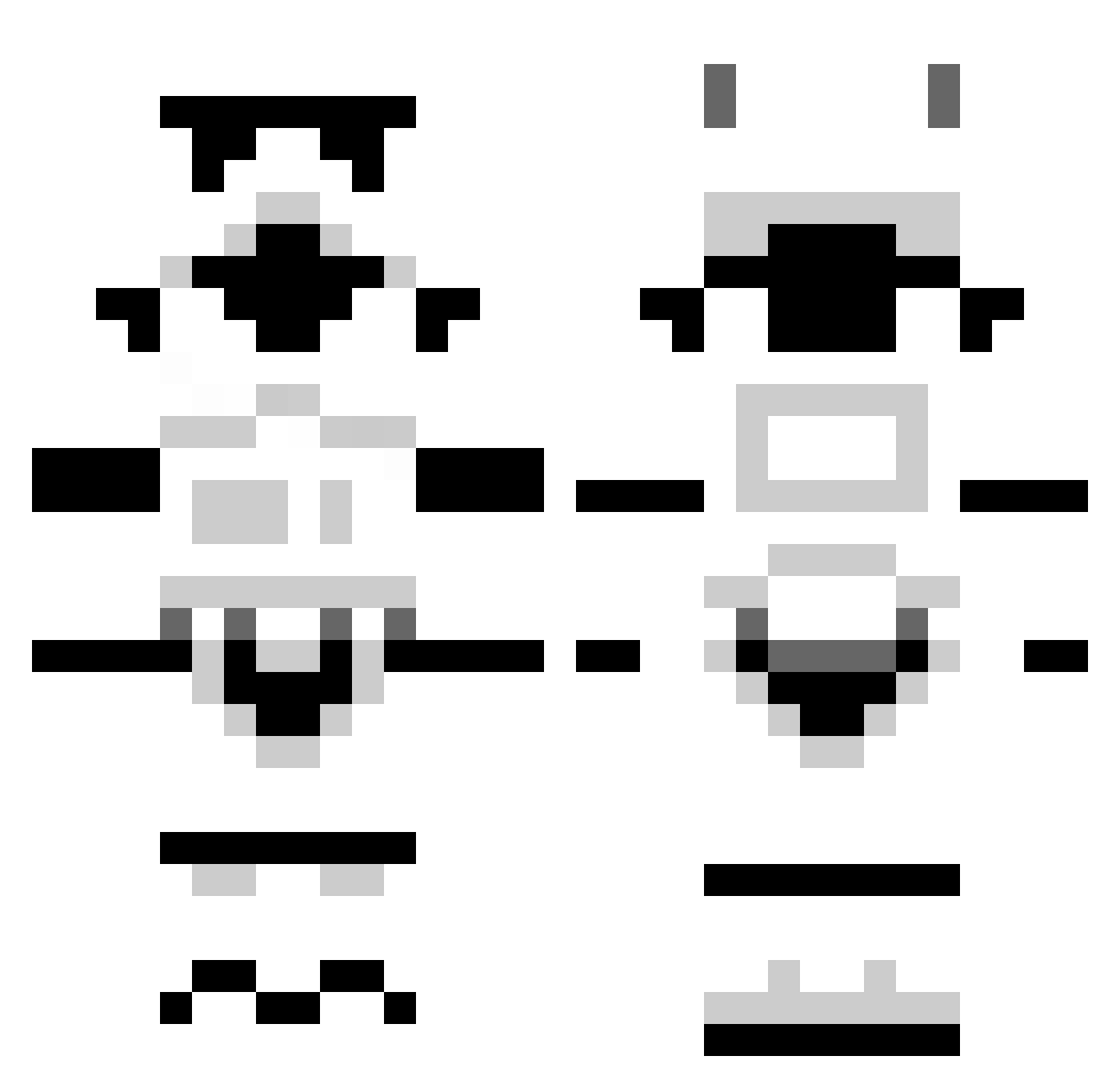
Current Minecraft skin of the player kawn, loaded from the official Mojang API. Rotate the 3D model with your mouse or finger, then download the skin as a PNG file and use it in Minecraft: Bedrock Edition or Java Edition for free. When kawn changes their skin, this page updates automatically and the old skin stays in the history below.
Other players with this skin (1296)
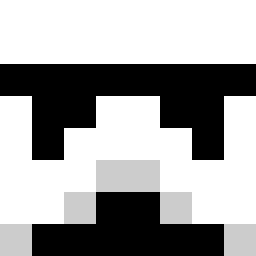
kawn was the 240th player we have seen with this skin, first spotted on 16.08.2026. The same skin was seen on these players. Open a nickname to see their current skin and skin history.
 seani123 Kappam0n DyNasty121 Clashventure Sean1618 blatantlycrap Clarximus carlsen007 teamdill KeepAlive gingerthomas sneakzore reaperrdude21 MASSIVEWAVE Tscheina Mahokajo KushKushington trumpetman42 PlaidBandit beasley66 Merlin3D hate365 MattAllum12 mcjev Pasl94 Slonifaf tobias00berg mr_potatohead11 eggwich MNBoogaard kevi1081 alexb_2002 helpfuleddie JCSG Varbetim42 arcticsniper56 Woundsauce TribalWulf Rollogamer marko_chaos stanley37 AdamTheImport Evo_Kieran tobberh Cbrad94 Comten Dhel0 Snappen tivany Ferb254 Rarfocals warriorsfan123 Perkaholic Liverpool1298 TheFrostyKoala DJdre18 _Daniel ExpatNoHat Warwater ZeRoBe1991
More Stormtrooper Minecraft skins
See all 529 Stormtrooper skins
How to install the kawn skin
- Press the Download button above to save the skin as a PNG file.
- Minecraft: Bedrock Edition (PE): open the Dressing Room from the main menu (or tap your character → Edit Character), go to Classic Skins → Owned, press the + (new skin) button, choose the downloaded PNG and pick the Classic (Steve) model. Works on PC and mobile; consoles cannot import custom skins.
- Minecraft: Java Edition: open the Minecraft Launcher, go to the Skins tab, click New Skin, load the PNG, pick the Classic (Steve) model and press Save & Use. You can also upload it at minecraft.net → Profile → Change Skin.
The skin does not show up after import - what should I do?
Restart Minecraft and open the Dressing Room again - imported skins sometimes appear only after a restart. Also make sure you selected the imported skin and picked the Classic (Steve) model.
Which model should I choose, Classic or Slim?
This skin is designed for the Classic (Steve) model. If you pick the wrong model, the arms of the skin will look stretched or squeezed.
Is the skin of kawn free to download?
Yes. Press Download, save the PNG file and use it in Minecraft: Bedrock Edition or Java Edition - no payment or registration needed. The skin also works on multiplayer servers and Realms.
More skins
Looking for more? Go back to all Minecraft skins and check the top skins of the week, month and all time, or find any player's skin by nickname.