
jake2587 - Minecraft Skins & Skin History
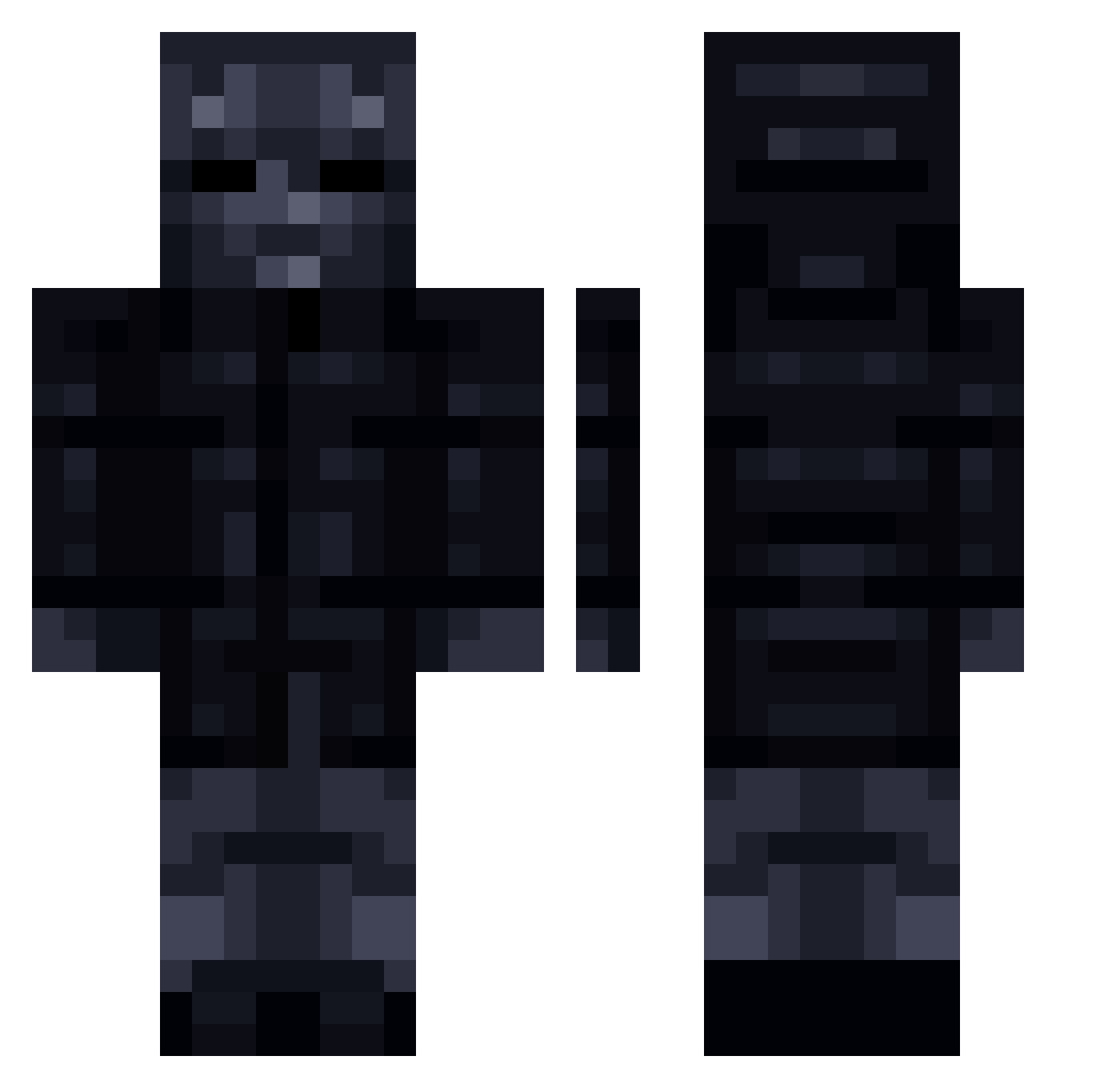
Current Minecraft skin of the player jake2587, loaded from the official Mojang API. Rotate the 3D model with your mouse or finger, then download the skin as a PNG file and use it in Minecraft: Bedrock Edition or Java Edition for free. When jake2587 changes their skin, this page updates automatically and the old skin stays in the history below.
Other players with this skin (238)
jake2587 was the 214th player we have seen with this skin, first spotted on 09.11.2026. The same skin was seen on these players. Open a nickname to see their current skin and skin history.
 Technomine1800 LinhyuLGZ0115 HarrisonSaab CptPicklez Stropoleeee BugraTe Mr_Kofte bounceout Doginwaffle_10 Slykiller4 omarminecraft1 Eggplant32 mickus666 Jonas_Arion reefox78 cbasstheplane McGiles DiePig777 CyberMTC2 yiraqui MR_Red1917 Nzolt MR51NG4M juussttiinne tmdgus0226 a1b2v KrychaMieczXD mazelzel Linky_RL mimi911 BlackHole30 J_seho SonicKayn Nibblexx NOVAFOT levrai13 1reddead1 callmesvm Cthulhu2024 ZPK2222 Cycuzg SSantifire ovrzd dmbyfornelus JoelRuben RONNCZEK Pichu_Gaming27 MrBirch akadok Vanillassassin cypbri Perroinfeliz modapoda Jasondeman jowzinftw kenjiiii_ Voich Melvin_Gaming Drizop Kusareta
More Shadow Minecraft skins
How to install the jake2587 skin
- Press the Download button above to save the skin as a PNG file.
- Minecraft: Bedrock Edition (PE): open the Dressing Room from the main menu (or tap your character → Edit Character), go to Classic Skins → Owned, press the + (new skin) button, choose the downloaded PNG and pick the Classic (Steve) model. Works on PC and mobile; consoles cannot import custom skins.
- Minecraft: Java Edition: open the Minecraft Launcher, go to the Skins tab, click New Skin, load the PNG, pick the Classic (Steve) model and press Save & Use. You can also upload it at minecraft.net → Profile → Change Skin.
The skin does not show up after import - what should I do?
Restart Minecraft and open the Dressing Room again - imported skins sometimes appear only after a restart. Also make sure you selected the imported skin and picked the Classic (Steve) model.
Which model should I choose, Classic or Slim?
This skin is designed for the Classic (Steve) model. If you pick the wrong model, the arms of the skin will look stretched or squeezed.
Is the skin of jake2587 free to download?
Yes. Press Download, save the PNG file and use it in Minecraft: Bedrock Edition or Java Edition - no payment or registration needed. The skin also works on multiplayer servers and Realms.
More skins
Looking for more? Go back to all Minecraft skins and check the top skins of the week, month and all time, or find any player's skin by nickname.