
inan_bilmiyorum - Minecraft Skins & Skin History
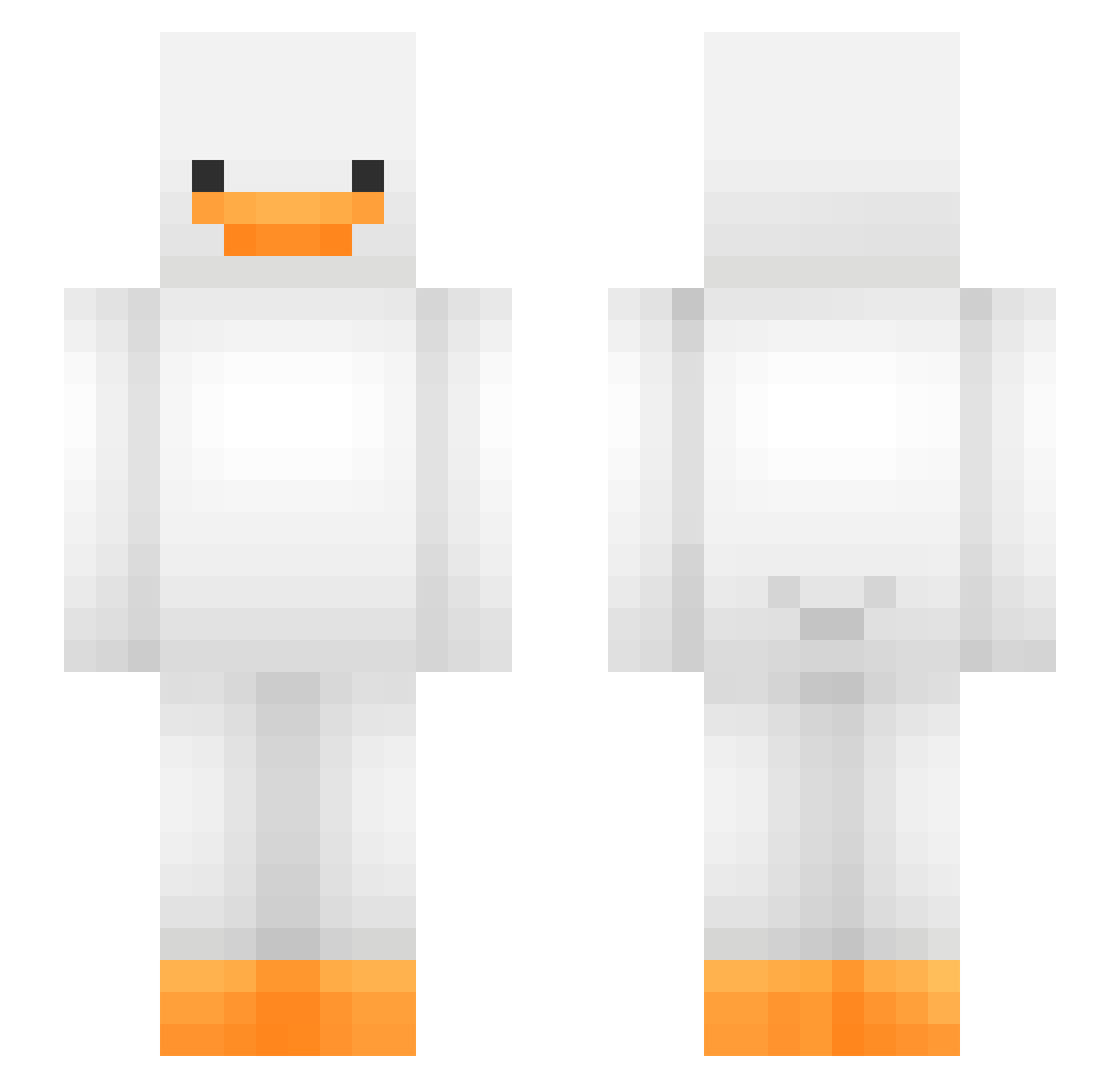
Current Minecraft skin of the player inan_bilmiyorum, loaded from the official Mojang API. Rotate the 3D model with your mouse or finger, then download the skin as a PNG file and use it in Minecraft: Bedrock Edition or Java Edition for free. When inan_bilmiyorum changes their skin, this page updates automatically and the old skin stays in the history below.
Other players with this skin (475)
inan_bilmiyorum was the 109th player we have seen with this skin, first spotted on 17.08.2026. The same skin was seen on these players. Open a nickname to see their current skin and skin history.
 reampocalypse LilPeach98 paypay9916 Dimi2233 coglionzi
 shinmiyav terminater2280 TR3mendo503 HOTIC_ smasher4003 crafty_thelilkid Turtlewurtle123 MinerGuy3000 vexi42 dmyeon ConorForReal
 S1MPleo123 axj8761 toppencil2 Nerf_KFC_man minseok050505 TeenLevi AnonymousTim MC_UggaBugga SalammoniacRegia newaga Droppinbombs611 ApfeII Lichenn shuaibaobao Matt1J kielbasa420 _N0rthman_ xZaiDx_ hhee4455 daxflamesleftnip vwio Werdna_ Bauchschmerzen__ gRaCebigoletit hoboom oddyp Marmar0707 Itone_Lloyd notZrxo ohhnoooooooooooo Cha_Suzu EbbiePoop xdmexifries xks2277 Zerdeh JeTix135 olgaseryxa Camellia707 Ysagine Blahrafn ExplusionToy milana444555 HOUTARO_XD stowik_
More Duck Minecraft skins
How to install the inan_bilmiyorum skin
- Press the Download button above to save the skin as a PNG file.
- Minecraft: Bedrock Edition (PE): open the Dressing Room from the main menu (or tap your character → Edit Character), go to Classic Skins → Owned, press the + (new skin) button, choose the downloaded PNG and pick the Slim (Alex) model. Works on PC and mobile; consoles cannot import custom skins.
- Minecraft: Java Edition: open the Minecraft Launcher, go to the Skins tab, click New Skin, load the PNG, pick the Slim (Alex) model and press Save & Use. You can also upload it at minecraft.net → Profile → Change Skin.
The skin does not show up after import - what should I do?
Restart Minecraft and open the Dressing Room again - imported skins sometimes appear only after a restart. Also make sure you selected the imported skin and picked the Slim (Alex) model.
Which model should I choose, Classic or Slim?
This skin is designed for the Slim (Alex) model. If you pick the wrong model, the arms of the skin will look stretched or squeezed.
Is the skin of inan_bilmiyorum free to download?
Yes. Press Download, save the PNG file and use it in Minecraft: Bedrock Edition or Java Edition - no payment or registration needed. The skin also works on multiplayer servers and Realms.
More skins
Looking for more? Go back to all Minecraft skins and check the top skins of the week, month and all time, or find any player's skin by nickname.