
gto9882225 - Minecraft Skins & Skin History
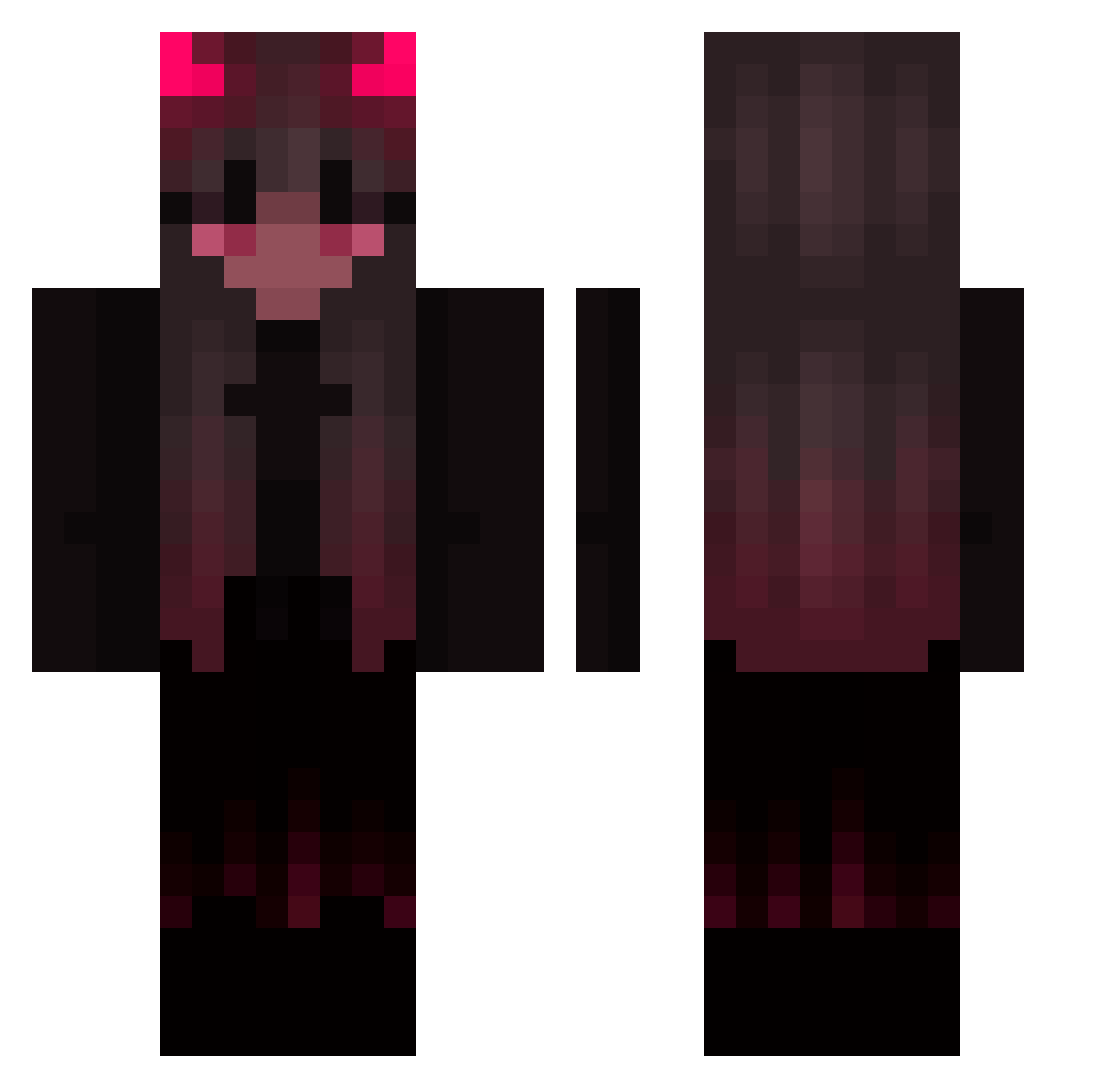
Current Minecraft skin of the player gto9882225, loaded from the official Mojang API. Rotate the 3D model with your mouse or finger, then download the skin as a PNG file and use it in Minecraft: Bedrock Edition or Java Edition for free. When gto9882225 changes their skin, this page updates automatically and the old skin stays in the history below.
Other players with this skin (423)
gto9882225 was the 331st player we have seen with this skin, first spotted on 11.10.2026. The same skin was seen on these players. Open a nickname to see their current skin and skin history.
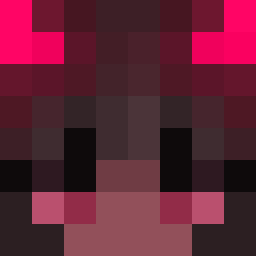 PandaxBPM dazedUwU belarina EdgyArt556 SaYariii Athena_flower potatogod05 zabavaa VampyLely isha666 alara__ DDDdemon Astrolip DDing__ zks_ CasperHyena PandaShadow06 koolgull Lindsey64 otiakshia kawaii_yandere01 ZombieFleshgf ivil_ee lamaslayer44 LTlLeviathan RamenAL xItsAngxl Kor_nadre Elnaffpls 2664 loloevans Haerin68 Rabbit_The_Waifu Aledroc Columpio077 Bellix_22 Klyomo HeadlessRider Sharkbait1 SilverBella p1zzadrag0N ivanni145 Wikixoxo DumbDaisy101 KillerGhostX ZenofixX Asalyne xxLenchenxx papayakiwi Ary60060 Panter74 robincharley pphetra Minervitauwu OrUsHiY AnniMuf Zom1 schmine31 Kino_V2 NatashaQueen
More Demon Minecraft skins
How to install the gto9882225 skin
- Press the Download button above to save the skin as a PNG file.
- Minecraft: Bedrock Edition (PE): open the Dressing Room from the main menu (or tap your character → Edit Character), go to Classic Skins → Owned, press the + (new skin) button, choose the downloaded PNG and pick the Classic (Steve) model. Works on PC and mobile; consoles cannot import custom skins.
- Minecraft: Java Edition: open the Minecraft Launcher, go to the Skins tab, click New Skin, load the PNG, pick the Classic (Steve) model and press Save & Use. You can also upload it at minecraft.net → Profile → Change Skin.
The skin does not show up after import - what should I do?
Restart Minecraft and open the Dressing Room again - imported skins sometimes appear only after a restart. Also make sure you selected the imported skin and picked the Classic (Steve) model.
Which model should I choose, Classic or Slim?
This skin is designed for the Classic (Steve) model. If you pick the wrong model, the arms of the skin will look stretched or squeezed.
Is the skin of gto9882225 free to download?
Yes. Press Download, save the PNG file and use it in Minecraft: Bedrock Edition or Java Edition - no payment or registration needed. The skin also works on multiplayer servers and Realms.
More skins
Looking for more? Go back to all Minecraft skins and check the top skins of the week, month and all time, or find any player's skin by nickname.