
fdoues - Minecraft Skins & Skin History
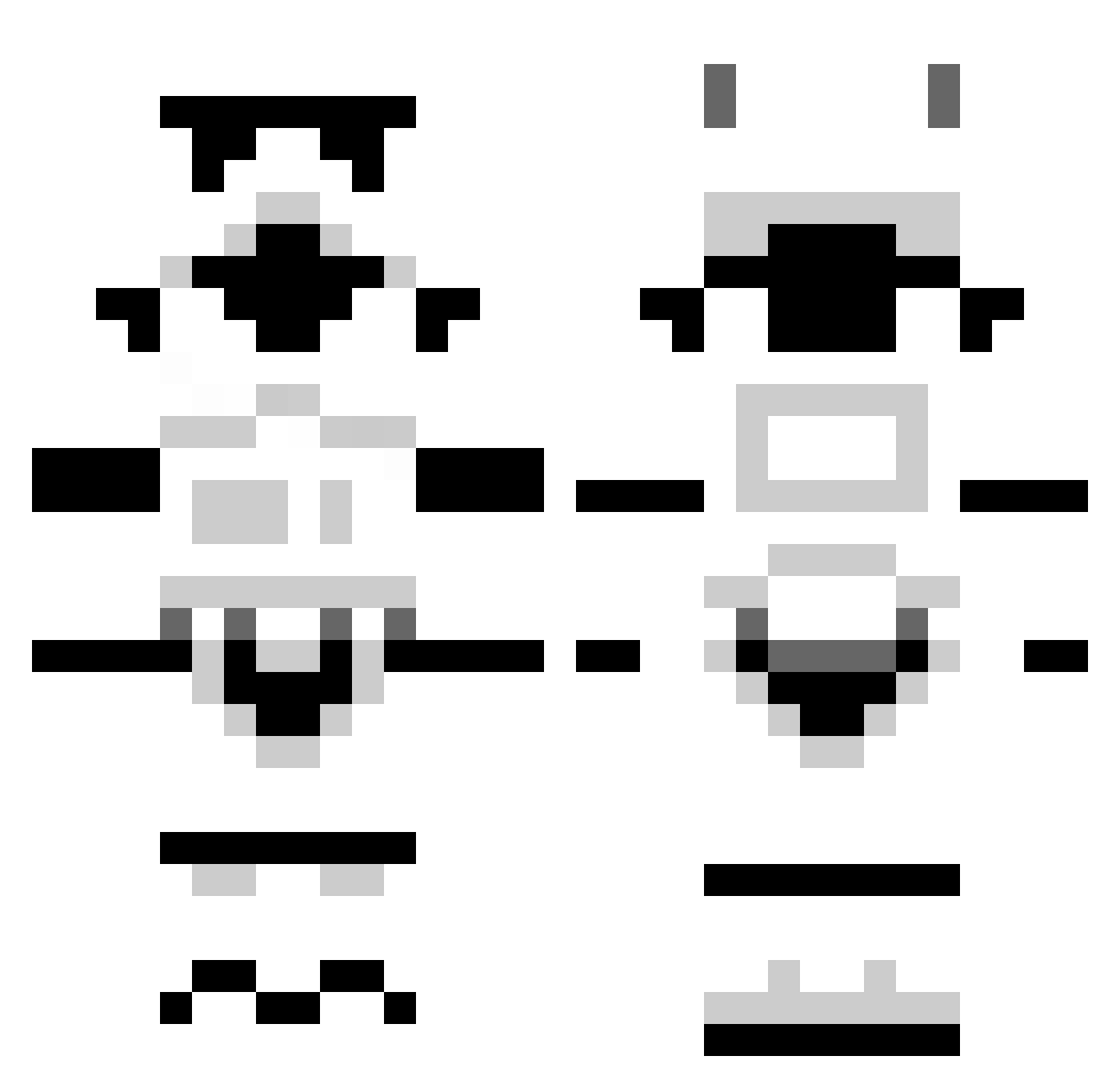
Current Minecraft skin of the player fdoues, loaded from the official Mojang API. Rotate the 3D model with your mouse or finger, then download the skin as a PNG file and use it in Minecraft: Bedrock Edition or Java Edition for free. When fdoues changes their skin, this page updates automatically and the old skin stays in the history below.
Other players with this skin (1301)
fdoues was the 434th player we have seen with this skin, first spotted on 01.09.2026. The same skin was seen on these players. Open a nickname to see their current skin and skin history.
 DrunkenChewie kageyo woodbucher highlink55 SilentDefender russjohnson xXWarnerXx malek_phi tankylanky79 MechaTheDuck sn1pe0ut45 hornet50 lowster2601 Nick0400 xKianah Devyn1234321 a_wes_ome SoulThief88 Aron00 EPSILION_01 MintTingler PixelAddict AQWARDz Msbellyflop18 HicksyR8 Odinistic comverse BigBlocksBen Turok1991 Barthet04 uraya5 Thistle_Peare jakeysnakey11 DairyMilkPablo29 ILive4Skin GusHales Dvorak92 Pfaffi89 pynrynn JangoChalst Olympus_Hades YORE576 jparra97 1337isftw Drumlord800 Highgrader Xx_Samuro MeMelville Quisten035 Sadolin joe11007 Znoddas Griddo ramz_37 tomgrohl ZooYorker1 Dexplicit Banjo_sponge GewuerzFeuer Tschud
More Stormtrooper Minecraft skins
See all 530 Stormtrooper skins
How to install the fdoues skin
- Press the Download button above to save the skin as a PNG file.
- Minecraft: Bedrock Edition (PE): open the Dressing Room from the main menu (or tap your character → Edit Character), go to Classic Skins → Owned, press the + (new skin) button, choose the downloaded PNG and pick the Classic (Steve) model. Works on PC and mobile; consoles cannot import custom skins.
- Minecraft: Java Edition: open the Minecraft Launcher, go to the Skins tab, click New Skin, load the PNG, pick the Classic (Steve) model and press Save & Use. You can also upload it at minecraft.net → Profile → Change Skin.
The skin does not show up after import - what should I do?
Restart Minecraft and open the Dressing Room again - imported skins sometimes appear only after a restart. Also make sure you selected the imported skin and picked the Classic (Steve) model.
Which model should I choose, Classic or Slim?
This skin is designed for the Classic (Steve) model. If you pick the wrong model, the arms of the skin will look stretched or squeezed.
Is the skin of fdoues free to download?
Yes. Press Download, save the PNG file and use it in Minecraft: Bedrock Edition or Java Edition - no payment or registration needed. The skin also works on multiplayer servers and Realms.
More skins
Looking for more? Go back to all Minecraft skins and check the top skins of the week, month and all time, or find any player's skin by nickname.