
exitdoesntexist - Minecraft Skins & Skin History
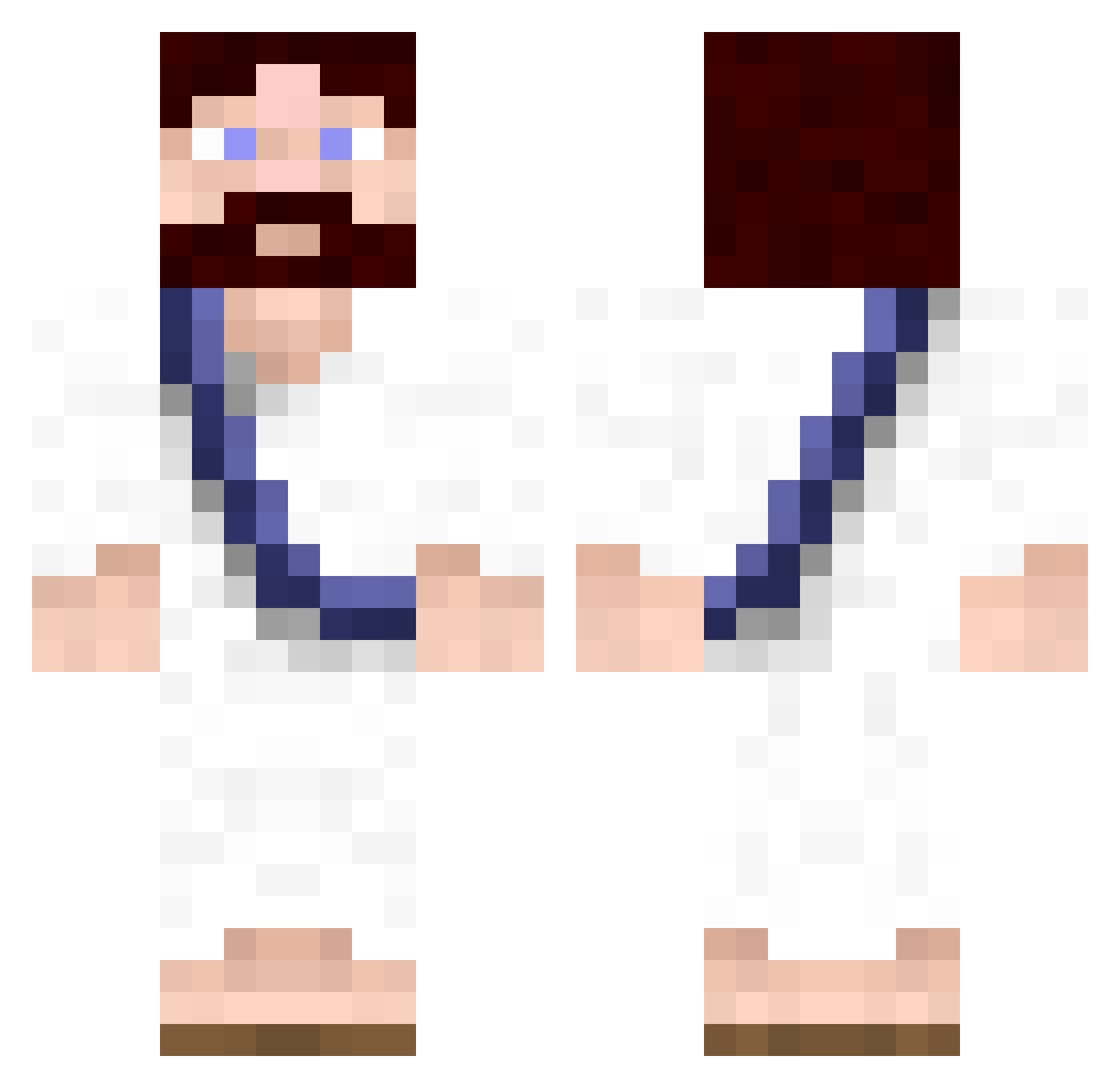
Current Minecraft skin of the player exitdoesntexist, loaded from the official Mojang API. Rotate the 3D model with your mouse or finger, then download the skin as a PNG file and use it in Minecraft: Bedrock Edition or Java Edition for free. When exitdoesntexist changes their skin, this page updates automatically and the old skin stays in the history below.
Other players with this skin (87)
exitdoesntexist was the 43rd player we have seen with this skin, first spotted on 25.09.2026. The same skin was seen on these players. Open a nickname to see their current skin and skin history.
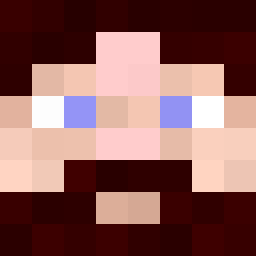 Lysy1238 HerbertSchultze soulja_flame bruhbruhbru SirTrumpet djlucky458 _Purdom_ AnneSaucisse tjcochrane 88Ari Omirane Dunk1313 illiniguy91 MilkGuy44 FlocoDiCoco postniy_ HennyTai Theshooo Cirha9 malass101 Gnoc MrDeead HoplaBisome JAMMANVO BabySittorr KingLuDa AidanHatton YoureBadImBetter Devias_Ninja DrewSki360 roporoi Mr_Toe Warentsig LeMessie NotUncover _Olimp Xylandor Llioz carafe36 Cerman60 kamidr Skate733 RotzAff Dunkelbann Thomacaroni AzertY_TCT oneflappyboi103 Tofil_ Culego Haptomai Plippo2212 Qeezy1 Fypou BABOU_42 Elburitoo LightingBell PlayForWho stealthyninja21 Wompous Bliarite
More Biblical Minecraft skins
How to install the exitdoesntexist skin
- Press the Download button above to save the skin as a PNG file.
- Minecraft: Bedrock Edition (PE): open the Dressing Room from the main menu (or tap your character → Edit Character), go to Classic Skins → Owned, press the + (new skin) button, choose the downloaded PNG and pick the Classic (Steve) model. Works on PC and mobile; consoles cannot import custom skins.
- Minecraft: Java Edition: open the Minecraft Launcher, go to the Skins tab, click New Skin, load the PNG, pick the Classic (Steve) model and press Save & Use. You can also upload it at minecraft.net → Profile → Change Skin.
The skin does not show up after import - what should I do?
Restart Minecraft and open the Dressing Room again - imported skins sometimes appear only after a restart. Also make sure you selected the imported skin and picked the Classic (Steve) model.
Which model should I choose, Classic or Slim?
This skin is designed for the Classic (Steve) model. If you pick the wrong model, the arms of the skin will look stretched or squeezed.
Is the skin of exitdoesntexist free to download?
Yes. Press Download, save the PNG file and use it in Minecraft: Bedrock Edition or Java Edition - no payment or registration needed. The skin also works on multiplayer servers and Realms.
More skins
Looking for more? Go back to all Minecraft skins and check the top skins of the week, month and all time, or find any player's skin by nickname.