
emmmerz - Minecraft Skins & Skin History
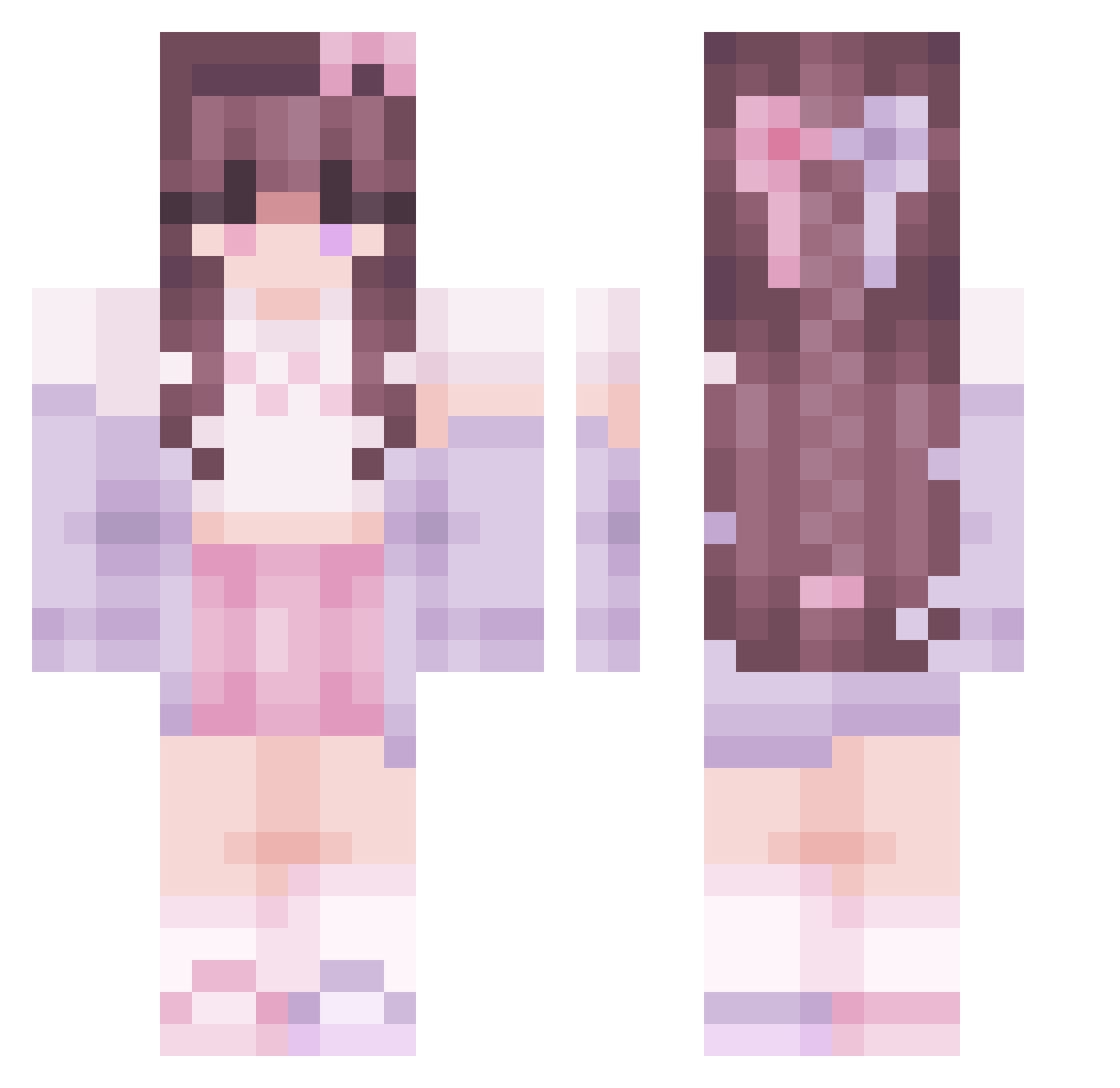
Current Minecraft skin of the player emmmerz, loaded from the official Mojang API. Rotate the 3D model with your mouse or finger, then download the skin as a PNG file and use it in Minecraft: Bedrock Edition or Java Edition for free. When emmmerz changes their skin, this page updates automatically and the old skin stays in the history below.
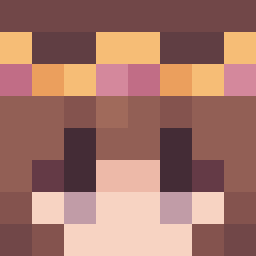
Other players with this skin (56)
emmmerz was the 18th player we have seen with this skin, first spotted on 27.08.2026. The same skin was seen on these players. Open a nickname to see their current skin and skin history.
 _Hsin MokeyMony Saricalpis optimstc blueskxyy AvaBravin lu7yz_227 1peeeeeeweeeeeee bubblyru Lianne10
 Ch0c0late_M1lk_ arachako ameriiss NikotheNeko NezukoArmy Nevaryn radiumm_ Valerieroses
 Punty11 AnimeGirlx16 zyvy_ kczasj Shinaeye GullibleOrange iSukitty raebanshee khushiyt20 Apothacant JollePaaTur yyellena Tyratical sterno3 Faisey witchmimi Aldani Spindle5560 Fairyienheit Ameliaszz Kiri896 Kailow_ kir_pi123 mikedraft Kyba2001 neverlxnd todoken hannes6333 Aroni_Macaroni Gabriella_123 Mr_heartbroken RosieDragon BaileyMilo Siren777 Gunplaze julpsukka bobaTeaGnarly horsegirly2004
More Bow Minecraft skins
How to install the emmmerz skin
- Press the Download button above to save the skin as a PNG file.
- Minecraft: Bedrock Edition (PE): open the Dressing Room from the main menu (or tap your character → Edit Character), go to Classic Skins → Owned, press the + (new skin) button, choose the downloaded PNG and pick the Classic (Steve) model. Works on PC and mobile; consoles cannot import custom skins.
- Minecraft: Java Edition: open the Minecraft Launcher, go to the Skins tab, click New Skin, load the PNG, pick the Classic (Steve) model and press Save & Use. You can also upload it at minecraft.net → Profile → Change Skin.
The skin does not show up after import - what should I do?
Restart Minecraft and open the Dressing Room again - imported skins sometimes appear only after a restart. Also make sure you selected the imported skin and picked the Classic (Steve) model.
Which model should I choose, Classic or Slim?
This skin is designed for the Classic (Steve) model. If you pick the wrong model, the arms of the skin will look stretched or squeezed.
Is the skin of emmmerz free to download?
Yes. Press Download, save the PNG file and use it in Minecraft: Bedrock Edition or Java Edition - no payment or registration needed. The skin also works on multiplayer servers and Realms.
More skins
Looking for more? Go back to all Minecraft skins and check the top skins of the week, month and all time, or find any player's skin by nickname.