
eKittenFinder - Minecraft Skins & Skin History
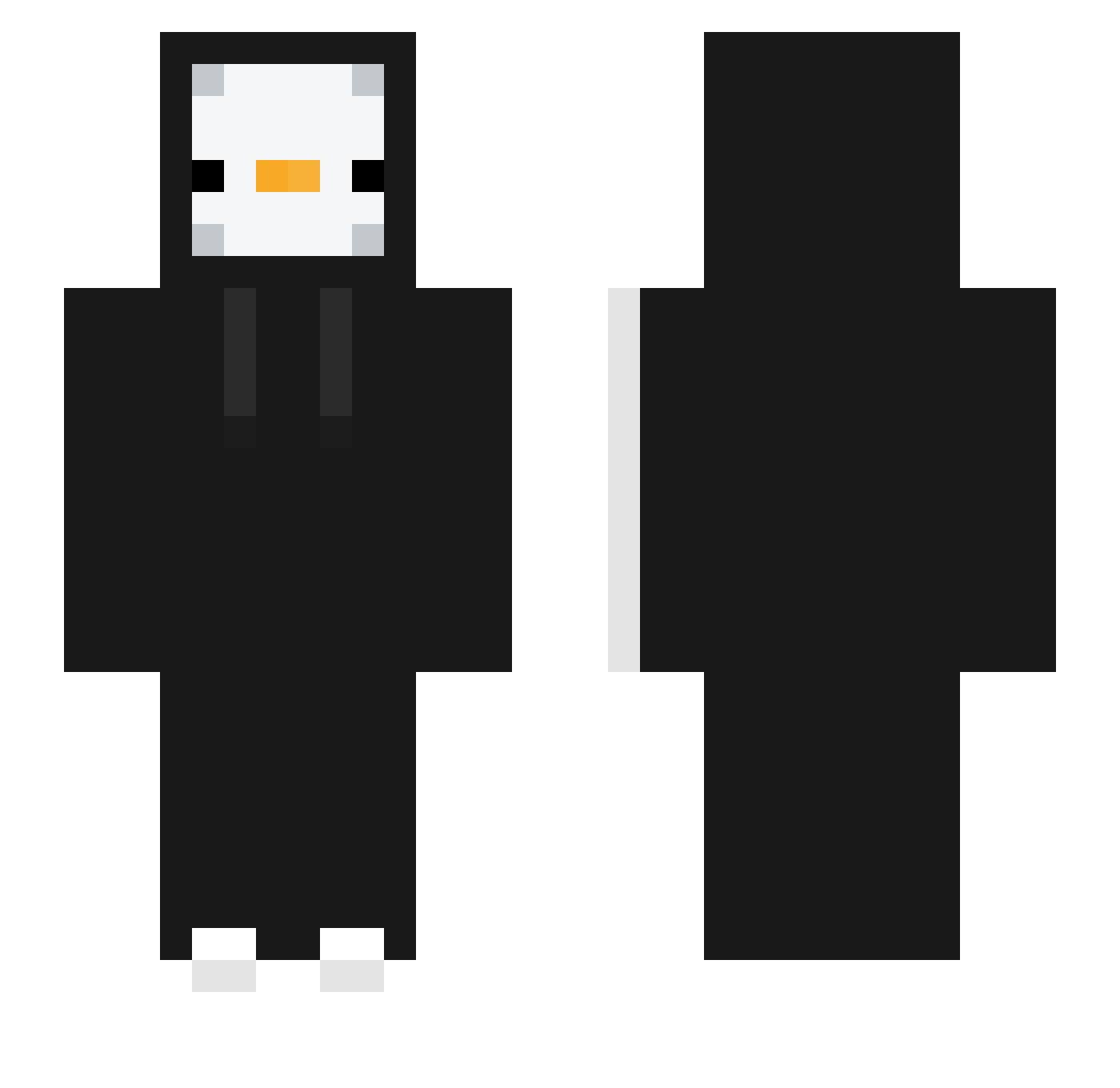
Current Minecraft skin of the player eKittenFinder, loaded from the official Mojang API. Rotate the 3D model with your mouse or finger, then download the skin as a PNG file and use it in Minecraft: Bedrock Edition or Java Edition for free. When eKittenFinder changes their skin, this page updates automatically and the old skin stays in the history below.
Other players with this skin (395)
eKittenFinder was the 363rd player we have seen with this skin, first spotted on 10.11.2026. The same skin was seen on these players. Open a nickname to see their current skin and skin history.
 Mrheart23 Papapoie random_playerxd WstZ233__ SE_RG_IO spark_34 KRKII jungsig ERIK_YThola1 Mix0nez SynekLuki d1eri DaMaShiWoO1 Pizza_maru BladezinX Luminous8738 Melone_1234 sh1zeR_ akl122 xiyue11 Quickblaster397 siru_03 Lorenzol4787 frogfacer EliteLev KOREA_ITZY LUIS2010MX Merk5678 Anwar35 SNOW_BALLS2 Foxtoyovski Marrecoo Shafeekk Holamanola356 sungmin3690 wonnem MidasikCO YR_GG yoomin97 Haxhar M013NDZ14K juanitooooooooo Troch181 Tive1021 yigitc7 NADALKO pengcit 7ha david66882 oArei mateplays1 Row_ied Li1penguin nameless_0518 Darethe antyobioo moreTTing Lello09 BiByMum Laviessss
More Duck Minecraft skins
How to install the eKittenFinder skin
- Press the Download button above to save the skin as a PNG file.
- Minecraft: Bedrock Edition (PE): open the Dressing Room from the main menu (or tap your character → Edit Character), go to Classic Skins → Owned, press the + (new skin) button, choose the downloaded PNG and pick the Slim (Alex) model. Works on PC and mobile; consoles cannot import custom skins.
- Minecraft: Java Edition: open the Minecraft Launcher, go to the Skins tab, click New Skin, load the PNG, pick the Slim (Alex) model and press Save & Use. You can also upload it at minecraft.net → Profile → Change Skin.
The skin does not show up after import - what should I do?
Restart Minecraft and open the Dressing Room again - imported skins sometimes appear only after a restart. Also make sure you selected the imported skin and picked the Slim (Alex) model.
Which model should I choose, Classic or Slim?
This skin is designed for the Slim (Alex) model. If you pick the wrong model, the arms of the skin will look stretched or squeezed.
Is the skin of eKittenFinder free to download?
Yes. Press Download, save the PNG file and use it in Minecraft: Bedrock Edition or Java Edition - no payment or registration needed. The skin also works on multiplayer servers and Realms.
More skins
Looking for more? Go back to all Minecraft skins and check the top skins of the week, month and all time, or find any player's skin by nickname.