
dylanthecreator - Minecraft Skins & Skin History
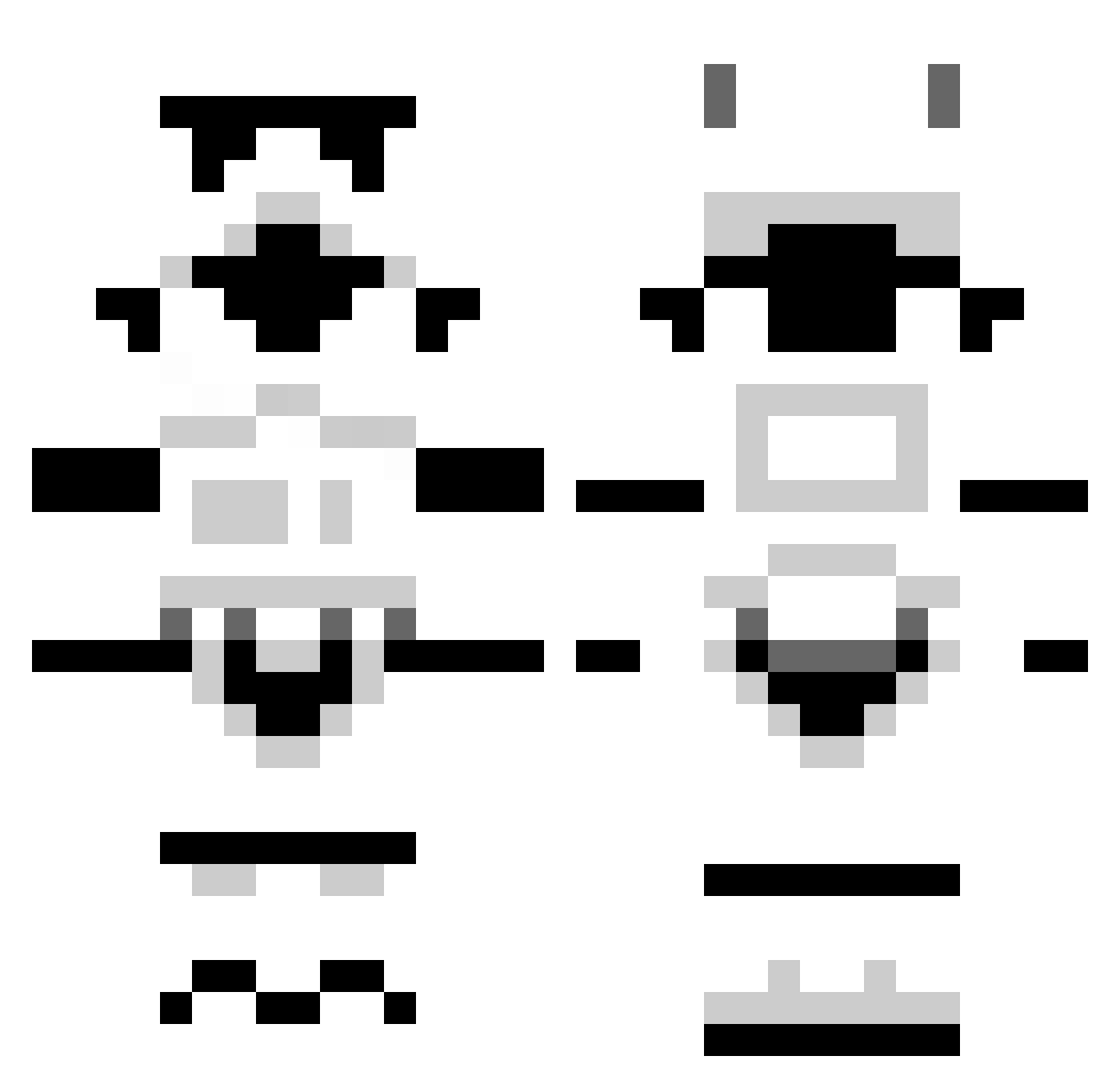
Current Minecraft skin of the player dylanthecreator, loaded from the official Mojang API. Rotate the 3D model with your mouse or finger, then download the skin as a PNG file and use it in Minecraft: Bedrock Edition or Java Edition for free. When dylanthecreator changes their skin, this page updates automatically and the old skin stays in the history below.
Other players with this skin (1306)
dylanthecreator was the 955th player we have seen with this skin, first spotted on 13.10.2026. The same skin was seen on these players. Open a nickname to see their current skin and skin history.
 Cheeseshaper RaddoDaddo Gieselherr nietzscheao olafur_barbour ffafner Megelomaniac viperhawk2k4 Isprayudie sneakypete9999 iceman1231 goodtimestim JJ4190 j0nes07 strucka123 Zibofy RedWolf64 orangeos DictatingDucky Jimenez909 Dodpoo6 Wakaba96 Sephiroth300 snow4dayz _Panik_ Striker36 Schorschi MeticFA Lockybird rasganjaman jaa2102 1CESQRD mariowill10 Coldon Sunwolfe TNAIL c0rrvus One_Way_Mule ScottThorpe ronocconor13 watime Pencilias dflashan GameLiu Girannzor Mikebebbington StupendousMan123 Trissysaurus MLECZNYPL Vesmoh Scorch065 H96 dirty1222 Riptus XChanger1 jacobwhop Krischi10 chellios98 NoahJW2001 Xerberus89
More Stormtrooper Minecraft skins
See all 531 Stormtrooper skins
How to install the dylanthecreator skin
- Press the Download button above to save the skin as a PNG file.
- Minecraft: Bedrock Edition (PE): open the Dressing Room from the main menu (or tap your character → Edit Character), go to Classic Skins → Owned, press the + (new skin) button, choose the downloaded PNG and pick the Classic (Steve) model. Works on PC and mobile; consoles cannot import custom skins.
- Minecraft: Java Edition: open the Minecraft Launcher, go to the Skins tab, click New Skin, load the PNG, pick the Classic (Steve) model and press Save & Use. You can also upload it at minecraft.net → Profile → Change Skin.
The skin does not show up after import - what should I do?
Restart Minecraft and open the Dressing Room again - imported skins sometimes appear only after a restart. Also make sure you selected the imported skin and picked the Classic (Steve) model.
Which model should I choose, Classic or Slim?
This skin is designed for the Classic (Steve) model. If you pick the wrong model, the arms of the skin will look stretched or squeezed.
Is the skin of dylanthecreator free to download?
Yes. Press Download, save the PNG file and use it in Minecraft: Bedrock Edition or Java Edition - no payment or registration needed. The skin also works on multiplayer servers and Realms.
More skins
Looking for more? Go back to all Minecraft skins and check the top skins of the week, month and all time, or find any player's skin by nickname.