
creeper_killin_ - Minecraft Skins & Skin History
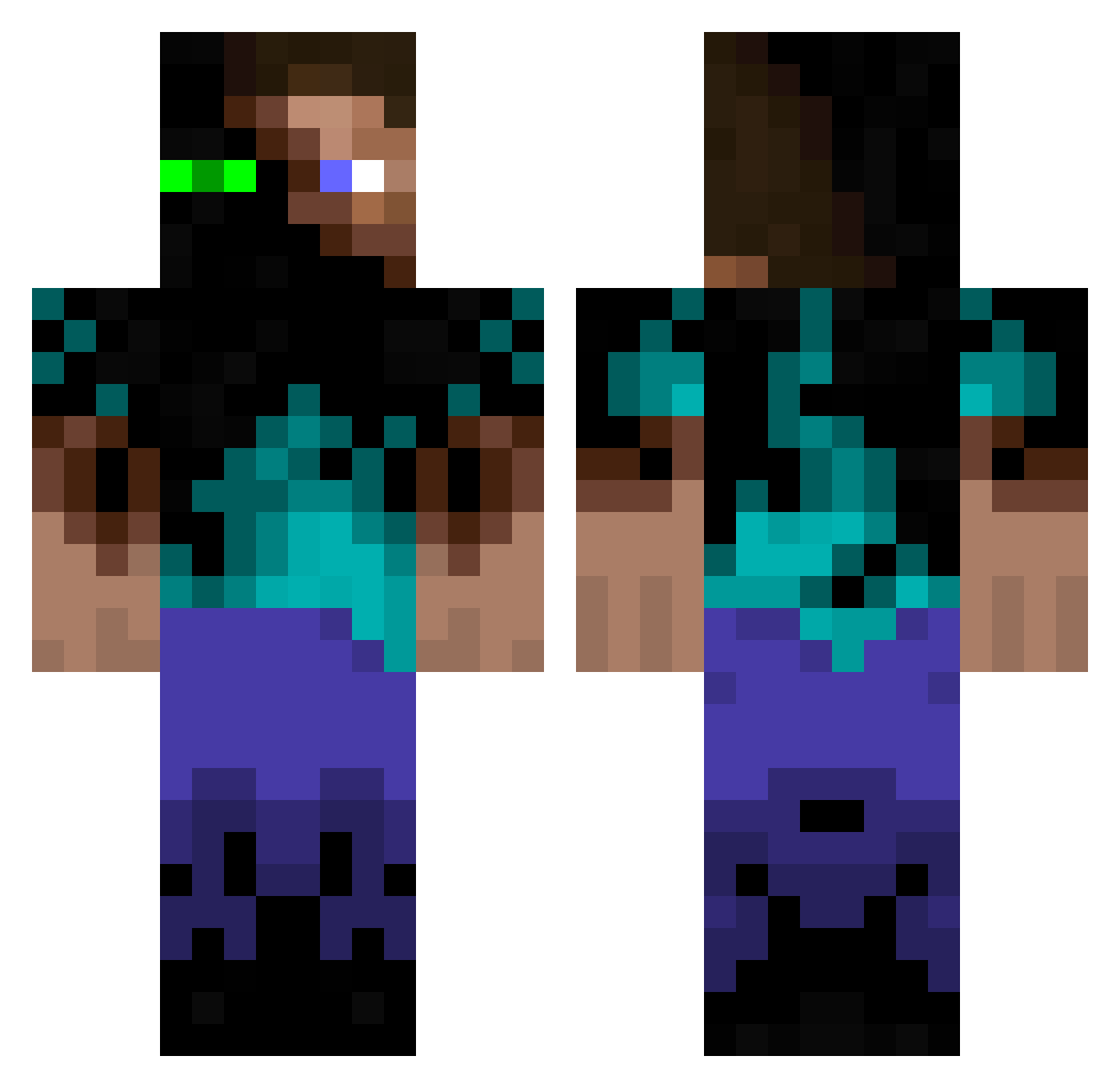
Current Minecraft skin of the player creeper_killin_, loaded from the official Mojang API. Rotate the 3D model with your mouse or finger, then download the skin as a PNG file and use it in Minecraft: Bedrock Edition or Java Edition for free. When creeper_killin_ changes their skin, this page updates automatically and the old skin stays in the history below.
Other players with this skin (931)
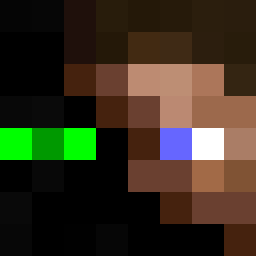
creeper_killin_ was the 304th player we have seen with this skin, first spotted on 23.08.2026. The same skin was seen on these players. Open a nickname to see their current skin and skin history.
 Rleslie Cobon R0ckheadRumple dober01 Koneas minimeier04 necronbacon daivoboy Guadis NeroAzure galactic25 Bjergbaek vRevv Birlette Olleg2931 ingyoe2687 ToxicNetwork wyattwalker Wraithrox origil Insane_Crowley Luisant LookGame cadenuea gamblermikael Housii ResT0RatoR LiamThunder89 polaris1234 MiniPoech deathclock Bastanio PacificKiller XXCA ASB0426 MoonHunter connoah enderharry Perid0t882 MansionMan13 FuMopper poliolepoulet JTthekillerbee smart1980 BabyFartDaniel SL4Y3R_61 Nathy0404 learja JakeMW312 cool_guy69 Fredd_Fotball ensebel The_Passifire Q_70 saschaKing97 Lenoyl xfnix Assegai Ludwig_03 mason0291
More Glowing Eyes Minecraft skins
See all 2312 Glowing Eyes skins
How to install the creeper_killin_ skin
- Press the Download button above to save the skin as a PNG file.
- Minecraft: Bedrock Edition (PE): open the Dressing Room from the main menu (or tap your character → Edit Character), go to Classic Skins → Owned, press the + (new skin) button, choose the downloaded PNG and pick the Classic (Steve) model. Works on PC and mobile; consoles cannot import custom skins.
- Minecraft: Java Edition: open the Minecraft Launcher, go to the Skins tab, click New Skin, load the PNG, pick the Classic (Steve) model and press Save & Use. You can also upload it at minecraft.net → Profile → Change Skin.
The skin does not show up after import - what should I do?
Restart Minecraft and open the Dressing Room again - imported skins sometimes appear only after a restart. Also make sure you selected the imported skin and picked the Classic (Steve) model.
Which model should I choose, Classic or Slim?
This skin is designed for the Classic (Steve) model. If you pick the wrong model, the arms of the skin will look stretched or squeezed.
Is the skin of creeper_killin_ free to download?
Yes. Press Download, save the PNG file and use it in Minecraft: Bedrock Edition or Java Edition - no payment or registration needed. The skin also works on multiplayer servers and Realms.
More skins
Looking for more? Go back to all Minecraft skins and check the top skins of the week, month and all time, or find any player's skin by nickname.