
cjstorm87 - Minecraft Skins & Skin History
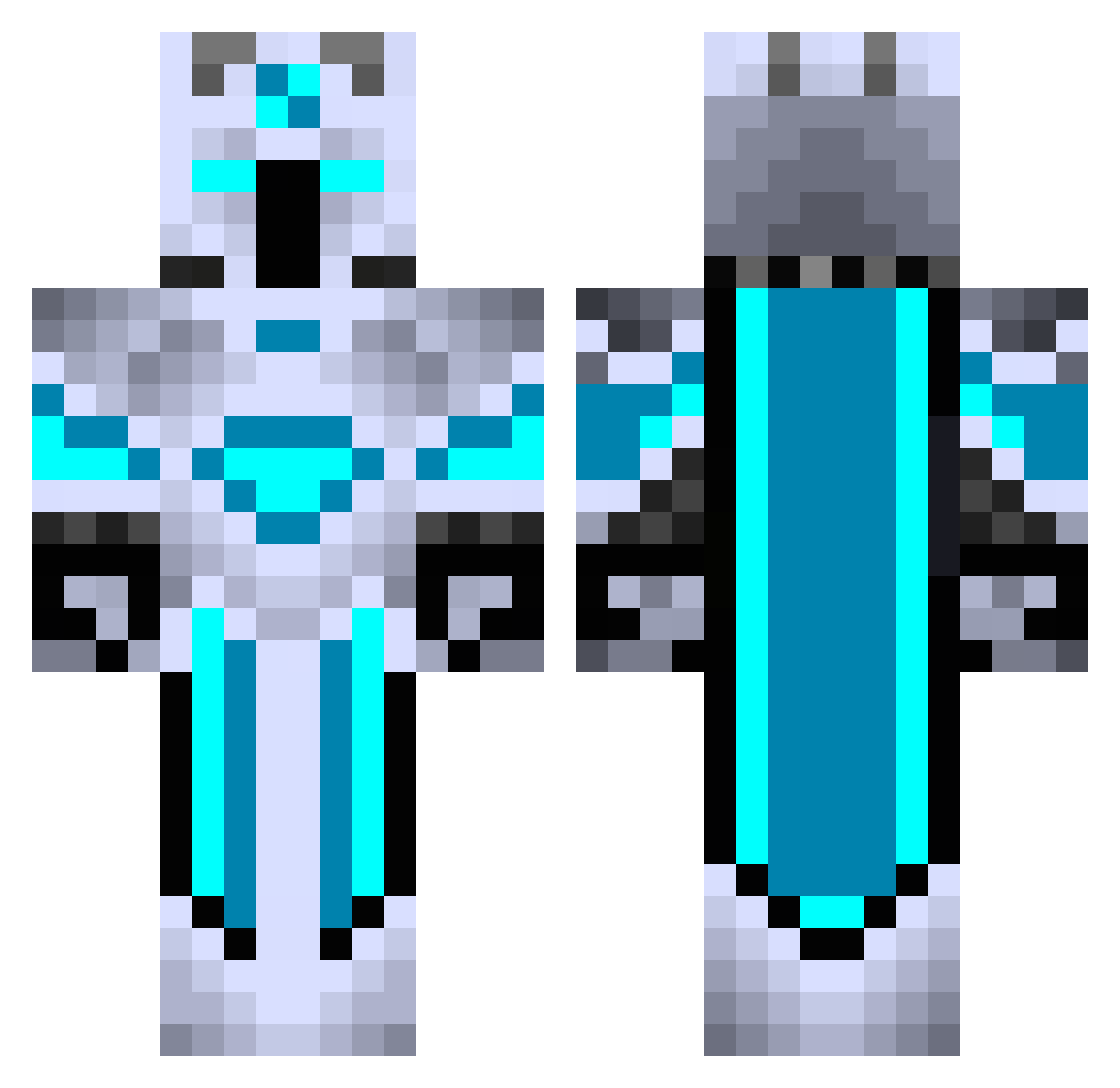
Current Minecraft skin of the player cjstorm87, loaded from the official Mojang API. Rotate the 3D model with your mouse or finger, then download the skin as a PNG file and use it in Minecraft: Bedrock Edition or Java Edition for free. When cjstorm87 changes their skin, this page updates automatically and the old skin stays in the history below.
Other players with this skin (440)
cjstorm87 was the 200th player we have seen with this skin, first spotted on 19.09.2026. The same skin was seen on these players. Open a nickname to see their current skin and skin history.
 FaultedMossiah Pjoltir gael_199 DTY2086 Eshky d3m1s3 Nekos_Craft Anonymus_26 Wampurz _Axelander_ Zriel_z JFarstrider2 Articall Pombomal blake2000k sheryx AstroReaper22 UnknownGenetics yFrostey Strategerist Bombermandrak Thunderbull107 ItzVorTex8493 Arcticwolf980 UFO5656 Norman976 _Int3l_ Alzaden lukeGod1 HisDarkQueen AlbGaming1 HyunMins DiosEnVy IDK_BFill24 Chucky6678 Jacarezinho_jb ShnivellousSnip KayhanTokcan528 Goscc TranMinhCaoVy Jonalexo3 SirBotsAlott GunShot06 NetheritePick123 Fartyman3 wrongcolorRo darthrhett RedBeard27 Spirou07 Pyrokarkar Xypnotic Shoop64 Auratixx06 TaZioR ICyberMonkeyI TGBALA SirEnder02 thegreatfatty mamba707 kakaotaxi3637
More Glowing Minecraft skins
How to install the cjstorm87 skin
- Press the Download button above to save the skin as a PNG file.
- Minecraft: Bedrock Edition (PE): open the Dressing Room from the main menu (or tap your character → Edit Character), go to Classic Skins → Owned, press the + (new skin) button, choose the downloaded PNG and pick the Classic (Steve) model. Works on PC and mobile; consoles cannot import custom skins.
- Minecraft: Java Edition: open the Minecraft Launcher, go to the Skins tab, click New Skin, load the PNG, pick the Classic (Steve) model and press Save & Use. You can also upload it at minecraft.net → Profile → Change Skin.
The skin does not show up after import - what should I do?
Restart Minecraft and open the Dressing Room again - imported skins sometimes appear only after a restart. Also make sure you selected the imported skin and picked the Classic (Steve) model.
Which model should I choose, Classic or Slim?
This skin is designed for the Classic (Steve) model. If you pick the wrong model, the arms of the skin will look stretched or squeezed.
Is the skin of cjstorm87 free to download?
Yes. Press Download, save the PNG file and use it in Minecraft: Bedrock Edition or Java Edition - no payment or registration needed. The skin also works on multiplayer servers and Realms.
More skins
Looking for more? Go back to all Minecraft skins and check the top skins of the week, month and all time, or find any player's skin by nickname.