
chebong - Minecraft Skins & Skin History
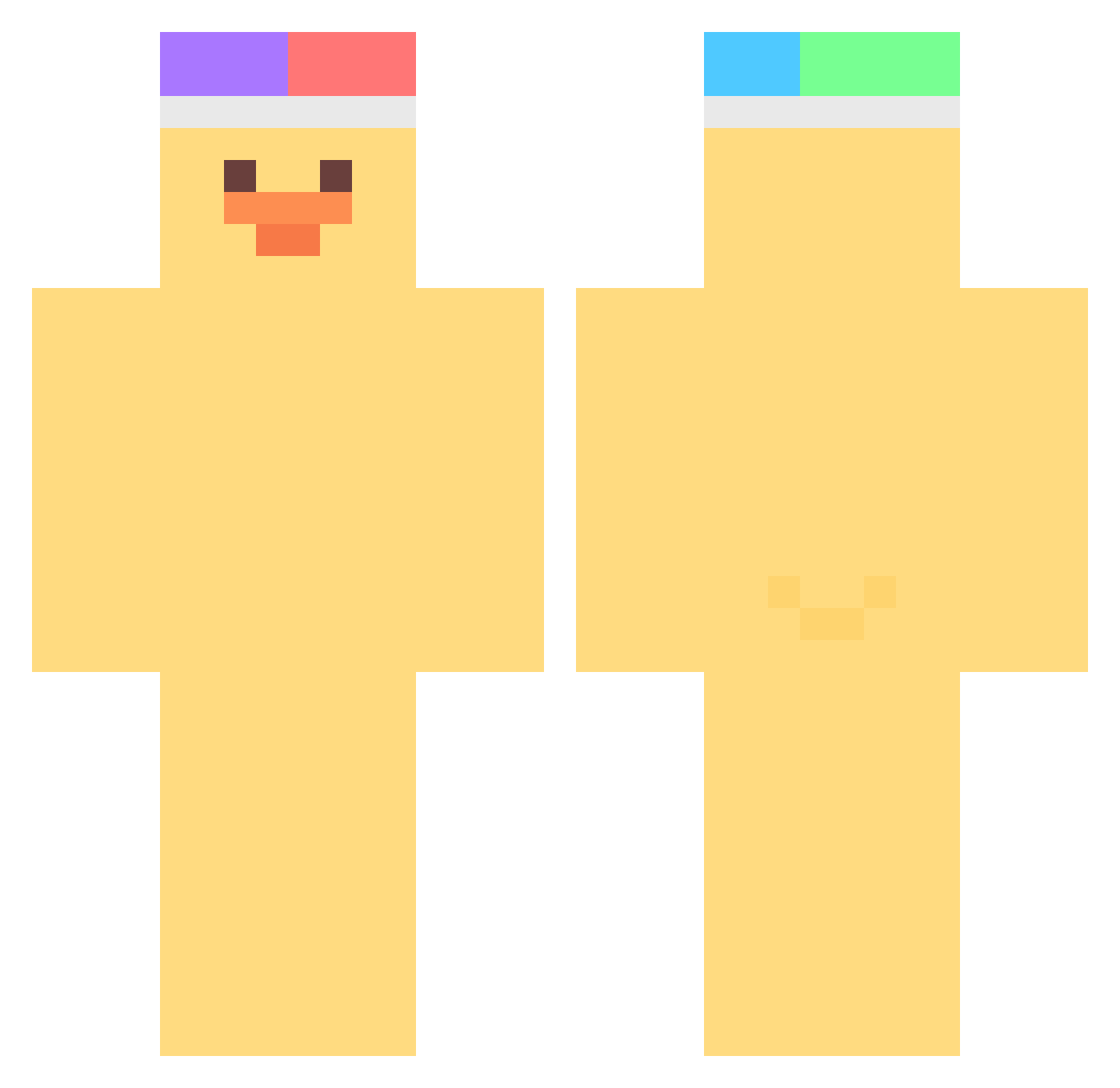
Current Minecraft skin of the player chebong, loaded from the official Mojang API. Rotate the 3D model with your mouse or finger, then download the skin as a PNG file and use it in Minecraft: Bedrock Edition or Java Edition for free. When chebong changes their skin, this page updates automatically and the old skin stays in the history below.
Other players with this skin (376)
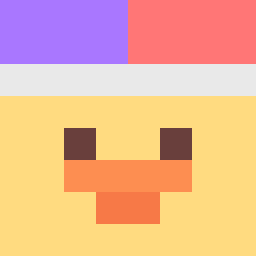
chebong was the 238th player we have seen with this skin, first spotted on 24.09.2026. The same skin was seen on these players. Open a nickname to see their current skin and skin history.
 Geunlyessi__ CO2_rwand wonjune zeun2 azJerryLee BOSEJOUR pokoooo MrDomatron MATBOONG G014 rakyun_ hyoseo tokomorocho777 snang_uni imdiegolopez minidaba baIIforme whateat Universe030 thatdukc yonani JUNGJAEHEON_ YaKimMini RoroM80 Wolffara TathanNobin69 kangminsu091 Bungaeman WhitePekin ougeungeunyee SeungL1ang jh0103 JEEEEEEEEEEYE heilyasl BuilCraft _norang Resignies PK_mango0o heaxxxx LL66 Carliebarly 9potted lv2popo korsoe MinJu_0213 kcr9242 kimwoo0602 nhj_1210 jinahda MrPolok Ngo_111 dakelong01 Luckysaver Haezzyy Raiden_kiana Wausey Cuphyn danirtq hollow39 STARBLACK01
More Duck Minecraft skins
How to install the chebong skin
- Press the Download button above to save the skin as a PNG file.
- Minecraft: Bedrock Edition (PE): open the Dressing Room from the main menu (or tap your character → Edit Character), go to Classic Skins → Owned, press the + (new skin) button, choose the downloaded PNG and pick the Classic (Steve) model. Works on PC and mobile; consoles cannot import custom skins.
- Minecraft: Java Edition: open the Minecraft Launcher, go to the Skins tab, click New Skin, load the PNG, pick the Classic (Steve) model and press Save & Use. You can also upload it at minecraft.net → Profile → Change Skin.
The skin does not show up after import - what should I do?
Restart Minecraft and open the Dressing Room again - imported skins sometimes appear only after a restart. Also make sure you selected the imported skin and picked the Classic (Steve) model.
Which model should I choose, Classic or Slim?
This skin is designed for the Classic (Steve) model. If you pick the wrong model, the arms of the skin will look stretched or squeezed.
Is the skin of chebong free to download?
Yes. Press Download, save the PNG file and use it in Minecraft: Bedrock Edition or Java Edition - no payment or registration needed. The skin also works on multiplayer servers and Realms.
More skins
Looking for more? Go back to all Minecraft skins and check the top skins of the week, month and all time, or find any player's skin by nickname.