
carlossluis - Minecraft Skins & Skin History
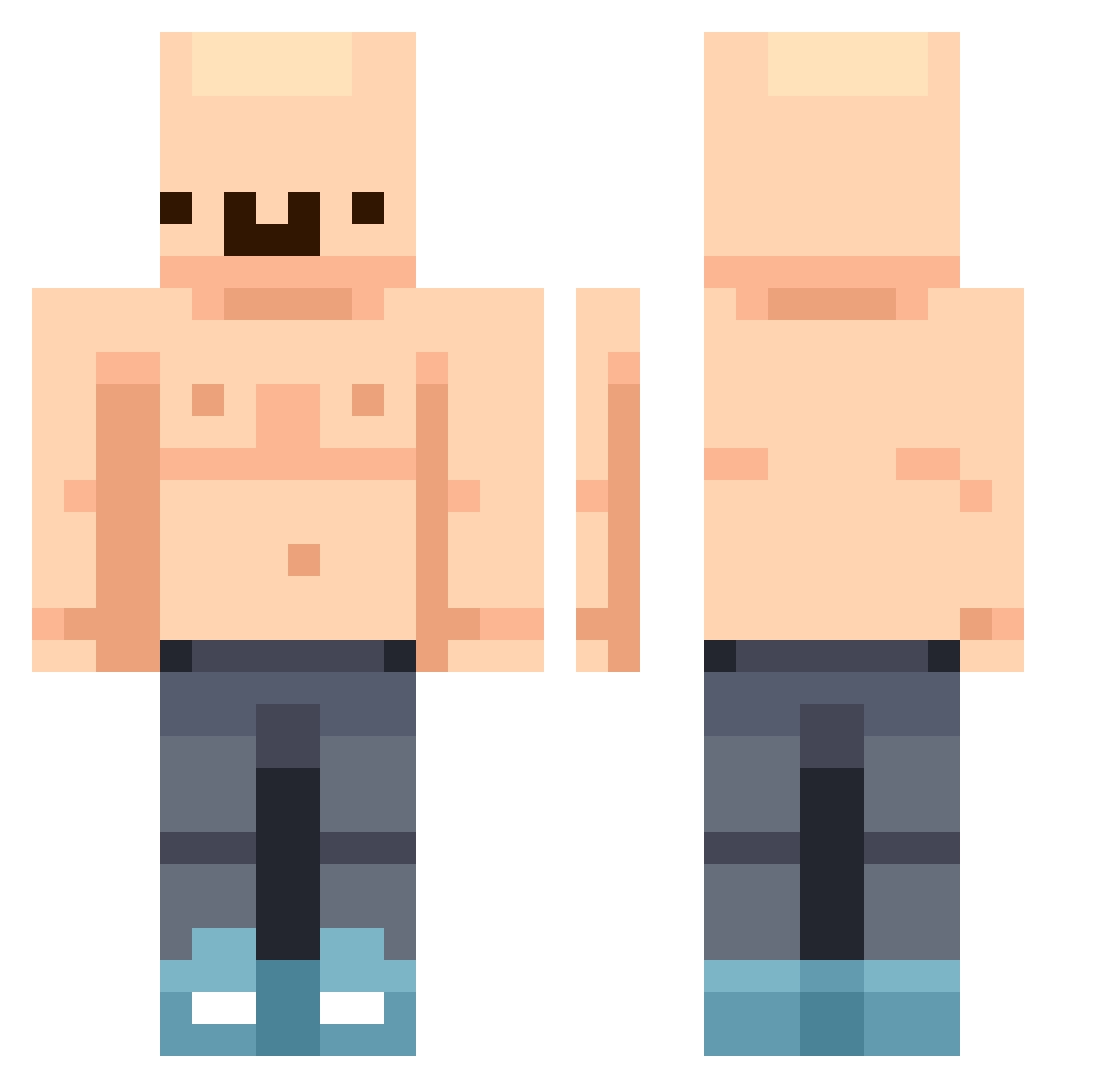
Current Minecraft skin of the player carlossluis, loaded from the official Mojang API. Rotate the 3D model with your mouse or finger, then download the skin as a PNG file and use it in Minecraft: Bedrock Edition or Java Edition for free. When carlossluis changes their skin, this page updates automatically and the old skin stays in the history below.
Other players with this skin (444)
carlossluis was the 357th player we have seen with this skin, first spotted on 17.10.2026. The same skin was seen on these players. Open a nickname to see their current skin and skin history.
 Munchkin_580 AciidMC GrizzlyGombler hahahahaha______ FS7274 Louie424 SAice1 Elicrote ipeeinpools_ Pa6Jl0 ishc07 Wafflesit0o MURKI9999999999 Sypcheek Watermel0wn ElMergas Brodah88 Reedus VenomVB Pjattern Snafulb J0nslok T2500T Baolong001 Casarzival theodeoking bramvdl alfamuzjak lilsavage692352 PATERASSAS woojin12123 nitratodponerla Xx_Minic_xX Honzoslavec Baldy7 Disgraz dine249 Babushka776 Novastar840 bevous Metinefeoden1243 zakole__ yzh2 DeadIsland ElPoste09 REDK_ 2Lukey2 gallow11 Ken1016 SlopChopper Dusty_y TpJake AzOxEliOTixX adrianlikestacos TheRealestBigD R0n1n707 TheB1GHippo Hun360 N0rwood liltree25
More Bald Minecraft skins
How to install the carlossluis skin
- Press the Download button above to save the skin as a PNG file.
- Minecraft: Bedrock Edition (PE): open the Dressing Room from the main menu (or tap your character → Edit Character), go to Classic Skins → Owned, press the + (new skin) button, choose the downloaded PNG and pick the Classic (Steve) model. Works on PC and mobile; consoles cannot import custom skins.
- Minecraft: Java Edition: open the Minecraft Launcher, go to the Skins tab, click New Skin, load the PNG, pick the Classic (Steve) model and press Save & Use. You can also upload it at minecraft.net → Profile → Change Skin.
The skin does not show up after import - what should I do?
Restart Minecraft and open the Dressing Room again - imported skins sometimes appear only after a restart. Also make sure you selected the imported skin and picked the Classic (Steve) model.
Which model should I choose, Classic or Slim?
This skin is designed for the Classic (Steve) model. If you pick the wrong model, the arms of the skin will look stretched or squeezed.
Is the skin of carlossluis free to download?
Yes. Press Download, save the PNG file and use it in Minecraft: Bedrock Edition or Java Edition - no payment or registration needed. The skin also works on multiplayer servers and Realms.
More skins
Looking for more? Go back to all Minecraft skins and check the top skins of the week, month and all time, or find any player's skin by nickname.