
REDK_ - Minecraft Skins & Skin History
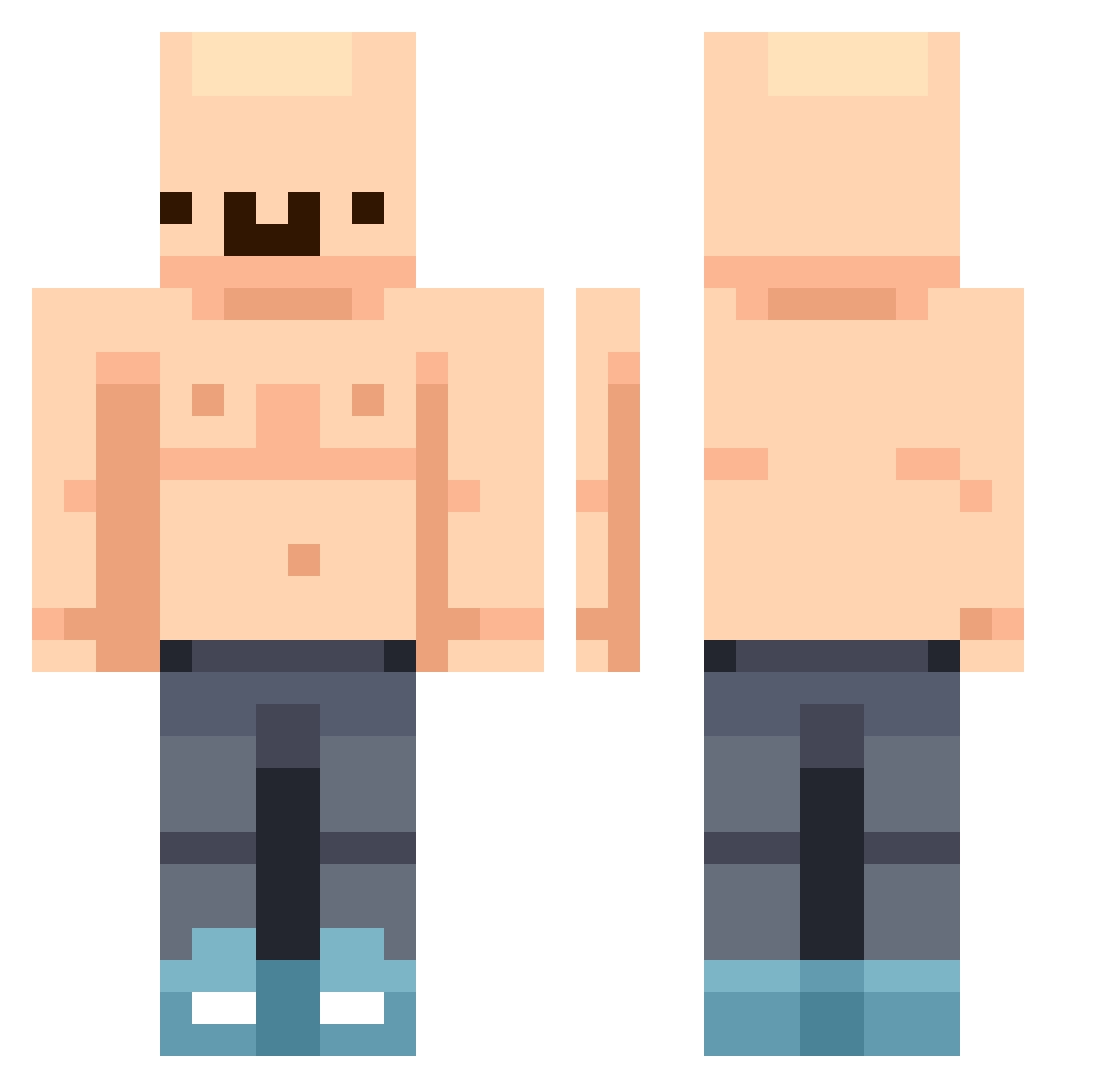
Current Minecraft skin of the player REDK_, loaded from the official Mojang API. Rotate the 3D model with your mouse or finger, then download the skin as a PNG file and use it in Minecraft: Bedrock Edition or Java Edition for free. When REDK_ changes their skin, this page updates automatically and the old skin stays in the history below.
Other players with this skin (444)
REDK_ was the 380th player we have seen with this skin, first spotted on 20.10.2026. The same skin was seen on these players. Open a nickname to see their current skin and skin history.
 2Lukey2 gallow11 DeadIsland zakole__ Ken1016 SlopChopper Novastar840 TpJake TheRealestBigD dine249 Disgraz Baldy7 Xx_Minic_xX liltree25 PATERASSAS Beeertosz jeFFkiller69 Vosose lilsavage692352 alfamuzjak Manao15Hz 94qqa Casarzival T2500T OsamaRizz_Laden GordoBohemio Pjattern immune3310 Brodah88 SWYBC woochan96 jimmybear35 Jonas0232 Watermel0wn Sypcheek P4NZON51N Wafflesit0o Kaisercharm Kold_Tea Hennygains _buttercream21 ishc07 ipeeinpools_ Elicrote WeAreFat SAice1 afrax_ hahahahaha______ alex_villa carlossluis WaxxinBedd Munchkin_580 AciidMC GrizzlyGombler aaaaadas FS7274 xinP13 Louie424 dantapa Kimaru___
More Bald Minecraft skins
How to install the REDK_ skin
- Press the Download button above to save the skin as a PNG file.
- Minecraft: Bedrock Edition (PE): open the Dressing Room from the main menu (or tap your character → Edit Character), go to Classic Skins → Owned, press the + (new skin) button, choose the downloaded PNG and pick the Classic (Steve) model. Works on PC and mobile; consoles cannot import custom skins.
- Minecraft: Java Edition: open the Minecraft Launcher, go to the Skins tab, click New Skin, load the PNG, pick the Classic (Steve) model and press Save & Use. You can also upload it at minecraft.net → Profile → Change Skin.
The skin does not show up after import - what should I do?
Restart Minecraft and open the Dressing Room again - imported skins sometimes appear only after a restart. Also make sure you selected the imported skin and picked the Classic (Steve) model.
Which model should I choose, Classic or Slim?
This skin is designed for the Classic (Steve) model. If you pick the wrong model, the arms of the skin will look stretched or squeezed.
Is the skin of REDK_ free to download?
Yes. Press Download, save the PNG file and use it in Minecraft: Bedrock Edition or Java Edition - no payment or registration needed. The skin also works on multiplayer servers and Realms.
More skins
Looking for more? Go back to all Minecraft skins and check the top skins of the week, month and all time, or find any player's skin by nickname.