
btw_Emir1000 - Minecraft Skins & Skin History
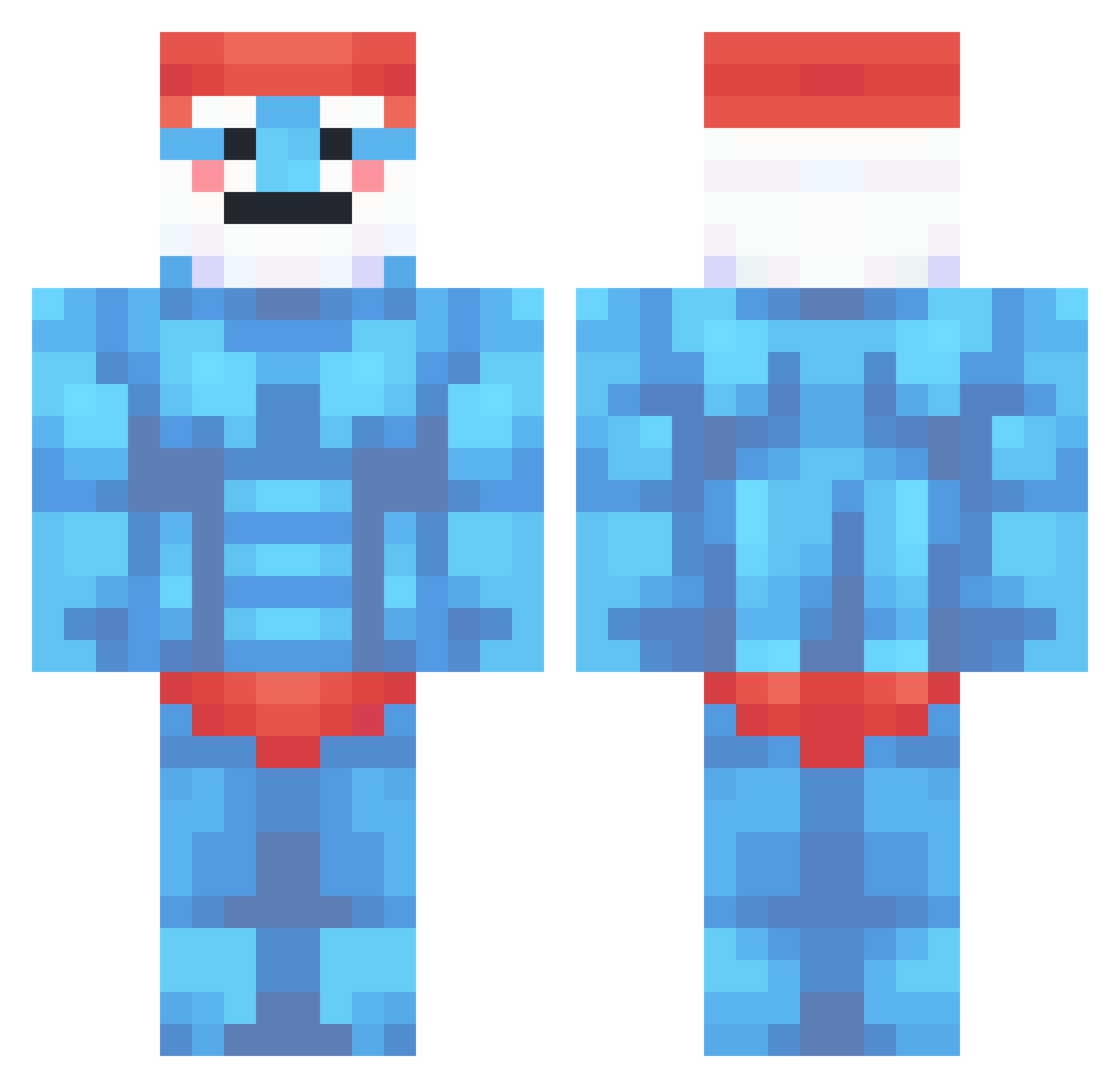
Current Minecraft skin of the player btw_Emir1000, loaded from the official Mojang API. Rotate the 3D model with your mouse or finger, then download the skin as a PNG file and use it in Minecraft: Bedrock Edition or Java Edition for free. When btw_Emir1000 changes their skin, this page updates automatically and the old skin stays in the history below.
Other players with this skin (360)
btw_Emir1000 was the 50th player we have seen with this skin, first spotted on 09.08.2026. The same skin was seen on these players. Open a nickname to see their current skin and skin history.
 BobTheBuild8r mizman0 Madgun13 RalevisGod Michiel_1124 iNashR Pepedestroyer smurfisnotreal TheBastionFR Monopotaka Might_Is_Right Loxaiz EmirLeysi Jibau Potatoaim190 vvNxx Zeno7890 tw00x Martinillo TANNNNNER GL0 Vesxraa Riky100 Driplet11 ArticAnarchist Ben_FC fallsiesj rockstar15 Mala_Torta LilaSucksToes 24kBray Rayman_1203 Elucidatork PhantomLord_ pandagianni MewMindset justkenziie WalaliniBerlini ANAB0L1C kiepolek1337 icarus02_ ozh204 Mikuel Elektroziguogne DwDoodler ProjectEmuScream DriedKnight JeanjakGoldman AgtWhite BrunekaXD GustavoDeChicken Shmugha origamiroses arnomeulebrouck allukaABC raphacn4s JerseyMike KxrschenFr3sser CMyPqp TheRealTYrant
More Papa Smurf Minecraft skins
How to install the btw_Emir1000 skin
- Press the Download button above to save the skin as a PNG file.
- Minecraft: Bedrock Edition (PE): open the Dressing Room from the main menu (or tap your character → Edit Character), go to Classic Skins → Owned, press the + (new skin) button, choose the downloaded PNG and pick the Classic (Steve) model. Works on PC and mobile; consoles cannot import custom skins.
- Minecraft: Java Edition: open the Minecraft Launcher, go to the Skins tab, click New Skin, load the PNG, pick the Classic (Steve) model and press Save & Use. You can also upload it at minecraft.net → Profile → Change Skin.
The skin does not show up after import - what should I do?
Restart Minecraft and open the Dressing Room again - imported skins sometimes appear only after a restart. Also make sure you selected the imported skin and picked the Classic (Steve) model.
Which model should I choose, Classic or Slim?
This skin is designed for the Classic (Steve) model. If you pick the wrong model, the arms of the skin will look stretched or squeezed.
Is the skin of btw_Emir1000 free to download?
Yes. Press Download, save the PNG file and use it in Minecraft: Bedrock Edition or Java Edition - no payment or registration needed. The skin also works on multiplayer servers and Realms.
More skins
Looking for more? Go back to all Minecraft skins and check the top skins of the week, month and all time, or find any player's skin by nickname.